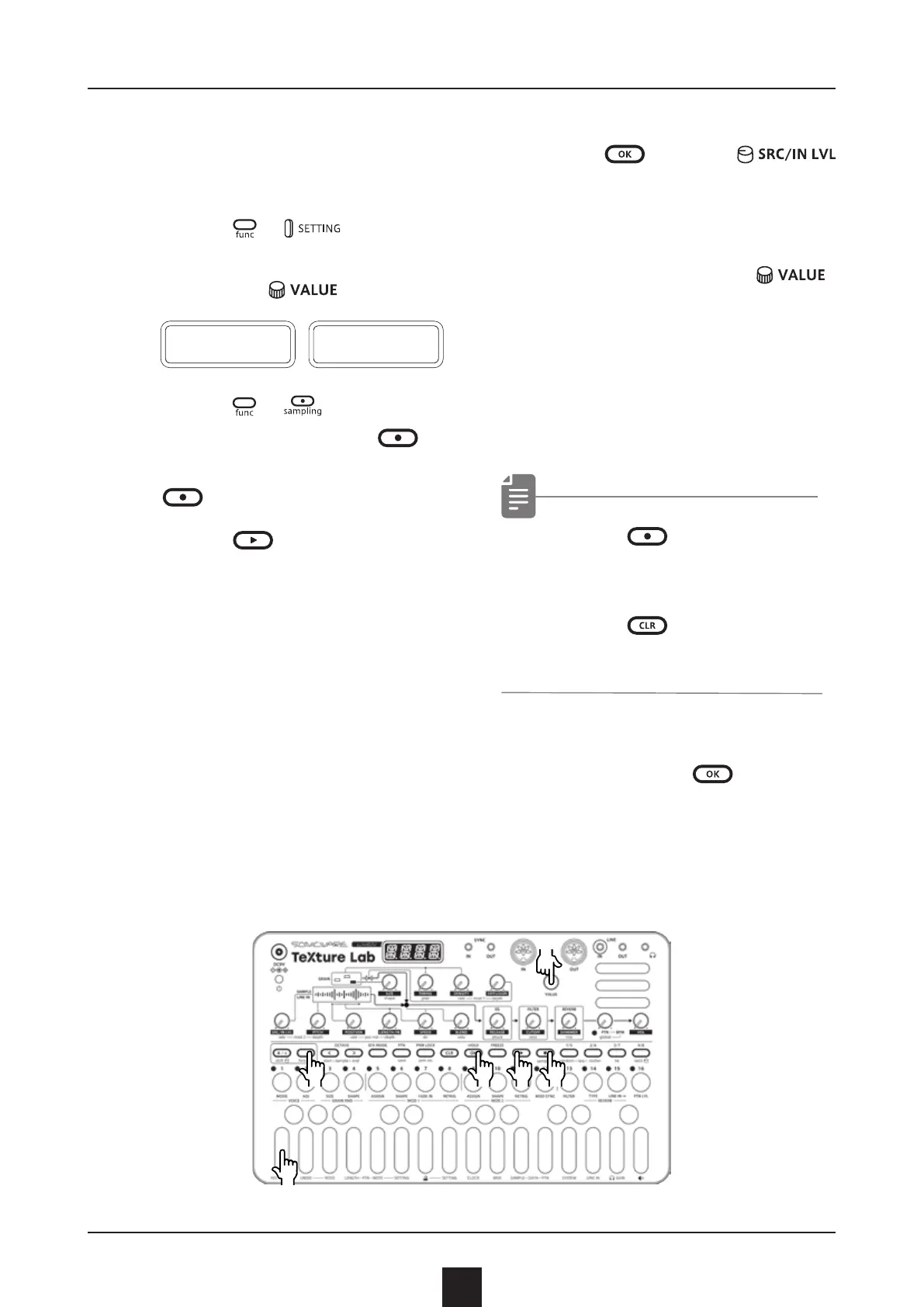
1
Select a pattern you want
to resample.
2
Press
+ to select
R.SRC, then switch to PTN
using the .
R
.
S R C
P T N
3
Press
+ to enter the
sampling, and press
to
standby for recording.
will light red.
4
Press
to start pattern
playback, recording starts
automatically.
Recording will automatically
start by the auto recording
function.
The step keys show the
recordingprogress.
When step 16 lights,
recording will stop
automatically.
5
Press
and use
to select the slot to save
the sample.
You can also use the
to select the slot.
Before saving the sample,
you can audition the sample
of the selected slot by
playing it with the keyboard.
• Press to stop immedi-
ately during the recording.
• Press
to cancel the
operation.
6
After deciding which slot to
save to, press
.
33
Resampling
Resampling a pattern
●❸●❹●❷
●❸
●❺
●❻
●❷
●❷



 To Next Page