Product Guide
2-20
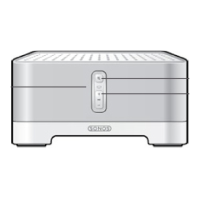
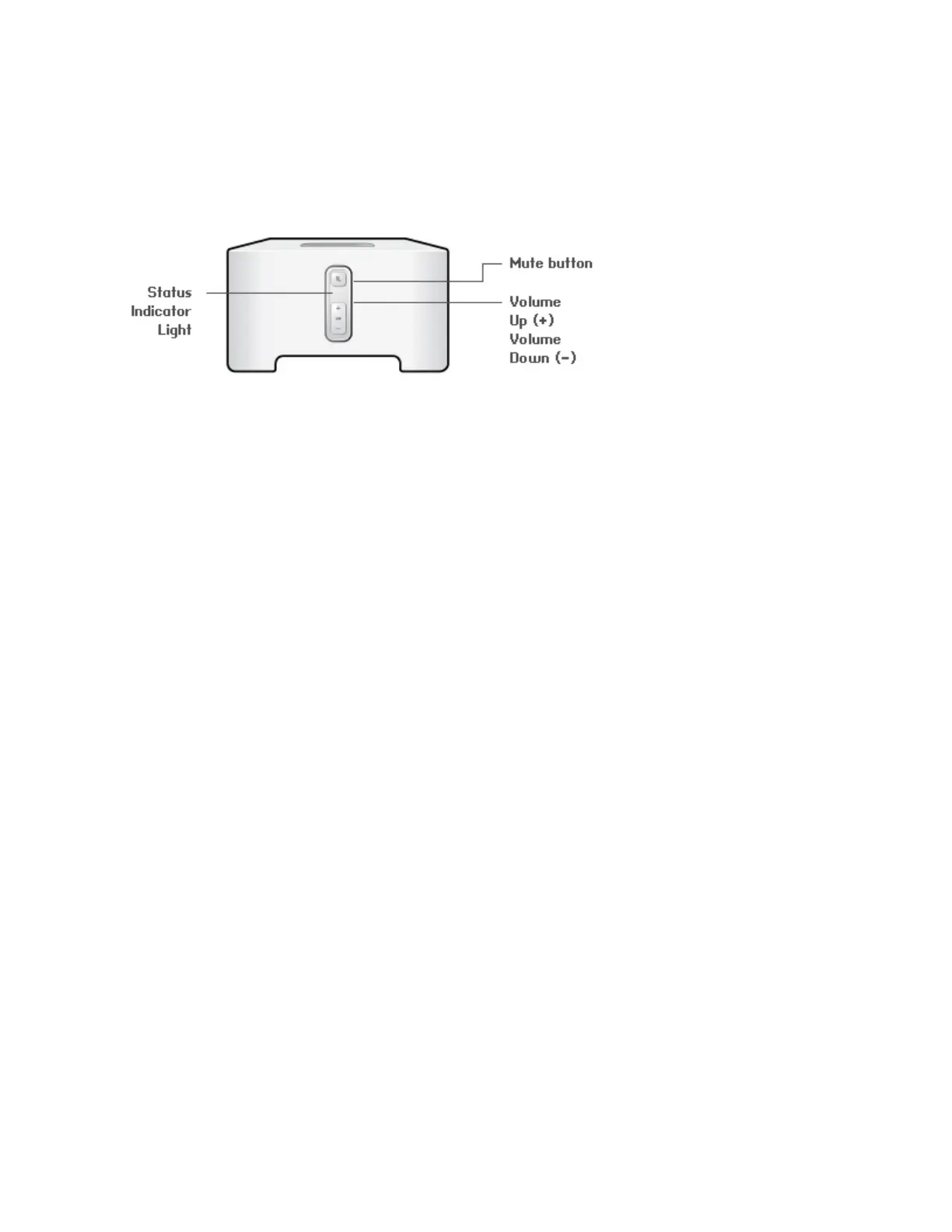
SONOS CONNECT / CONNECT:AMP Front
On/Off
• Using a Sonos controller, select Pause All from the
ROOMS pane (the Rooms menu on the CONTROL).
Your Sonos system is designed to be always on; the system uses minimal electricity
when not playing music. To quickly stop streaming music in all rooms, use the Pause All
feature.
Status indicator
• Flashes white when powering up or connecting to
your Sonos system.
• Solid white when powered up and connected to
your Sonos system (normal operation).
Indicates the current status of the Sonos component. When the unit is in normal
operation, you can turn the white status indicator light on and off.
For a complete list of status indicators, please go to
http://faq.sonos.com/led.
Mute button
• Lights solid green when sound is muted.
• Flashes green rapidly when household mute or
unmute is about to take place.
• Flashes green slowly when component is
connecting to your music system.
To mute/unmute this Sonos component: Press the Mute button to mute or unmute
this Sonos component.
To mute/unmute all Sonos components: Press and hold the Mute button for 3 seconds
to mute all Sonos components in your household. Press and hold for 3 seconds to
unmute all.
Volume Up (+)
Volume Down (-)
Press these buttons to adjust the volume up and down.


 To Next Page
 Loading...