5-4
BVM-D32E1WA/D32E1WE/D32E1WU
Adjusting Procedure
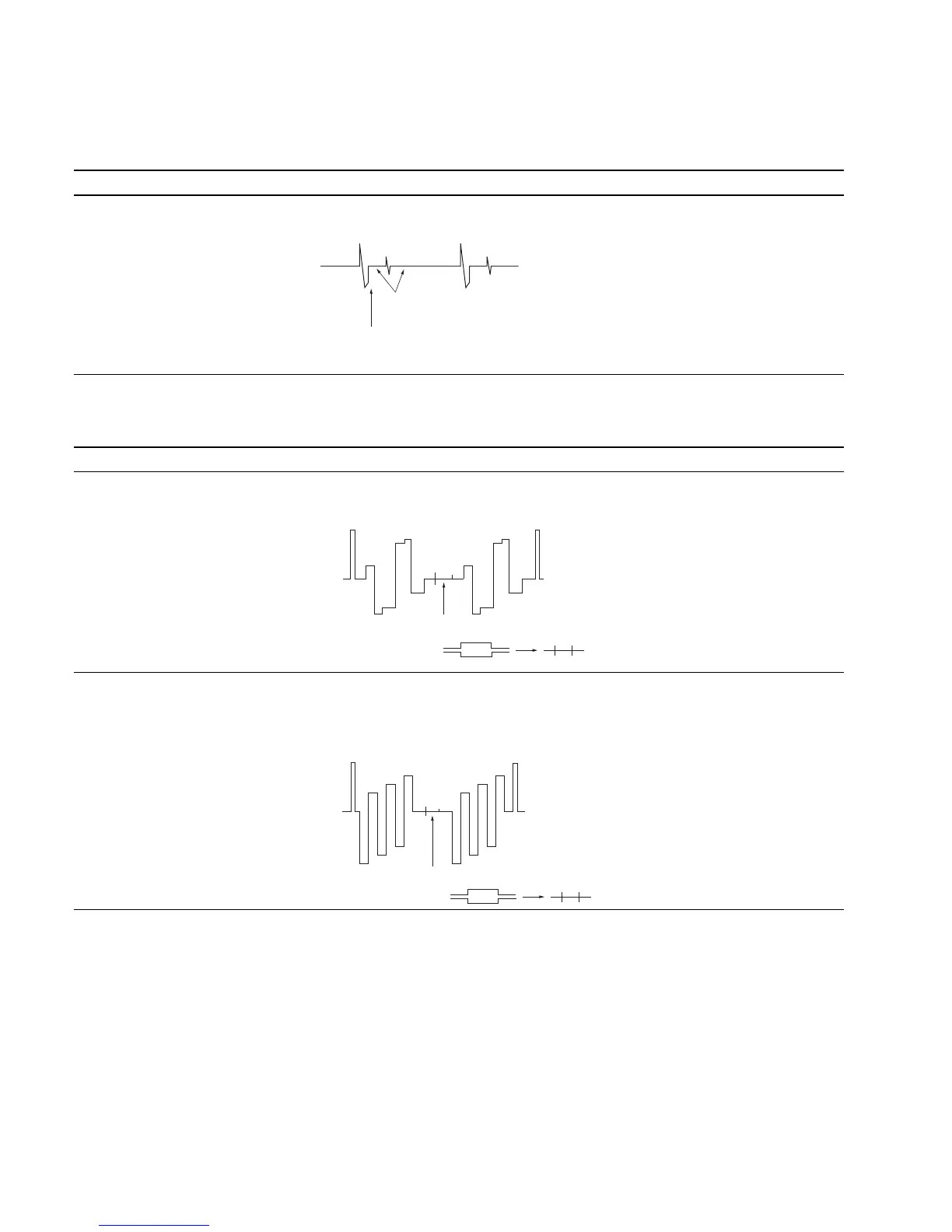
1. Bright Center Adjustment
Adjustment Standard Adjusting Point
• Input color bar signal Deviation of TP701 (BRT) center: The adjustment menu is
(1125/60 Hz 2:1). Level difference : 0 ± 8 mV BRT CENTER located inside
• Set the BRIGHT data to 1000 the BK BOARD menu of
using the BRIGHT knob. the MAINTENANCE menu.
(Note: At CONTROL PRESET)
• Connect an oscilloscope to
TP701 (BRT).
2. Clamp Level Adjustment
Adjustment Standard Adjusting Point
Step 1
• Input color bar signal Equalize the TP302 pedestal and clamp offset pulse. The adjustment menu is
(1125/60 Hz 2:1). R-Y CLAMP OFFSET located
• Set the CHROMA data to MAX2000 inside the BK BOARD menu of
using the CHROMA knob. the MAINTENANCE menu.
(Note: At CONTROL PRESET)
• Connect an oscilloscope to TP302.
Step 2
• Connect an oscilloscope to TP502. Equalize the TP502 pedestal and clamp The adjustment menu is
• After adjusting, set the CHROMA offset pulse. B-Y CLAMP OFFSET located
data to 1000. inside the BK BOARD menu of
the MAINTENANCE menu.
Adjust
Position of W/B insert pulse
This portion
This portion








 To Next Page