5-41
1-5. IC1501 (VFD) BIST(PB) Check
1) Select page: 0, address: 01, and set data: 01.
2) Select page: C, address: 51, set data: 0F, and press the PAUSE
button of the adjustment remote commander.
• VBUS/EX BIST (PB) Check
3) Select page: 3, address: 10, set data: 00, and press the PAUSE
button of the adjustment remote commander.
4) Select page: 3, address: 12, set data: 10, and press the PAUSE
button of the adjustment remote commander.
5) Select page: 3, address: 12, set data: 00, and press the PAUSE
button of the adjustment remote commander.
6) Select page: 3, address: 13, set data: 04, and press the PAUSE
button of the adjustment remote commander.
7) When the playback system from IC1600 (SFD) to IC1501
(VFD) is normal, the display data (combination data) of page:
3, addresses: 14 and 15 agrees with any combination as shown
below.
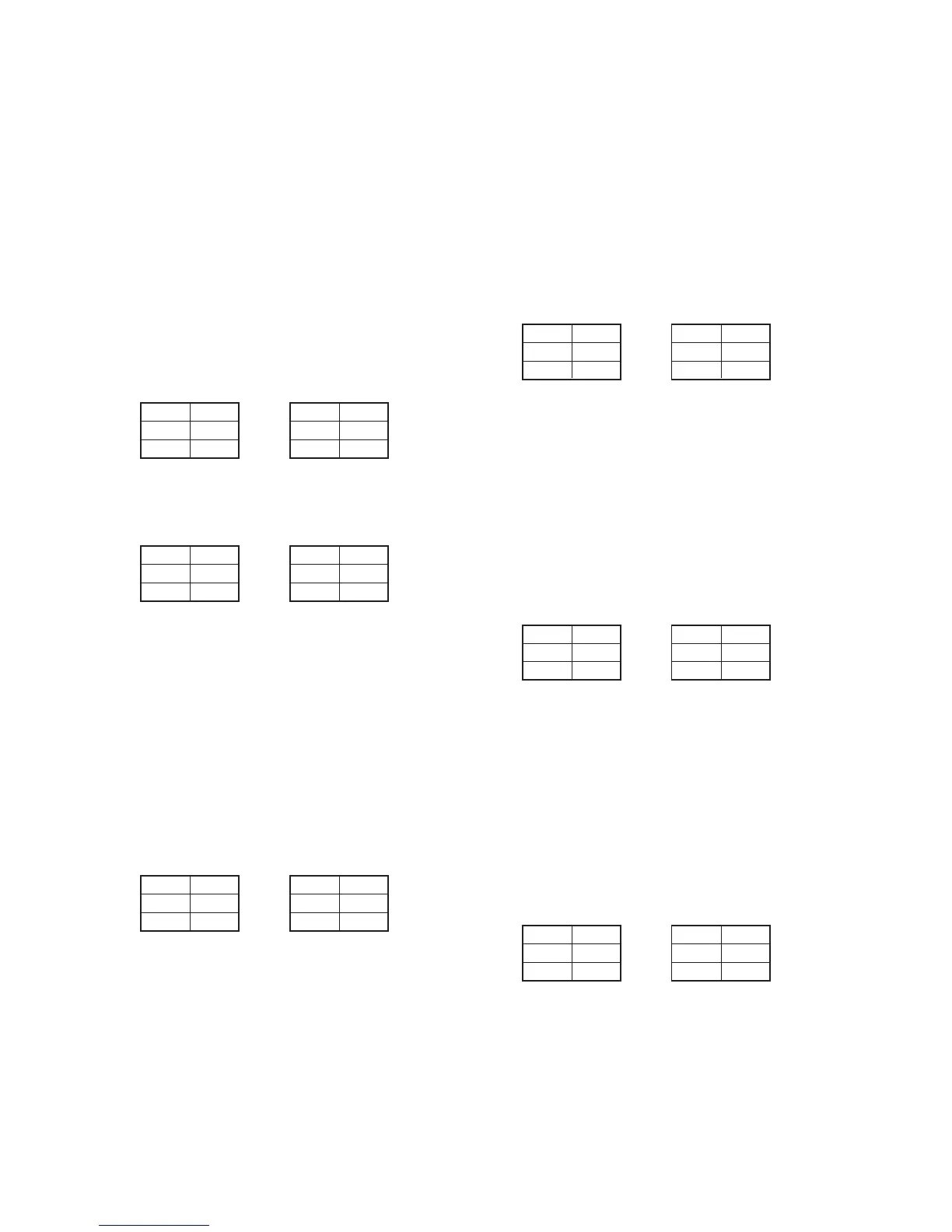
NTSC model PAL model
8) When the playback system from IC1501(VFD) to IC207 (Birds)
is normal, the display data (combination data) of page: 3,
addresses: 16 and 17 agrees with any combination as shown
below.
NTSC model PAL model
• UPY Y BIST Check
Note: Perform the following data setting while playing back the BIST check
tape.
9) Select page: 3, address: 10, set data: 88, and press the PAUSE
button of the adjustment remote commander.
10) Select page: 3, address: 12, set data: 10, and press the PAUSE
button of the adjustment remote commander.
11) Select page: 3, address: 12, set data: 00, and press the PAUSE
button of the adjustment remote commander.
12) Select page: 3, address: 13, set data: 04, and press the PAUSE
button of the adjustment remote commander.
13) When the playback system from IC1501 (VFD) to IC5000
(LCD DRIVER) is normal, the display data (combination data)
of page: 3, addresses: 16 and 17 agrees with any combination
as shown below.
NTSC model PAL model
• UPY Cr BIST Check
14) Select page: 3, address: 10, set data: 89, and press the PAUSE
button of the adjustment remote commander.
15) Select page: 3, address: 12, set data: 10, and press the PAUSE
button of the adjustment remote commander.
16) Select page: 3, address: 12, set data: 00, and press the PAUSE
button of the adjustment remote commander.
17) Select page: 3, address: 13, set data: 04, and press the PAUSE
button of the adjustment remote commander.
18) When the playback system from IC1501 (VFD) to IC5000
(LCD DRIVER) is normal, the display data (combination data)
of page: 3, addresses: 16 and 17 agrees with any combination
as shown below.
NTSC model PAL model
• UPY Cb BIST Check
19) Select page: 3, address: 10, set data: 8A, and press the PAUSE
button of the adjustment remote commander.
20) Select page: 3, address: 12, set data: 10, and press the PAUSE
button of the adjustment remote commander.
21) Select page: 3, address: 12, set data: 00, and press the PAUSE
button of the adjustment remote commander.
22) Select page: 3, address: 13, set data: 04, and press the PAUSE
button of the adjustment remote commander.
23) When the playback system from IC1501 (VFD) to IC5000
(LCD DRIVER) is normal, the display data (combination data)
of page: 3, addresses: 16 and 17 agrees with any combination
as shown below.
NTSC model PAL model
• ENC Ya BIST Check
24) Select page: 3, address: 10, set data: 8B, and press the PAUSE
button of the adjustment remote commander.
25) Select page: 3, address: 12, set data: 10, and press the PAUSE
button of the adjustment remote commander.
26) Select page: 3, address: 12, set data: 00, and press the PAUSE
button of the adjustment remote commander.
27) Select page: 3, address: 13, set data: 04, and press the PAUSE
button of the adjustment remote commander.
28) When the playback system from IC1501 (VFD) to IC1402
(AOI) is normal, the display data (combination data) of page:
3, addresses: 16 and 17 agrees with any combination as shown
below.
NTSC model PAL model
Address
16
17
Data
9A
13
Address
16
17
Data
1C
60
Address
16
17
Data
92
5A
Address
16
17
Data
3C
D2
Address
14
15
Data
12
43
Address
16
17
Data
FB
F4
Address
14
15
Data
90
CE
Address
16
17
Data
54
ED
Address
16
17
Data
03
C9
Address
16
17
Data
14
A7
Address
16
17
Data
B8
67
Address
16
17
Data
69
21



 To Next Page