5-43
10) When the recording system from IC1501 (VFD) to IC1600
(SFD) is normal, the display data (combination data) of page:
3, addresses: 1A and 1B agree with any combination as shown
below.
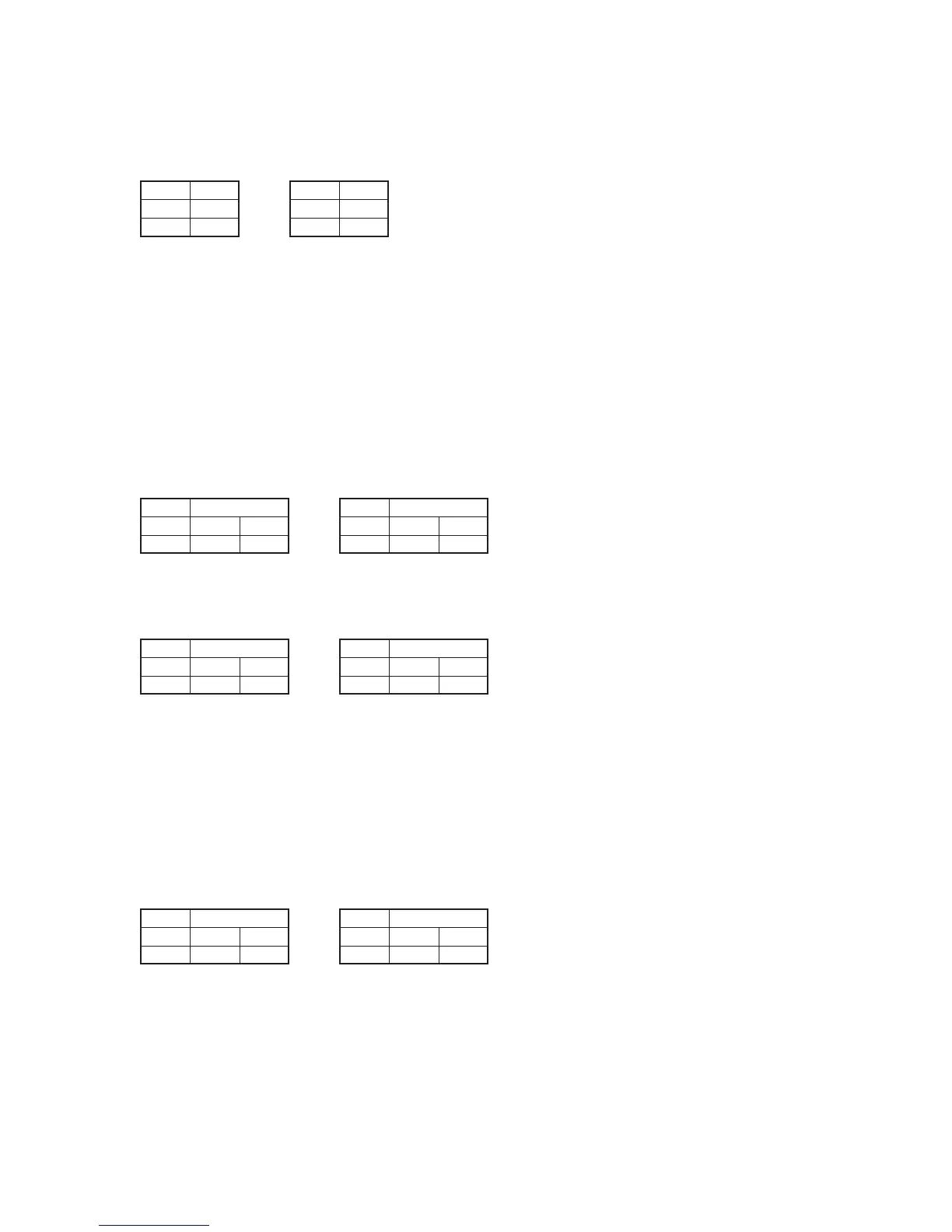
NTSC model PAL model
11) Select page: C, address: AC, set data: 20, and press the PAUSE
button of the adjustment remote commander.
12) Select page: C, address: AD, set data: 02, and press the PAUSE
button of the adjustment remote commander.
13) Select page: 0, address: 01, and set data: 00.
2-4. IC1601 (TFD) BIST (REC) Check
1) Select page: 3, address: 40, set data: 0F, and press the PAUSE
button of the adjustment remote commander.
2) Select page: 3, address: 40, set data: 00, and press the PAUSE
button of the adjustment remote commander.
3) When the recording system from IC1600 (SFD) to IC1601
(TFD) is normal, the display data (combination data) of page:
3, addresses: 41 and 42 agrees with any combination as shown
below.
NTSC model PAL model
4) When the recording system from IC1601 (TFD) to IC1900
(TRX) is normal, the display data (combination data) of page:
3, addresses: 43 and 44 agrees with any combination as shown
below.
NTSC model PAL model
2-5. IC1900(TRX) BIST (REC) Check
1) Select page: 3, address: 12, set data: 04, and press the PAUSE
button of the adjustment remote commander.
2) Select page: 3, address: 12, set data: 00, and press the PAUSE
button of the adjustment remote commander.
3) Select page: 3, address: 13, set data: 02, and press the PAUSE
button of the adjustment remote commander.
4) When the recording system from IC1601 (TFD) to IC1900
(TRX) is normal, the display data (combination data) of page:
3, addresses: 14 and 15 agrees with any combination as shown
below.
NTSC model PAL model
Address
1A
1B
Data
D5
0B
C2
42
7A
DD
Data
Address
41
42
18
F0
C8
FB
Data
Address
43
44
96
D1
BC
0E
Data
Address
14
15
Address
1A
1B
Data
34
8A
55
B5
1A
04
Data
Address
41
42
F6
2A
A2
E3
Data
Address
43
44
27
8D
B5
61
Data
Address
14
15



 To Next Page