6-5
DCR-PC350/PC350E
1-1-2. Preparations
Note1: For details of how remove the cabinet and boards, refer to “2.
DISASSEMBLY”.
Note2: When performing only the adjustments, the lens block and boards
need not be disassembled.
Note3: Before performing the adjustments, check the data of page: 0,
address: 10 is “00”. If not, set data: 00 to this address.
1) Connect the equipment for adjustments according to Fig. 6-1-3.
Note4: As removing CN1020 of the VC-370 board means removing the
lithium 3V power supply (BT800 on the MS-234 board), data such
as date, time, user-set menus will be lost. After completing
adjustments, reset these data.
But the self-diagnosis data and the data on history of use (total
drum rotation time etc.) will be kept even if the lithium 3V power
supply is removed. (Refer to “6-4. Service Mode” for the self-
diagnosis data and the data on history of use.)
Note5: Setting the “Forced Camera Power ON” Mode
1) Select page: 0, address: 01, and set data: 01.
2) Select page: A, address: 10, set data: 01, and press the PAUSE
button.
The above procedure will enable the camera power to be turned
on with the control switch block (PS7450) removed. After
completing adjustments, be sure to exit the “Forced Camera Power
ON Mode”.
Note6: Exiting the “Forced Camera Power ON” Mode
1) Select page: 0, address: 01, and set data: 01.
2) Select page: A, address: 10, set data: 00, and press the PAUSE
button.
3) Select page: 0, address: 01, and set data: 00.
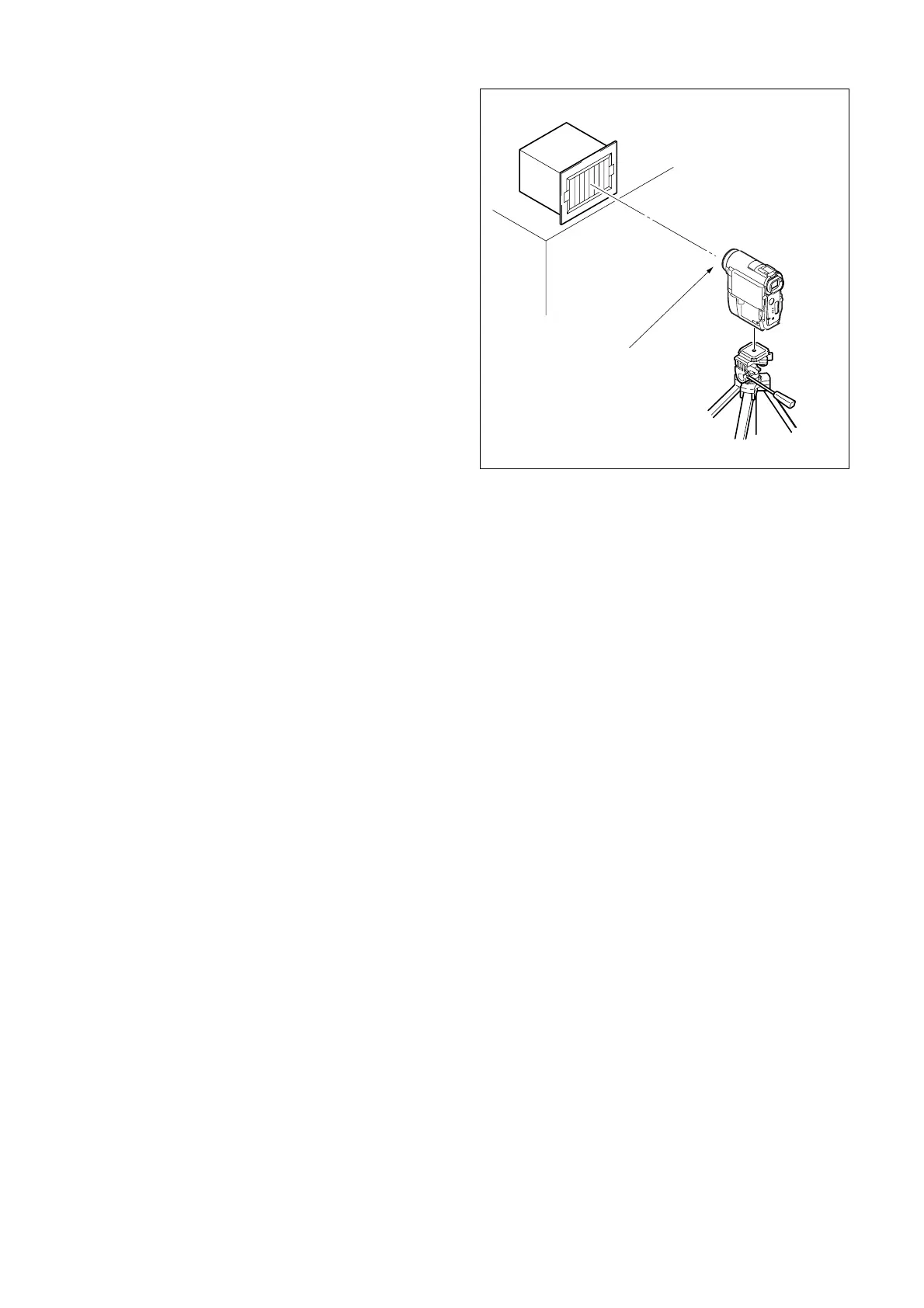
Fig. 6-1-2.
1.5 m
Front of the lens
0.4m (PTB-1450
1m (PTB-450)
Pattern box














 To Next Page