5-30
DSR-2000/2000P
1. PLL F0
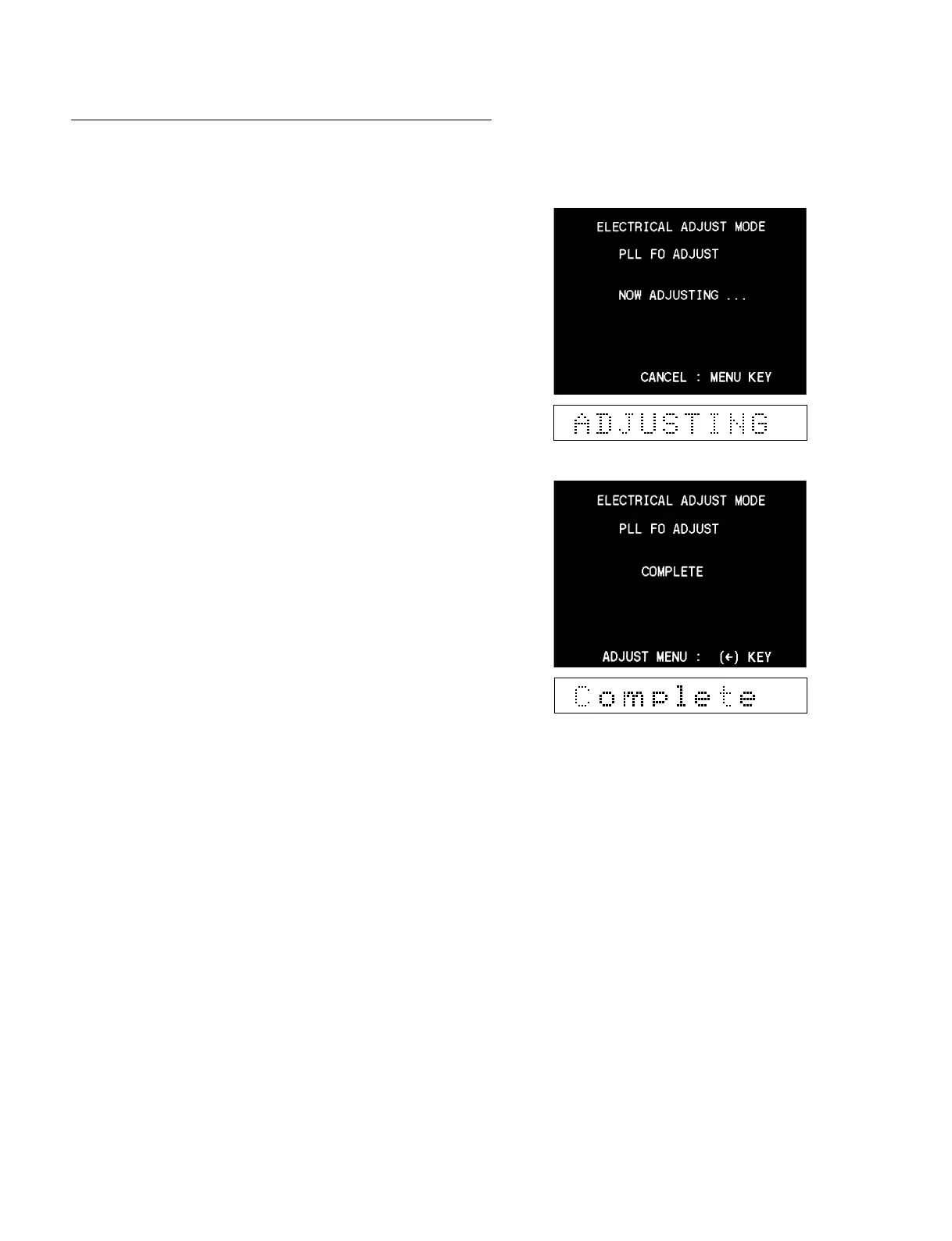
The PLL adjustment is described below :
1. Select “PLL F0” and the PLL adjustment is performed auto-
matically.
2. After completing the adjustment, confirm that “COMPLETE”
appears.
3. Press the [DELETE] (←) key to return to the ADJUST menu.
4. Press the [MENU] key to exit the maintenance menu.
In the case of trouble :
If “INCOMPLETE” appears on the monitor display, check the
RP-111 board (the PLL circuit).
5-3. Contents of Maintenance Menu
5-3-5. Electrical Adjust



 To Next Page