5-36
DSR-2000/2000P
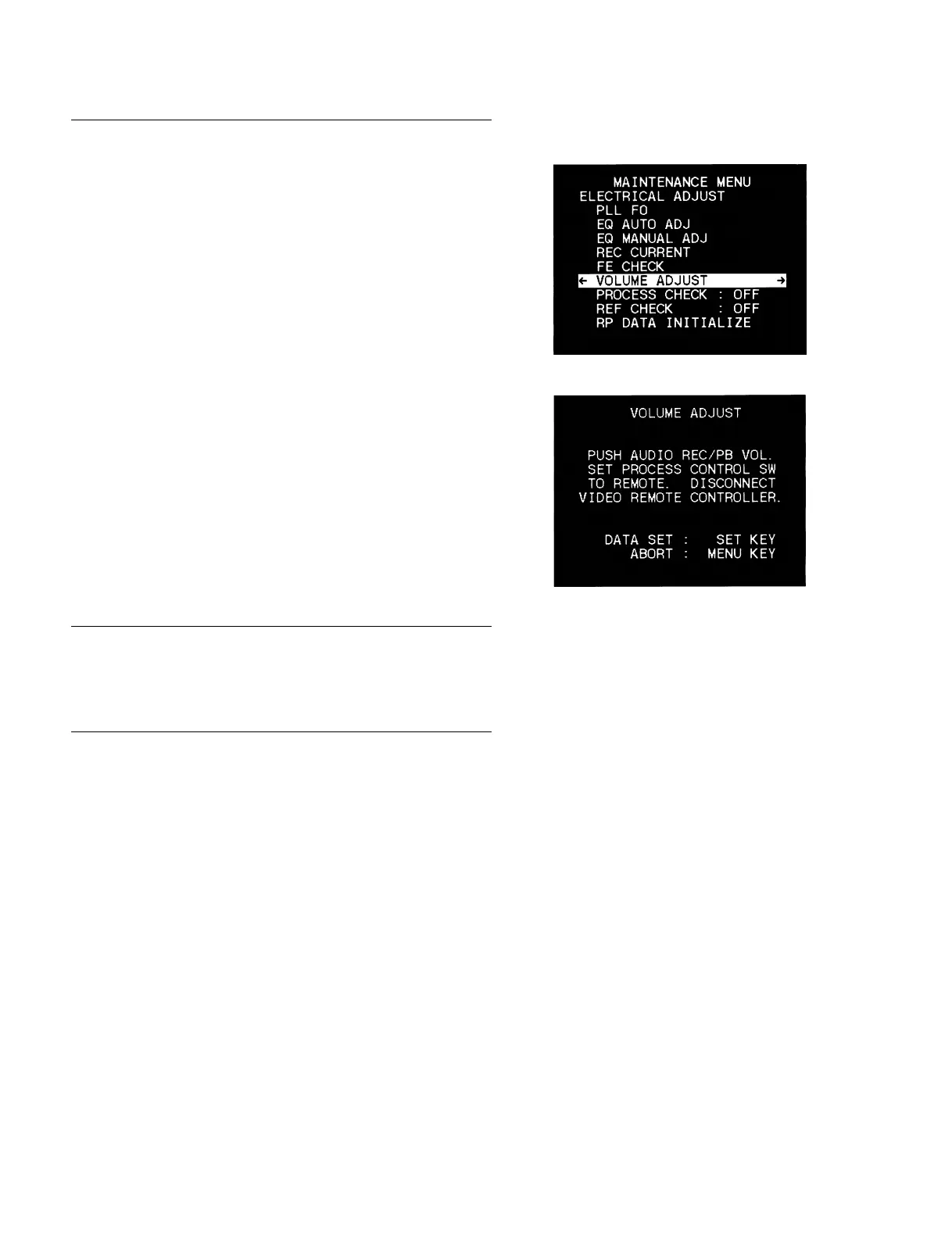
6. VOLUME ADJUST
1. Select the VOLUME ADJUST.
2. Press down all 8 AUDIO REC/PB volumes on the control
panel of the unit.
3. Set the PROCESS CONTROL SW on the sub-panel to
REMOTE and disconnect the cable from the VIDEO RE-
MOTE on the rear panel.
4. Press the [SET] key to start the adjustment.
5. After completing the adjustment, the display returns automati-
cally to the maintenance menu.
7. PROCESS CHECK
*
This menu is for the factory use only.
8. REF CHECK
*
This menu is for the factory use only.
5-3. Contents of Maintenance Menu
5-3-5. Electrical Adjust



 To Next Page