10
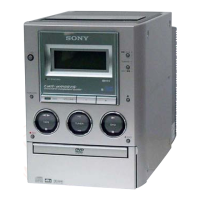
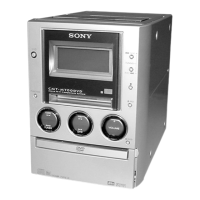
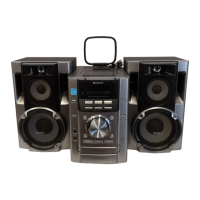
HCD-M333
SECTION 1
SERVICING NOTE
Disc Tray Lock
The disc tray lock function for the antitheft of a demonstration disc in the store is equipped.
Procedure:
1. Press the ?/1 button to turn the set on.
2. Select the function “CD”.
3. A disc is put in and a tray is closed.
4. Press two buttons of x and Z (CD) simultaneously for five seconds.
5. The message “LOCKED” is displayed and the tray is locked. (Even if turning power on/off, the tray is still locked.)
6. Press two buttons of x and Z (CD) simultaneously for five seconds again.
7. The message “UNLOCKED” is displayed and the tray is unlocked.
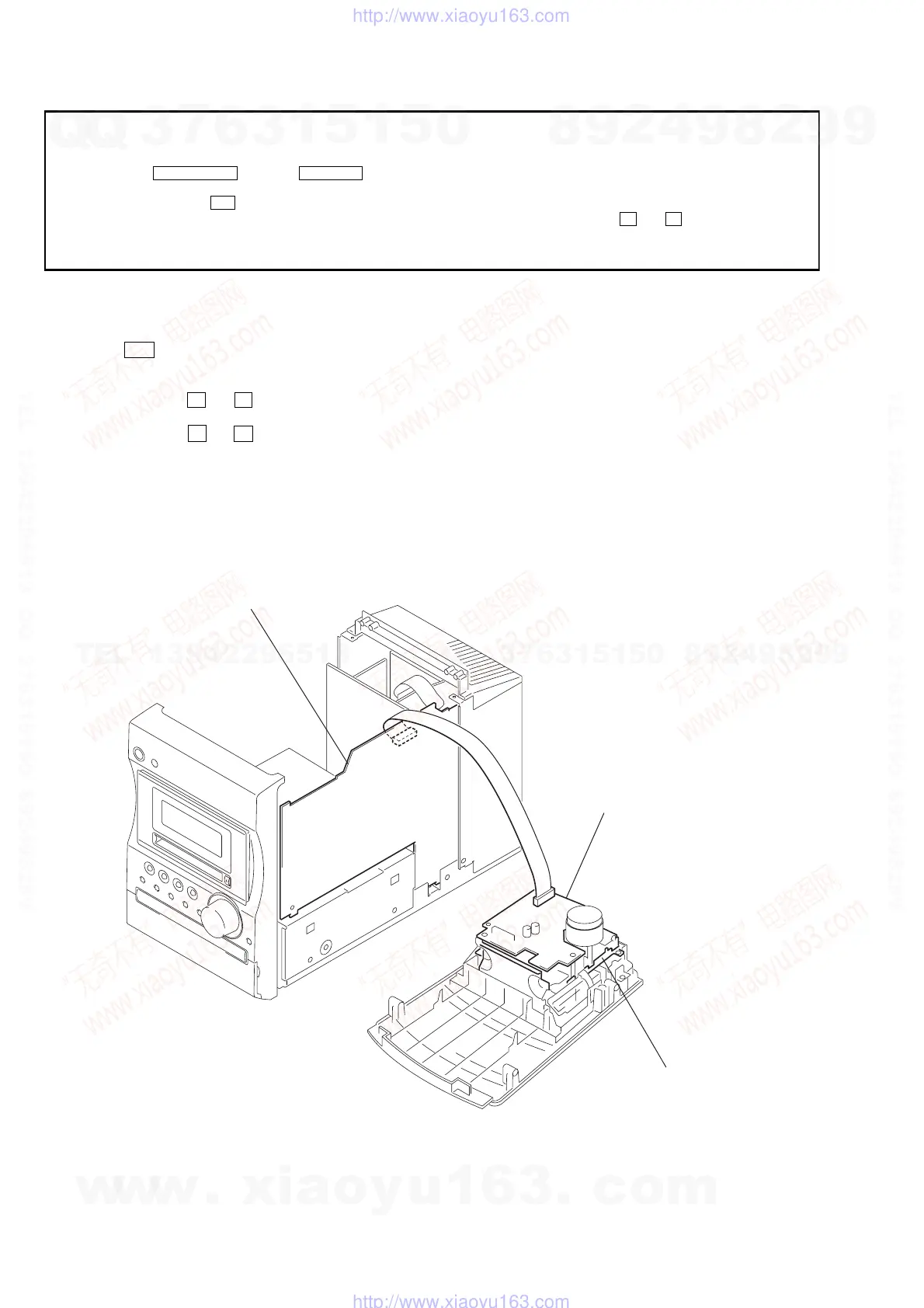
Service Position-1 (Checking TC Section)
Note 1:About “R”
As this unit has only a few buttons, some operations require the use of remote commander (RM-SM100W/provided with unit) buttons. These
operations are indicated as “R” in this manual.
Example: MENU/NO “R” ...Press the MENU/NO button of the remote commander.
Note 2:Incorrect operations may be performed if the test mode is not entered properly.
In this case, press the ?/1 button to turn the power off, and retry to enter the test mode.
Note 3:If the disc tray does not open and the message “LOCKED” appears, press the two buttons of x and Z (CD) at the same for
5 seconds or longer.
Then the lock is released, the message “UNLOCKED” appears for 2 seconds and the disc tray opens.
MAIN BOARD
TC BOARD
cassette mechanism dec
(CMAL1Z-233A)
w
w
w
.
x
i
a
o
y
u
1
6
3
.
c
o
m
Q
Q
3
7
6
3
1
5
1
5
0
9
9
2
8
9
4
2
9
8
T
E
L
1
3
9
4
2
2
9
6
5
1
3
9
9
2
8
9
4
2
9
8
0
5
1
5
1
3
6
7
3
Q
Q
TEL 13942296513 QQ 376315150 892498299
TEL 13942296513 QQ 376315150 892498299
http://www.xiaoyu163.com
http://www.xiaoyu163.com



 To Next Page