125
English
Deutsch
“Initial value” and “Setting Hints”
The initial values are input to the initial setting items. Therefore, it is not necessary to set all items and operation is possible
simply by setting only the necessary items. (See “Initial setting menu configuration” on the previous page.) The “initial values”
and “setting hints” for each setting item are given below.
Note Stored data may be lost or the settings may have changed. Therefore, be sure to check the setting contents even of
items which do not need to be set to make sure these settings are okay.
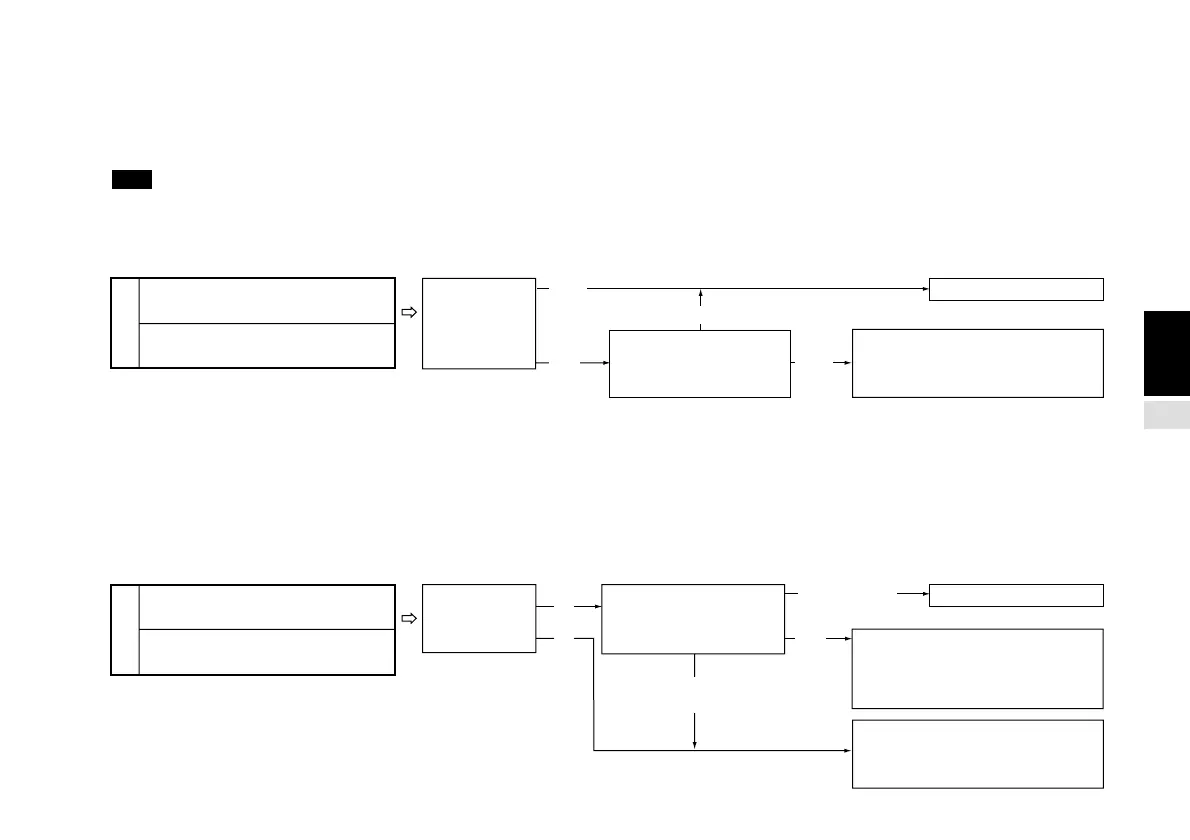
1 Power-on display mode setting
This sets whether to display the initial settings or to display the count immediately when the power is turned on.
2 Input axis and addition/subtraction axis settings
This sets the number of connected scale unit axes. It also performs the addition/subtraction axis setting when two axes are
connected. This setting is used to calculate the peak value (maximum, minimum and peak-to-peak values).
When 1st axis only or 2nd axis only is selected, the data for that axis is used to calculate the peak value.
When addition/subtraction axis is selected and this setting is 1st + 2nd axis, 1st – 2nd axis or 2nd – 1st axis, the peak value is
calculated using the respective data. However, when 1st and 2nd axes independent is selected, the 1st axis becomes the main
axis and is used as the current value for calculating the peak value. The 2nd axis becomes the auxiliary axis and does not affect
the peak value calculation.
When two axes are connected,
you cannot calculate the peak
value for 2nd axis only. Switch
the setting to the 1st axis.
Initial value
“P.on” menu setting is
necessary. (For AUTO input, set
the number in the first digit.)
Detect
momentary
power
interruptions?
For individual input:
Initial setting display
For AUTO input:
1 • • • • • • • • • • • • • •
Setting unnecessary
Display the count
immediately when the
power is turned on?
(Yes)
(No)
(No)
Initial value
Number of
connected
scale axes?
Setting unnecessary
“Add” menu setting is
necessary. (For AUTO input, set
the number in the second digit.)
(1)
(2)
(1st – 2nd axis,
2nd – 1st axis, 1st axis)
(1st + 2nd axis)
(2nd
axis)
For individual input:
1st + 2nd axis
For AUTO input:
• 3 • • • • • • • • • • • • •
Which data is used to
calculate the peak
value?
(Yes)
(Initial value)
(Initial value)



 To Next Page