127
English
Deutsch
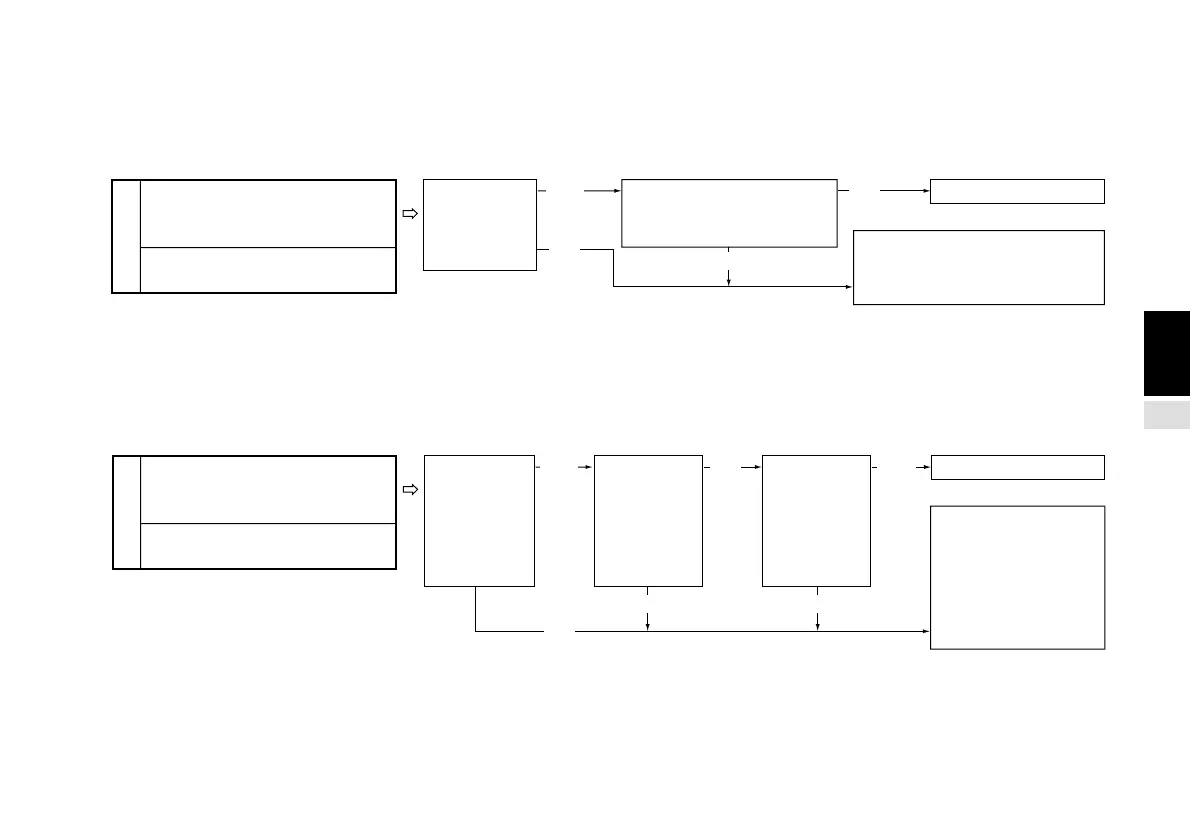
4 Input scale unit resolution setting
This sets the input scale unit resolution. This item is automatically set for some scale units. See “4-6-6. Input scale unit resolution
setting” (P.147) for details. The resolution of axes not selected in item 2 is automatically set to “None”. For example, if 1st axis
only is selected in item 2, the resolution of the 2nd axis is “None”.
* Automatically set scale units are set automatically only when the scale unit is initially connected. If you change the setting value manually
after connection, the setting does not automatically return to the original value.
5 Display resolution setting
This sets the display data resolution. You cannot set a resolution smaller than that set in item 4 above. See “4-6-7. Display
resolution” (P.149) for details.
* If you set the display resolution to “None”, the display is blank for that axis.
Initial value
“I.rs” and subordinate menu
setting is necessary. (For AUTO
input, set the numbers in the
sixth to ninth digits.)
Connected
scale unit set
automatically?
For individual input:
1st axis: 0.0005
2nd axis: 0.0005
For AUTO input:
• • • • • 0 3 0 3 • • • • • •
Setting unnecessary
Data for this item changed
manually after connecting
the scale unit?
*
(Yes)
(No)
(No)
(Yes)
Initial value
“d.rS” and
subordinate menu
setting is necessary.
(For AUTO input, set
the numbers in the
tenth to fifteenth
digits.)
Connected
scale unit set
automatically?
For individual input:
1st axis: 0.0005
2nd axis: 0.0005
For AUTO input:
• • • • • • • • • 0 3 1 0 3 1
Setting unnecessary
Data for this
item changed
manually
after
connecting
the scale
unit?
*
(Yes)
(No)
(Yes)
(No)
(No)
(Yes)
Same
resolution as
the input
resolution is
used, and the
display
polarity is “+”?
(Initial value)
(Initial value)



 To Next Page