145
English
Deutsch
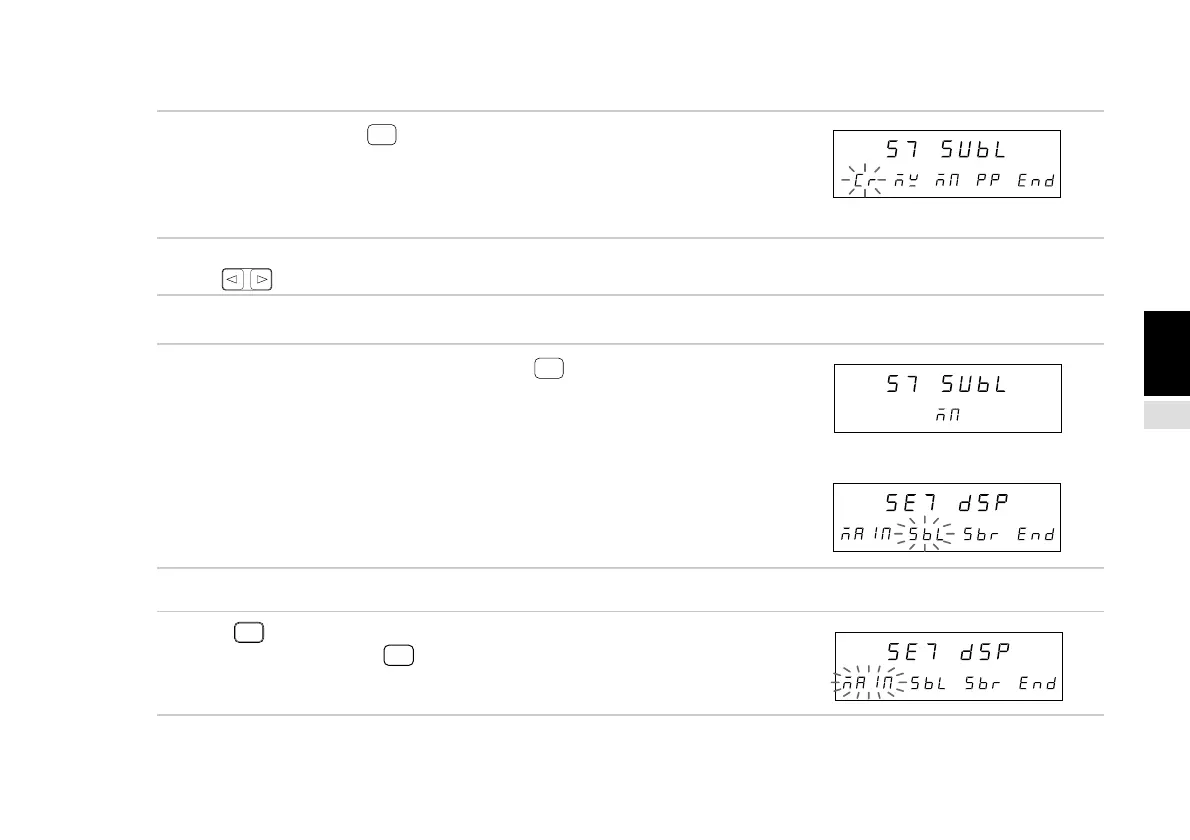
(2) Sub-display (left side) setting (Continued from P.143.)
3. Select “SbL” and press
ENTER
.
Selects the data displayed on the left side of the sub-
display.
The selected item flashes.
The initial setting is the minimum (MN) value.
4. Select the desired item with the cursor movement
keys .
• To enter the settings
5. Select the data you wish to display and press
ENTER
.
Enters the data displayed on the left side of the sub-
display.
(In this case, the minimum value (MN) is selected.)
The setting contents light steadily for approximately
2 seconds for confirmation.
• To interrupt the settings
5. Press
RESET
or select “End” and press
ENTER
.
Interrupts the sub-display (left side) setting.
(Previous setting contents remain.)
↓
(After approx. 2 sec.)
Main display
Sub-display
Main display
Sub-display
Main display
Sub-display
Main display
Sub-display
(Lights)



 To Next Page