48
1 Before recording starts, press TOOLS
(tools) to select “Rec Settings,” and press
ENTER (enter).
2 Select the item you want to adjust, and
press ENTER (enter).
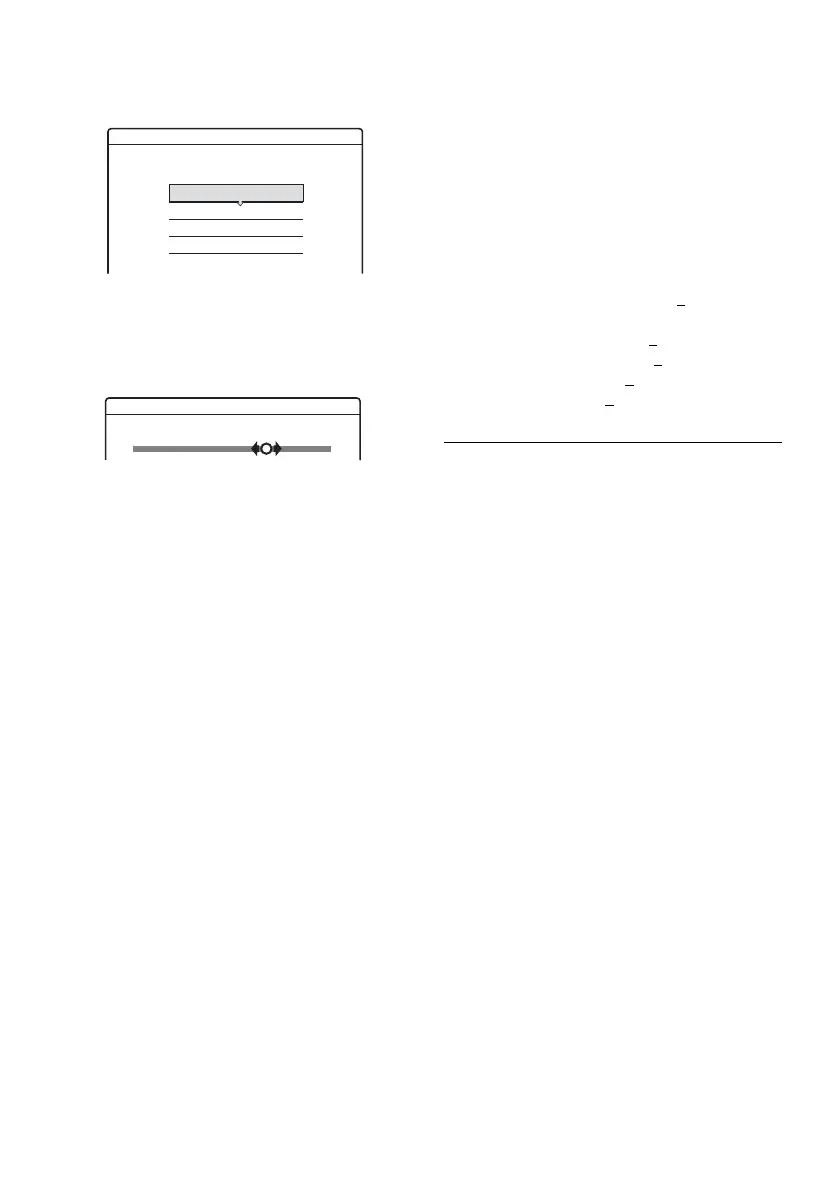
The adjustment display appears.
Example: Rec NR
“Rec Mode”: Selects the recording mode for
the desired recording time and picture quality.
For more information, see “Recording mode”
on page 43.
“DVD Rec. Picture Size”: Sets the picture size
of the program to be recorded.
• 4:3 (default): Sets the picture size to 4:3.
• 16:9: Sets the picture size to 16:9 (wide
mode).
“DVD Rec. Picture Size” works with DVD-
Rs (digital video disc-recordable, minus R)
and DVD-RWs (Video mode) (digital video
disc-rewritable, minus RW (Video mode))
when the recording mode is set to HQ (high
quality), HSP (high standard play), or SP
(standard play). For all other recording
modes, the screen size is fixed at “4:3.”
For DVD-RWs (VR mode) (digital video
disc-rewritable, minus RW (Video Recording
mode)), the actual picture size is recorded
regardless of the setting. For example, if a
16:9 size picture is received, the disc records
the picture as 16:9 even if “DVD Rec. Picture
Size” is set to “4:3.”
For DVD+RWs/DVD+Rs (digital video disc-
rewritable, plus RW/digital video disc-
recordable, plus R), the screen size is fixed at
“4:3.”
“Rec NR” (noise reduction): Reduces noise
contained in the video signal.
“Rec Video Equalizer”: Adjusts the picture in
greater detail.
Press M/m to select the item you want to
adjust, then press ENTER (enter).
• Contrast: Changes the contrast.
• Brightness: Changes the overall brightness.
• Color: Makes the colors deeper or lighter.
• Hue: Changes the color balance.
3 Adjust the setting using </M/m/,, and
press ENTER (enter).
The default setting is underlined.
“Rec NR”: (weak) Off 1 ~ 2 ~ 3 (strong)
“Rec Video Equalizer”:
• Contrast: (weak) –3 ~ 0
~ 3 (strong)
• Brightness: (dark) –3 ~ 0 ~ 3 (bright)
• Color: (light) –3 ~ 0
~ 3 (deep)
• Hue: (red) –3 ~ 0
~ 3 (green)
Repeat steps 2 and 3 to adjust any other items.
b Notes
• If one program contains two picture sizes, the selected
size is recorded. However, if the 16:9 signal cannot be
recorded as 16:9, it is recorded as 4:3.
• Remnants of images may appear on your screen when
using “Rec NR.”
• “Rec Video Equalizer” does not affect the input of the
DV IN (digital video in) jack.
Rec. Settings
Select the item you want to change.
Rec Mode : SP
Rec Video Equalizer
Rec NR :
DVD Rec. Picture Size:
4 : 3
2
123
Off
Rec NR



 To Next Page