82
Settings and Adjustments
Antenna Reception and
Language Settings
(Settings)
The “Settings” setup helps you to make tuner,
clock, and language settings for the recorder.
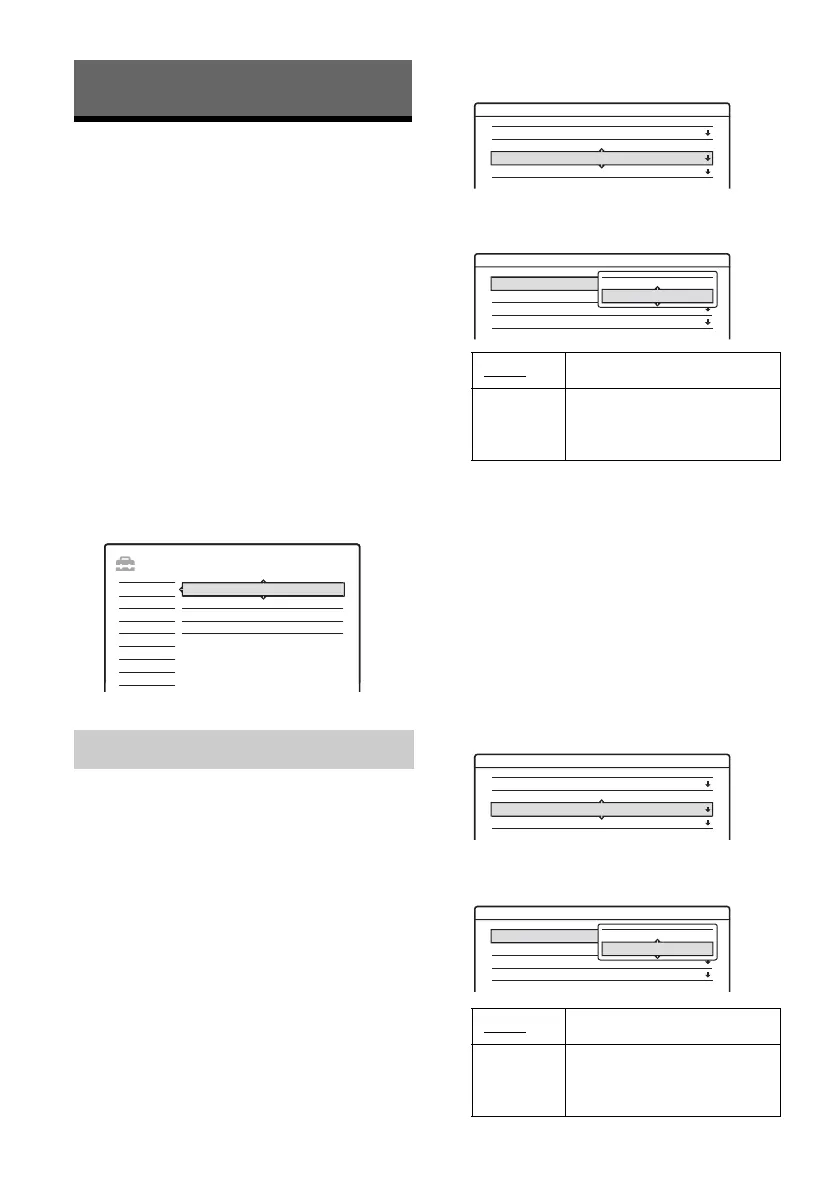
1 Press SYSTEM MENU (system menu) while
the recorder is in stop mode.
2 Select “SETUP,” and press ENTER (enter).
3 Select “Settings,” and press ENTER
(enter).
The options of “Settings” appear. The default
settings are underlined.
To turn off the display, press SYSTEM
MENU (system menu) repeatedly.
b Note
You cannot presets channels for the connected cable box
or satellite receiver.
Auto Preset
Automatically presets the receivable channels.
The recorder can receive VHF (very high
frequency) channels 2 to 13, UHF (ultra high
frequency) channels 14 to 69, and unscrambled
CATV (cable television) channels 1 to 125. First,
we recommend that you preset the receivable
channels in your area using automatic presetting
methods.
1 Select “Tuner Preset” in “Settings,” and press
ENTER (enter).
2 Select “Antenna/Cable,” and press ENTER
(enter).
3 Select an option, and press ENTER (enter).
4 Select “Auto Preset,” and press ENTER
(enter).
All receivable channels are preset in
numerical sequence.
Manual
Presets or disables channels manually.
If some channels could not be set using the “Auto
Preset” or “Easy Setup” function, you can set them
manually.
1 Select “Tuner Preset” in “Settings,” and press
ENTER (enter).
2 Select “Antenna/Cable,” and press ENTER
(enter).
Tuner Preset
SETUP
Settings
Easy Setup
Options
Features
Audio
Video
Tuner Preset
Language
Clock
Set VCR Plus+ Channels
Cable Presets cable TV channels.
Antenna Presets VHF (very high
frequency) and UHF (ultra
high frequency) channels.
Cable
Presets cable TV channels.
Antenna Presets VHF (very high
frequency) and UHF (ultra
high frequency) channels.
Settings - Tuner Preset Ch1
Antenna / Cable :
Auto Preset
Manual Set :
AFT :
Cable
Add
On
Settings - Tuner Preset Ch1
Antenna / Cable :
Auto Preset
Manual Set :
AFT :
Cable
Add
On
Antenna
Cable
Settings - Tuner Preset Ch1
Antenna / Cable :
Auto Preset
Manual Set :
AFT :
Cable
Add
On
Settings - Tuner Preset Ch1
Antenna / Cable :
Auto Preset
Manual Set :
AFT :
Cable
Add
On
Antenna
Cable



 To Next Page