57
Playback
To check the position of the buttons below, see the illustration on page 55.
Playback options
Buttons
Operations
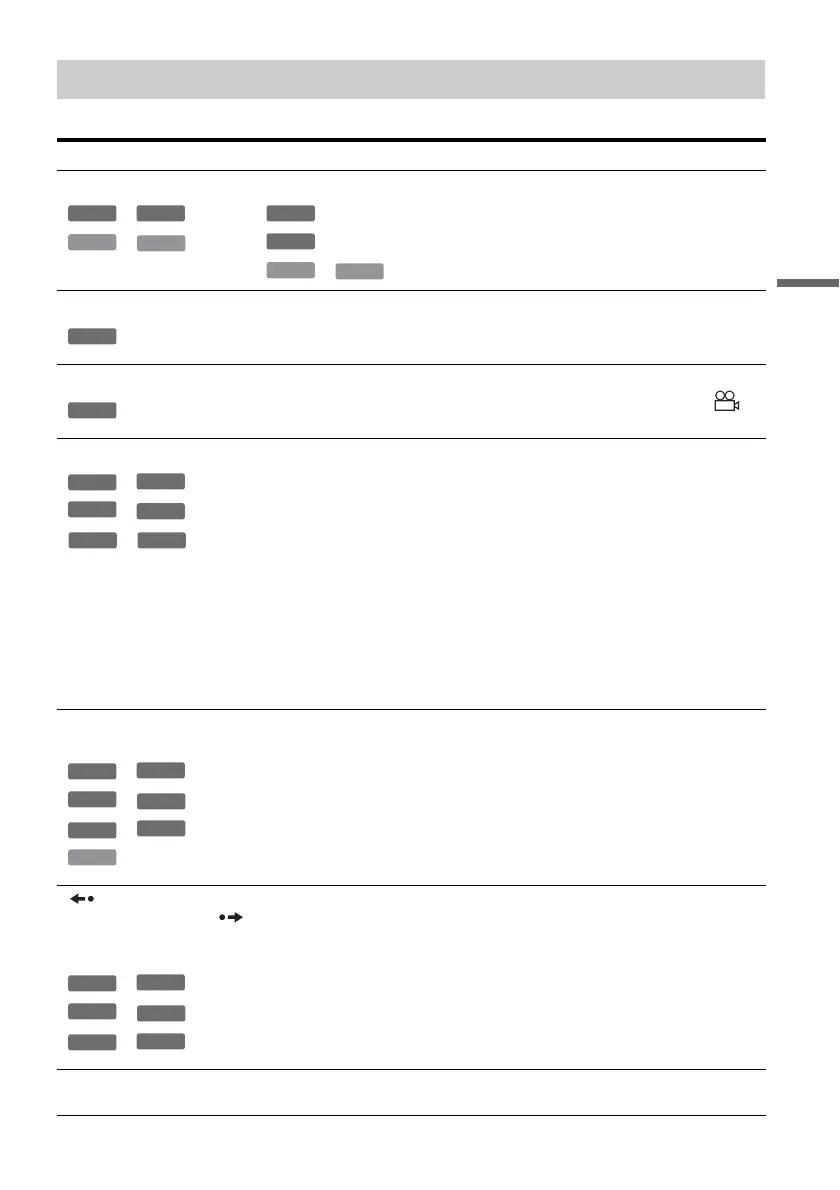
AUDIO (audio)
*
1
*
2
*
3
*
4
Selects one of the audio tracks recorded on the disc when pressed repeatedly.
*
2
: Selects the language.
*
1
: Selects the main or sub sound.
*
3
*
4
: Selects stereo or monaural audio tracks.
SUBTITLE (subtitle)
*
2
Selects a subtitle language when pressed repeatedly.
ANGLE (angle)
*
2
Selects an angle when pressed repeatedly.
If various angles (multi-angles) for a scene are recorded on the disc, “ ”
appears in the front panel display.
SUR (surround)
*
5
*
1
*
6
*
7
*
8
*
2
Selects one of the TVS (TV Virtual Surround) effects when pressed
repeatedly.
TVS* (TV Virtual Surround) lets you enjoy virtual surround sound effects
created from the front left and right speakers. The selected setting is displayed
in the front panel display for a few seconds.
“TVS OFF”: No surround effect
“TVS DYNAMIC”: Creates one set of virtual rear speakers.
“TVS WIDE”: Creates five sets of virtual rear speakers.
“TVS NIGHT”: Creates five sets of virtual rear speakers. Effective at low
volume.
“TVS STANDARD”: Creates three sets of virtual rear speakers. Effective
when you use two separate front speakers.
* TVS (TV Virtual Surround) was developed by Sony to produce home surround
sound with just a stereo TV.
PROGRESSIVE
(progressive)
*
5
*
1
*
6
*
7
*
8
*
2
*
3
Switches the type of video output signal to interlace or progressive format
(page 19).
REPLAY (replay)/
ADVANCE (advance)
(instant replay/instant
advance)
*
5
*
1
*
6
*
7
*
8
*
2
Replays the scene/briefly fast forwards the scene.
. PREV (previous)/
NEXT (next) >
Goes to the beginning of the previous/next title/chapter/scene/track.
-
RWVR
DVD
VCD
CD
DVD
-
RWVR
VCD
CD
DVD
DVD
+
RW
-
RWVR
-
RW
Video
+
R
-
R
DVD
+
RW
-
RWVR
-
RW
Video
+
R
-
R
DVD
VCD
+
RW
-
RWVR
-
RW
Video
+
R
-
R
DVD
,continued



 To Next Page