58
*
1
DVD-RW (VR mode) (digital video disc-rewritable, minus RW (Video Recording mode)).
*
2
DVD (digital video disc).
*
3
VIDEO CD (video compact disc).
*
4
CD (compact disc).
*
5
DVD+RW (digital video disc-rewritable, plus RW).
*
6
DVD-RW (Video mode) (digital video disc-rewritable, minus RW (Video mode)).
*
7
DVD+R (digital video disc-recordable, plus R).
*
8
DVD-R (digital video disc-recordable, minus R).
To resume normal playback, press H PLAY (play).
b Notes
• To enjoy the TVS (TV Virtual Surround) function, set
“Digital Out” to “On” and “Dolby Digital” to “D-
PCM” in “Audio” setup.
• The volume may be reduced when surround effects are
set.
• When the playback signal does not contain a signal for
the rear speakers, the surround effects will be difficult
to hear.
In addition, the surround effects may also be difficult to
hear depending on the title being played and the
environment where the recorder is being used.
• When you select one of the surround modes, turn off
the surround settings of the connected TV or amplifier
(receiver).
• Make sure that your listening position is between and
at an equal distance from your speakers, and that the
speakers are located in similar surroundings.
• Angles and subtitles cannot be changed with titles
recorded on this recorder.
• 96 kHz PCM (pulse code modulation) audio and DTS
(digital theater system) audio do not have surround
effects.
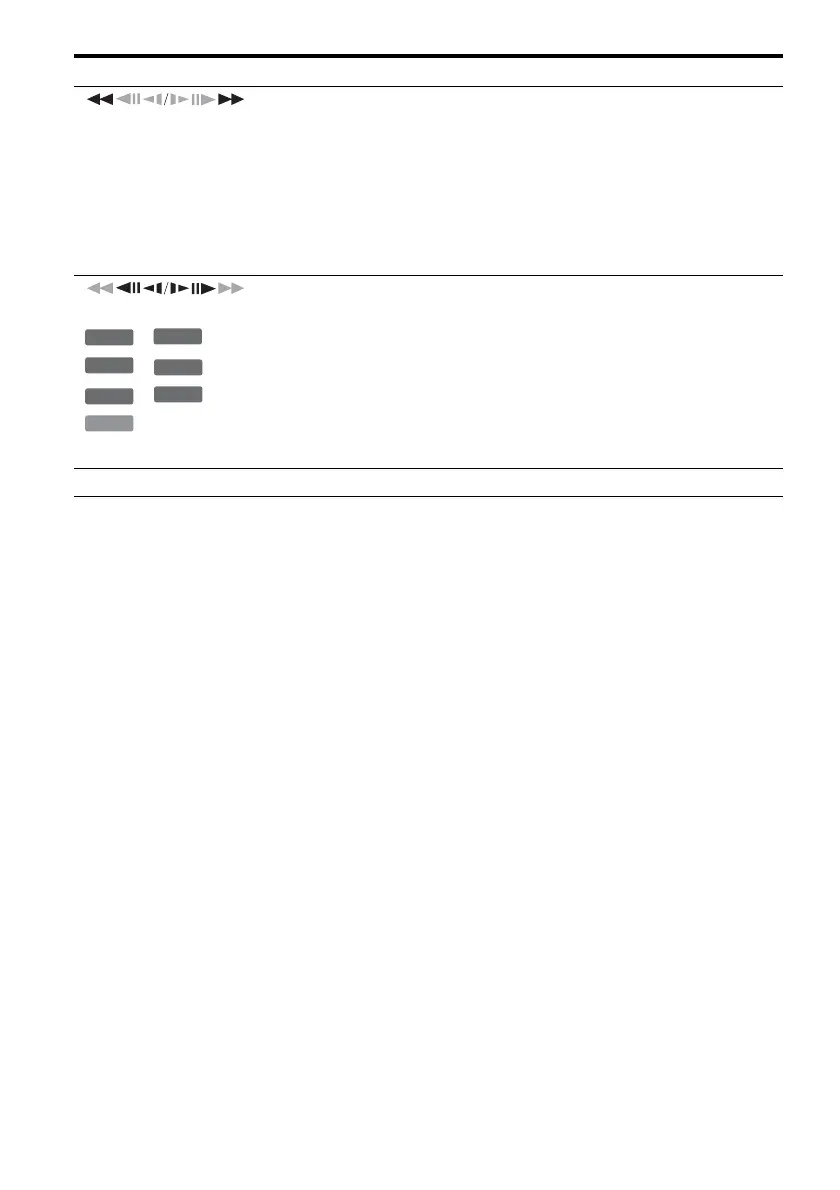
(fast reverse/fast forward)
Fast reverses/fast forwards the disc when pressed during playback.
Search speed changes as follows:
fast reverse fast forward
m1 T t 1M
m2 T T t t 2M
m3*
9
T T T t t t 3M*
9
When you press and hold the button, fast forward/fast reverse continues at the
selected speed until you release the button.
*
9
m3 and 3M are only available for DVDs (digital video disc).
(slow, freeze frame)
*
5
*
1
*
6
*
7
*
8
*
2
*
3
*
10
*
10
Playback direction only
Plays in slow motion when pressed for more than one second in pause mode.
Plays one frame at a time when pressed briefly in pause mode.
X PAUSE (pause) Pauses playback.
Buttons
Operations
+
RW
-
RWVR
-
RW
Video
+
R
-
R
DVD
VCD



 To Next Page