70
Erasing and Editing a Title
*
1
*
2
*
3
*
4
*
5
This section explains the basic edit functions. Note
that editing is irreversible. To edit DVD-RWs (VR
mode) (digital video disc-rewritable, minus RW
(Video Recording mode)) without changing the
original recordings, create a Playlist title
(page 74).
*
1
DVD+RW (digital video disc-rewritable, plus RW).
*
2
DVD-RW (VR mode) (digital video disc-rewritable,
minus RW (Video Recording mode)).
*
3
DVD-RW (Video mode) (digital video disc-
rewritable, minus RW (Video mode)).
*
4
DVD+R (digital video disc-recordable, plus R).
*
5
DVD-R (digital video disc-recordable, minus R).
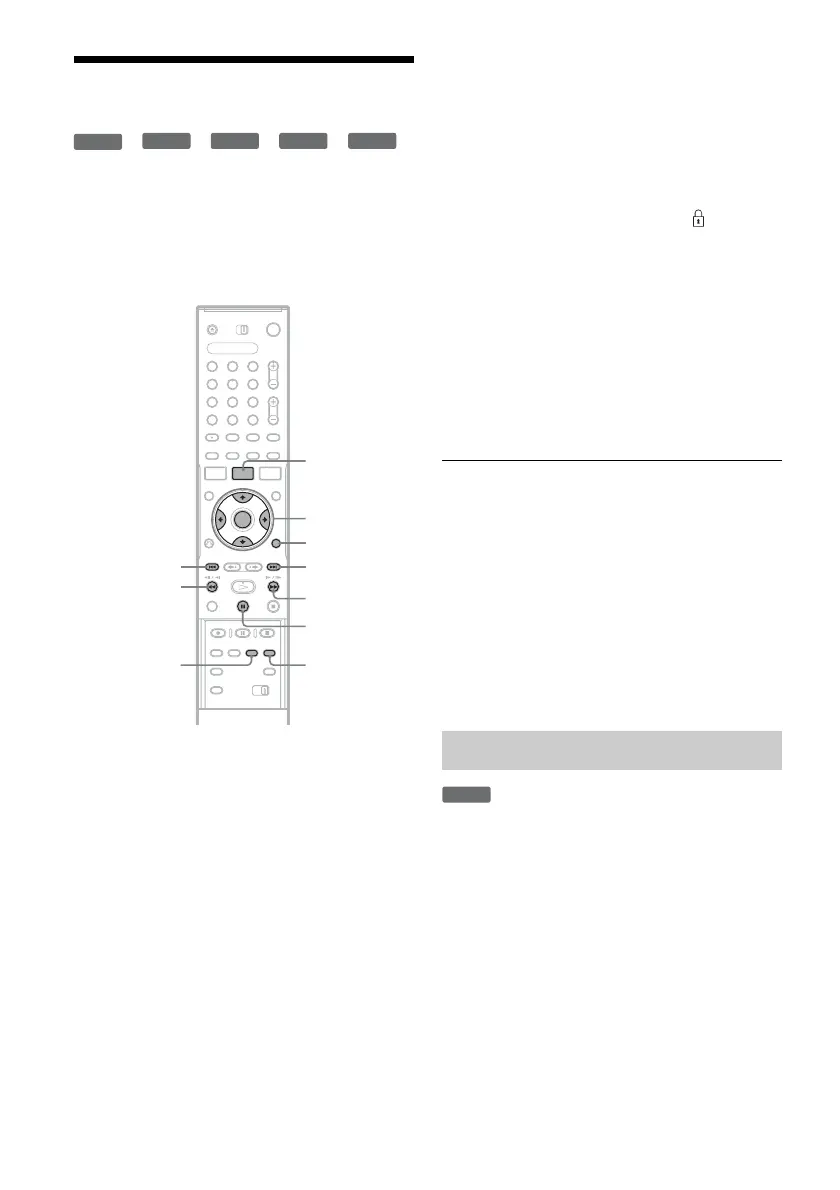
1 Press TITLE LIST (title list).
For DVD-RWs (digital video disc-rewritable,
minus RW) in VR (Video Recording) mode,
press TOOLS (tools) and select “Original” or
“Playlist” from the TOOLS (tools) menu to
switch the Title Lists, if necessary.
2 Select a title, and press ENTER (enter).
The sub-menu appears.
3 Select an option, and press ENTER (enter).
You can make the following edits to the title.
“Erase”: Erases the selected title. Select “OK”
when asked for confirmation.
“Protect”: Protects the title. Select “On” when
the Protection display appears. “ ” appears
next to the protected title. To cancel the
protection, select “Off.”
“Title Name”: Allows you to enter or re-enter
a title name (page 39).
“Set Thumbnail”: Changes the title’s
thumbnail picture that appears in the Title List
(page 36).
“A-B Erase”: Erases a section of the title
(page 71).
“Delete Chapter”: Erases chapter units of the
title while viewing thumbnails (see below).
z Hints
• You can erase multiple titles at one time (page 71), or
erase all of the titles on the disc at once (page 72).
• You can automatically erase titles that have already
played.
• You can label or re-label DVDs (digital video disc)
(page 40).
b Note
DVD-RW (VR mode) (digital video disc-rewritable,
minus RW (Video Recording mode)) playlist titles
cannot be protected.
*
Thumbnails are displayed for each chapter. You
can easily select and erase a section in a title.
Note that erasing a chapter cannot be undone.
* DVD-RW (VR mode) (digital video disc-rewritable,
minus RW (Video Recording mode)).
1 After step 2 of “Erasing and Editing a
Title,” select “Delete Chapter,” and press
ENTER (enter).
+
RW
-
RWVR
-
RW
Video
+
R
-
R
1 2 3
4 6
7 8 9
0
5
</M/m/,,
ENTER
(enter)
TOOLS (tools)
TITLE LIST
(title list)
. PREV
(previous)
CHAPTER
MARK ERASE
(chapter mark
erase)
CHAPTER
MARK
(chapter
mark)
X PAUSE
(pause)
NEXT (next)
>
M
m
Erasing a chapter (Delete Chapter)
-
RWVR



 To Next Page