SPACE s.r.l.
Soc.a socio unico
PFB035 SERIES – PFB040 SERIES
PFB045 SERIES – PFB060 SERIES
SPRT102/4 SERIES – SPRT102/5 SERIES
SPRT102/6 SERIES – SPRT102/7 SERIES
Code M0247 - Ver.1.4
(09/2016)
SPACE s.r.l. – 10090 TRANA (TO) Via Sangano, 48
Tel. (+39) 011/ 934 40 300 – Fax (+39) 011/ 933 88 64
e-mail: info@spacetest.it - www.spacetest.com
5. OPERATING INSTRUCTIONS
5.1. Starting and stopping the appliance
To start the appliance and the program, turn the master switch (on the rear of the console) to
position I.
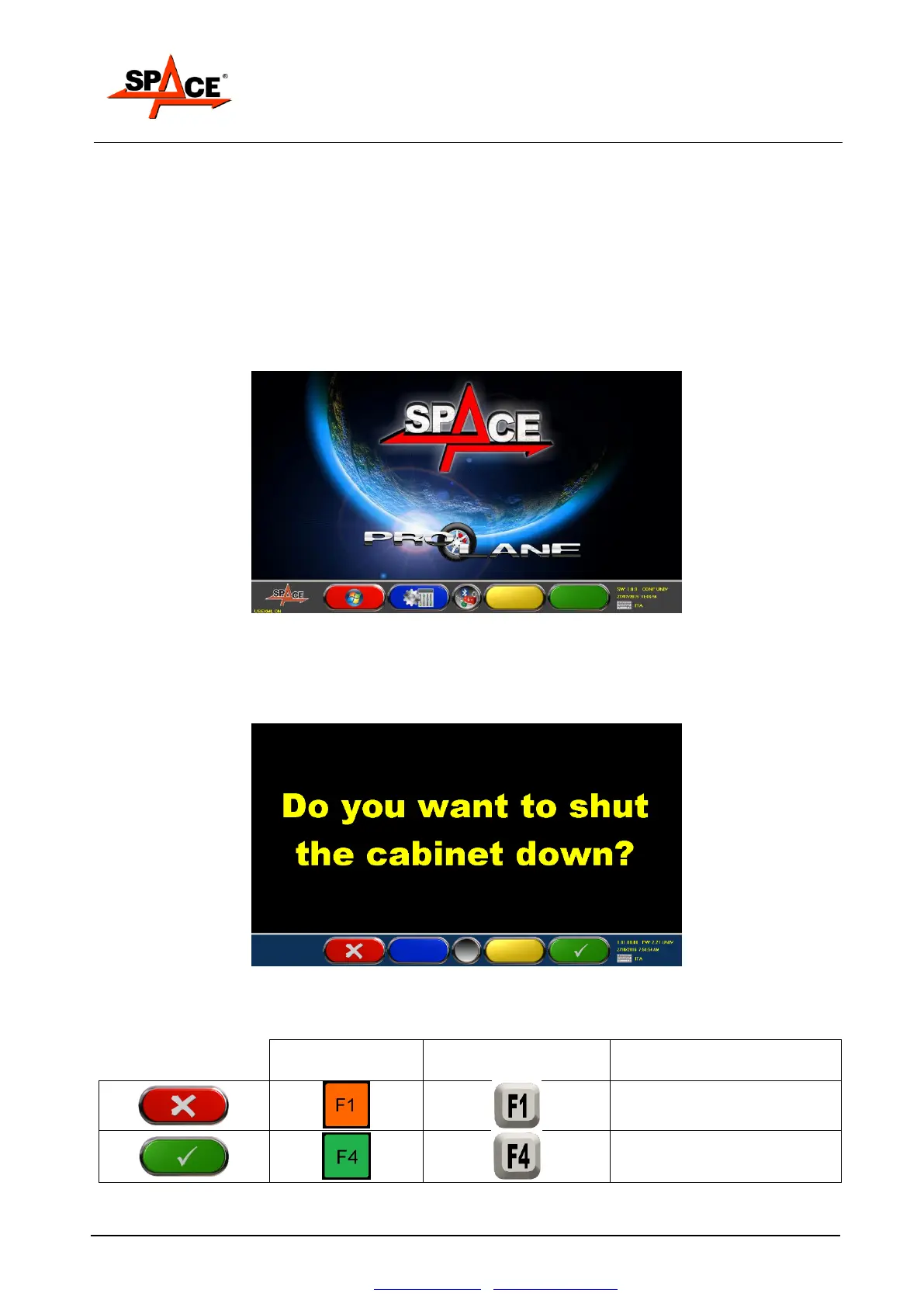
Wait for the operating program to load, until the logo shown in Figure 27 appears.
NOTE: During operating program loading, do not engage the measurement devices (for example
by climbing on the weighing frame), because during this time lapse, the system checks their
correct operation.
Figure 27
Starting with the first page of the program, press key F1. The machine can be switched off by
selecting the icon corresponding to this function.
Select the «POWER OFF» icon and confirm with the ENTER/F3 key. The system displays the
following page:
Figure 28
Switch off the appliance by means of the master switch on the rear of the console.
Cancel operation.
Return to initial page.
Definitive confirmation of
appliance switch-off.



 To Next Page