PFB035 SERIES – PFB040 SERIES
PFB045 SERIES – PFB060 SERIES
SPRT102/4 SERIES – SPRT102/5 SERIES
SPRT102/6 SERIES – SPRT102/7 SERIES
10. CUSTOMER DATABASE
By means of this function, the tests can be stored relating
to a vehicle in an internal database.
It could be useful to:
- Look for a vehicle in a determined period
- Print the report of the tests;
- Complete the tests not yet performed.
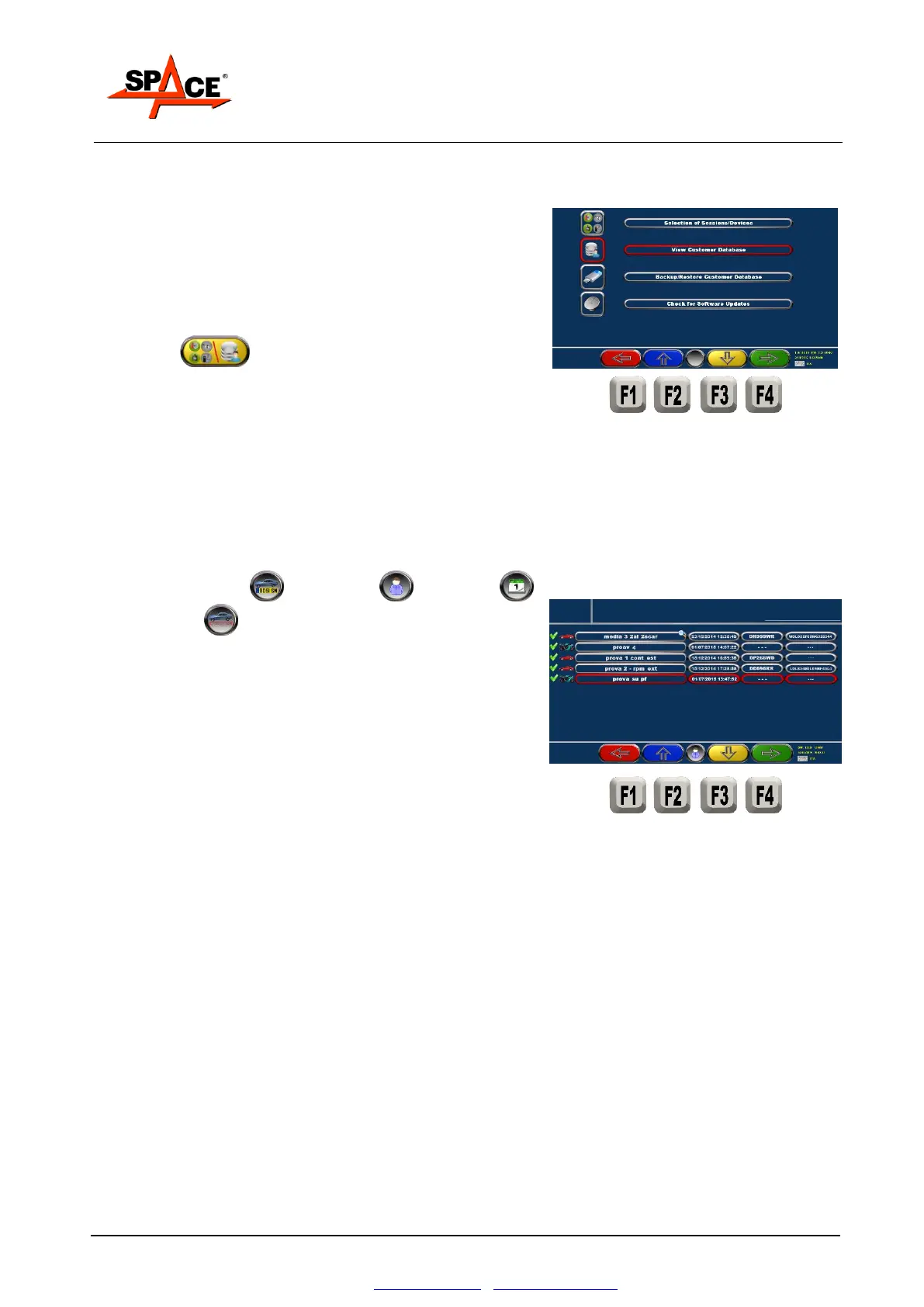
Press F3 from the initial page (see Figure 27)
then select “Customer database”.
The program displays the list of clients in a page where
are the search functions, with different keys:
- Search for plate / for surname / for date /
for chassis
Press F2/F3 to select the desired test.
Press F4/ENTER to confirm the selection and display the
tests performed.
To see the saved clients in another order
(plate/name/date etc.). Press F5



 To Next Page