SPACE s.r.l.
Soc.a socio unico
PFB035 SERIES – PFB040 SERIES
PFB045 SERIES – PFB060 SERIES
SPRT102/4 SERIES – SPRT102/5 SERIES
SPRT102/6 SERIES – SPRT102/7 SERIES
Code M0247 - Ver.1.4
(09/2016)
SPACE s.r.l. – 10090 TRANA (TO) Via Sangano, 48
Tel. (+39) 011/ 934 40 300 – Fax (+39) 011/ 933 88 64
e-mail: info@spacetest.it - www.spacetest.com
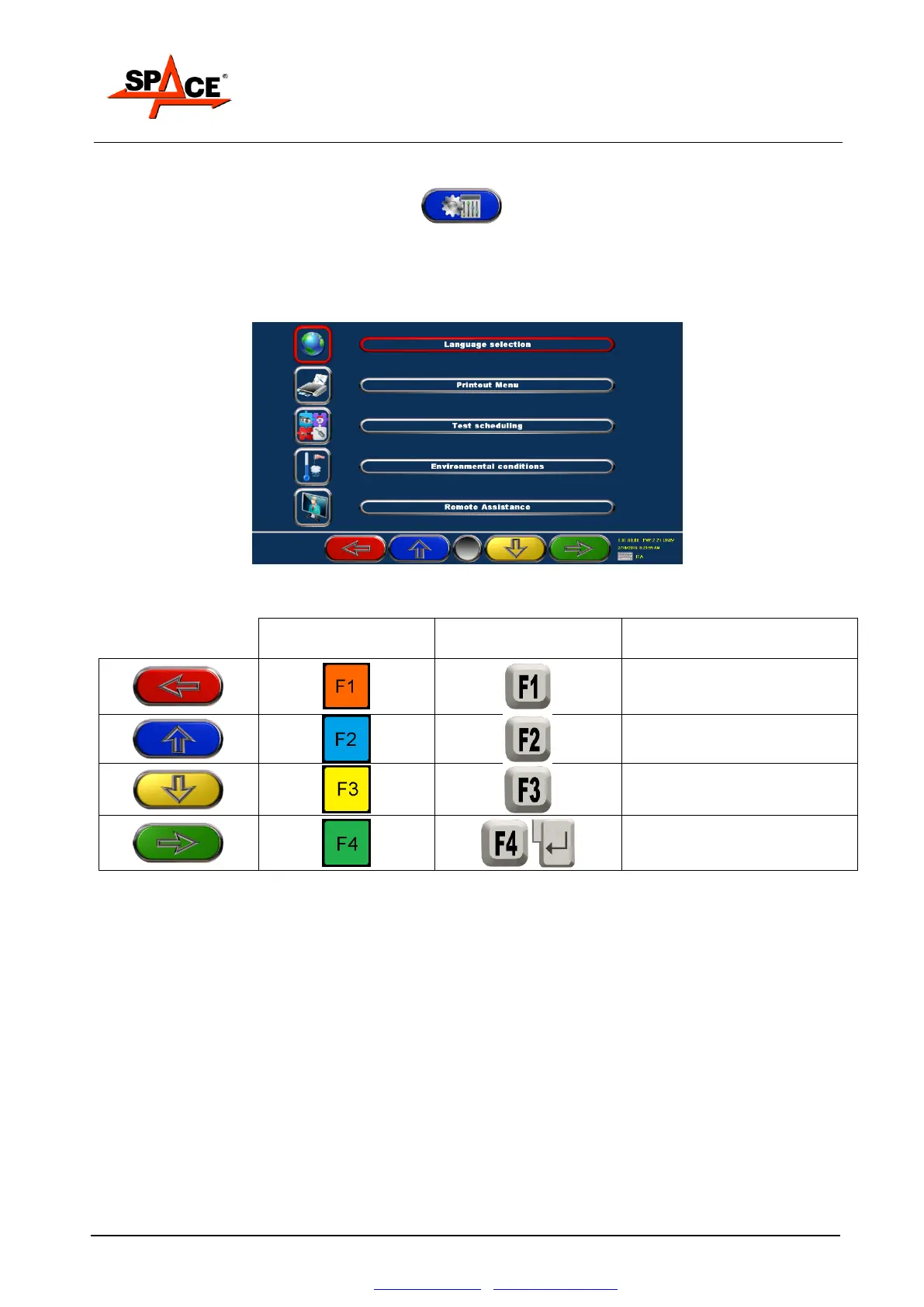
5.3. Program configuration
To configure the program, select key F2 on the presentation page, as explained in
Figure 27 at page 26.
It appears a configuration menu that permits changing the characteristics of the program
according to individual needs.
Figure 30
Back to the presentation
page
(par. 5.1 at page 26)



 To Next Page