SPACE s.r.l.
Soc.a socio unico
PFB035 SERIES – PFB040 SERIES
PFB045 SERIES – PFB060 SERIES
SPRT102/4 SERIES – SPRT102/5 SERIES
SPRT102/6 SERIES – SPRT102/7 SERIES
Code M0247 - Ver.1.4
(09/2016)
SPACE s.r.l. – 10090 TRANA (TO) Via Sangano, 48
Tel. (+39) 011/ 934 40 300 – Fax (+39) 011/ 933 88 64
e-mail: info@spacetest.it - www.spacetest.com
7.3. Measuring the weight of the axle or entering the vehicle weight
Before starting the brake test procedure, if the weighing device is not operative, the vehicle weight
will have to be entered so the system can calculate vehicle braking efficiency. Other vehicle or
client data that appear on the print-out are entered later on, immediately before printing.
If, on the other hand, a weighing device is operative, when the operating program gives the OK
(displayed by a vehicle moving onto the weighing system), drive the vehicle onto the device and
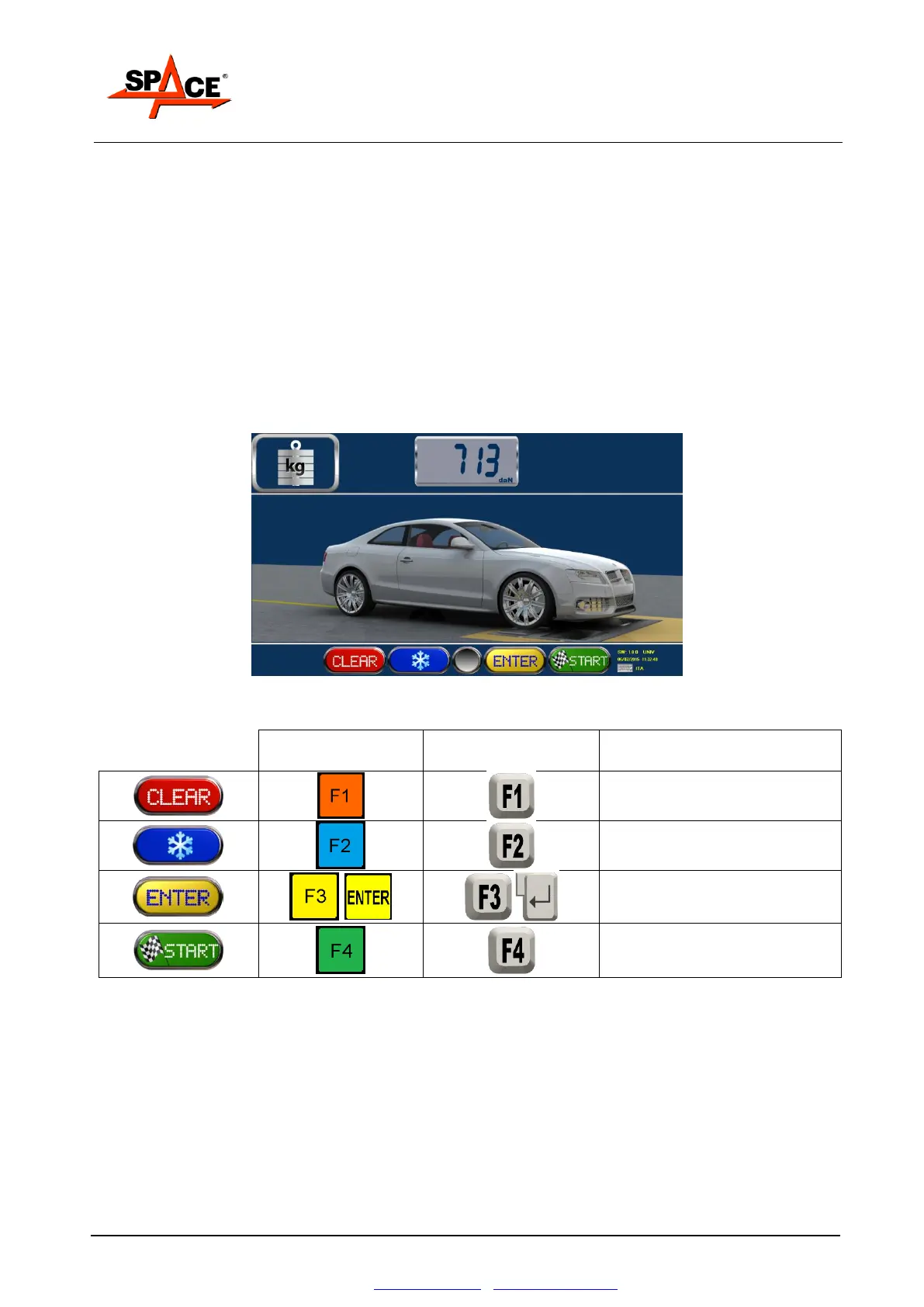
wait for the axle weight to appear. See Figure 46.
Storage of the displayed axle weight is automatic after a few seconds from the system having read
a stable weight. The operator can nonetheless press key F2 to prevent automatic test storage and
then store this manually by pressing the ENTER/F3 key.
To repeat the axle weight test, press START/F4 and then once again move onto and off the
weighing system.
Figure 46
Prevents automatic storage of
test



 To Next Page