Chapter 9 : Recipes
9-6 Lasair® Pro Aerosol Particle Counter Operations Manual
5. Press and then (RECIPES).
6. On the ASSIGNMENTS tab, you should see a list of your created recipes and their
area, room, and location assignments. If you have not assigned the recipe to an
area, room, and location, do so now. See Assigning a Location to a Recipe on
page 9-4 for more information.
7. Press
to open the Create NFC Recipe Card window.
8. Press inside the NFC recipe name field and enter the recipe name of the NFC
recipe recently created.
9. Press Write.
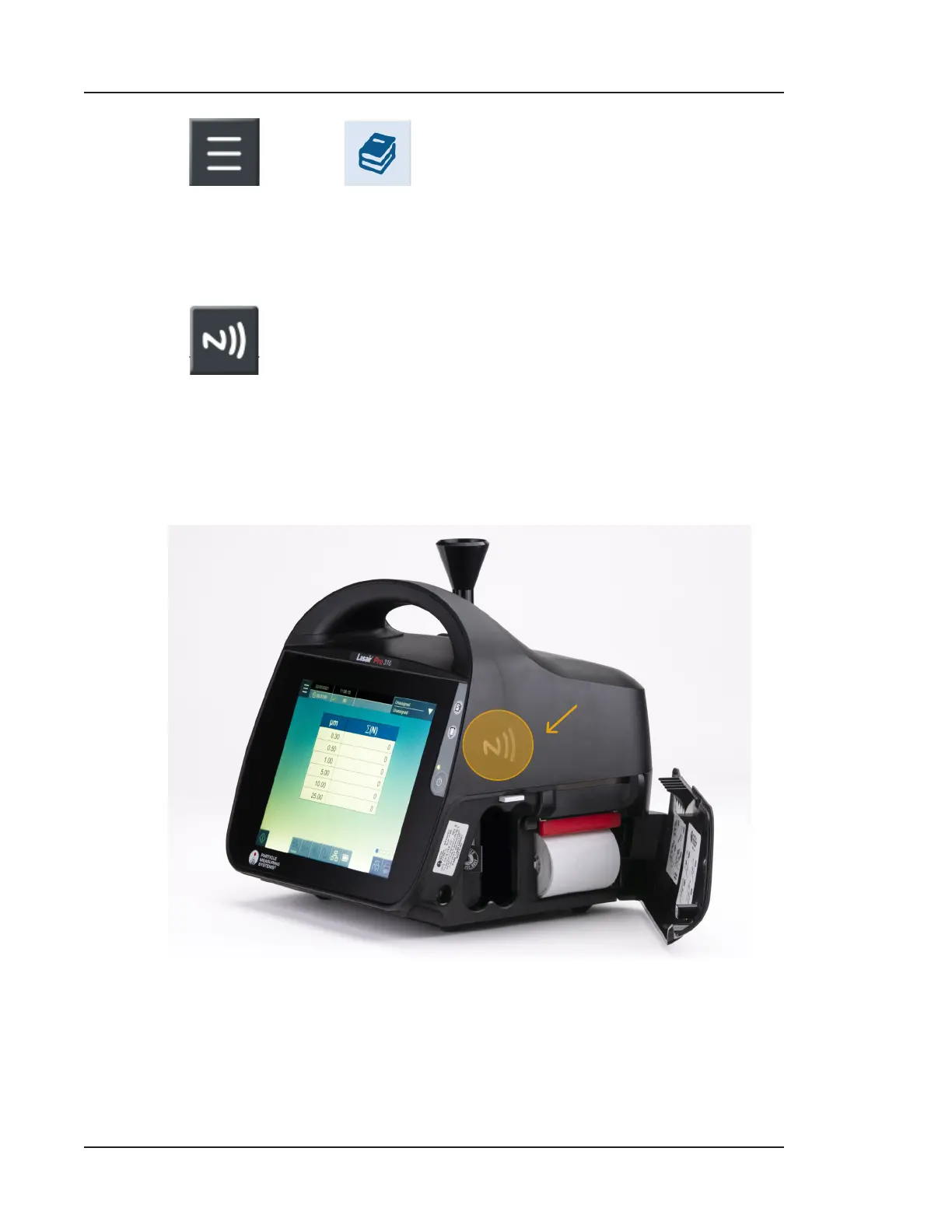
10. Press your NFC card to the NFC card reader located on the right side of the Lasair
Pro counter.
PRESS NFC CARD HERE
Figure 9-5. Internal NFC card reader location
11. Wait as the recipe is written to the NFC card. Continue to hold the card in place.



 To Next Page