10-5Lasair® Pro Aerosol Particle Counter Operations Manual
Chapter 10 : Display, Data and Reports
Image Name Description
SETTING
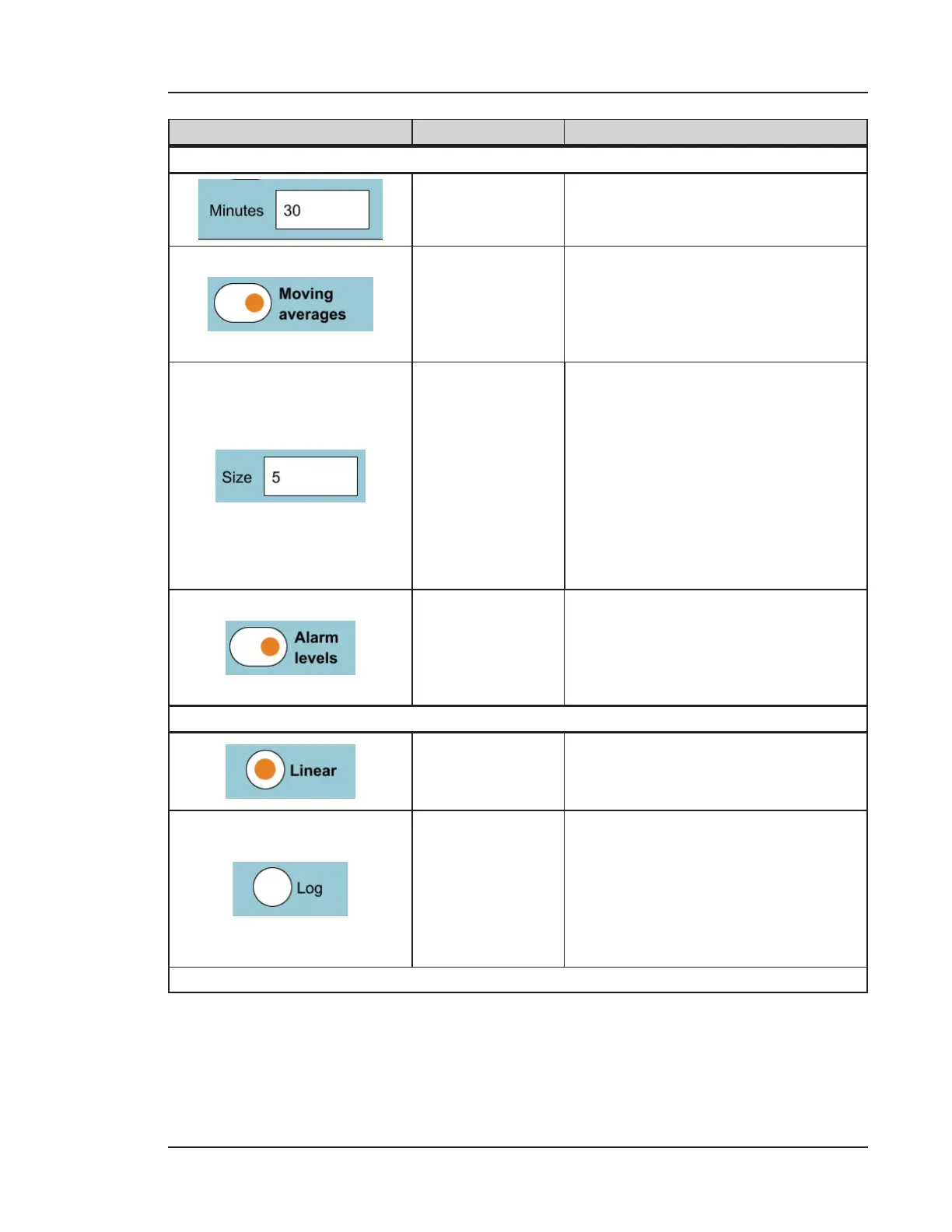
Minutes
The interval (total time span) to
display on the trend graph’s x-axis.
Moving averages
Displays the moving average value
as a dashed line on the graph for
two channels. The moving average
value is the mean value for the N last
samples, where N is the Size option.
Size
Defines how many previous samples
are used for calculating the moving
average (2-10). The default value is 5.
• The value for this field should
be less than the number of
samples for the x-axis.
• This field is only activated
when the Moving averages
option is enabled.
Alarm levels
Displays the configured alarm levels
as horizontal lines across the trend
graph. Alarm levels are set on the
PARTICLES tab of the ALARMS
screen. See Chapter 7.
SCALE
Linear
This option sets the y-axis scale as
linear.
• 0 is the minimum value
Log
This option sets the y-axis scale as
logarithmic where:
• 1 is the minimum value
• 0 to 1 the scale is linear
• 1 to the maximum y-axis
value is logarithmic
Table 10-2. TREND tab, DISPLAY


 To Next Page