11-11Lasair® Pro Aerosol Particle Counter Operations Manual
Chapter 11 : Statistics
Image Name Description
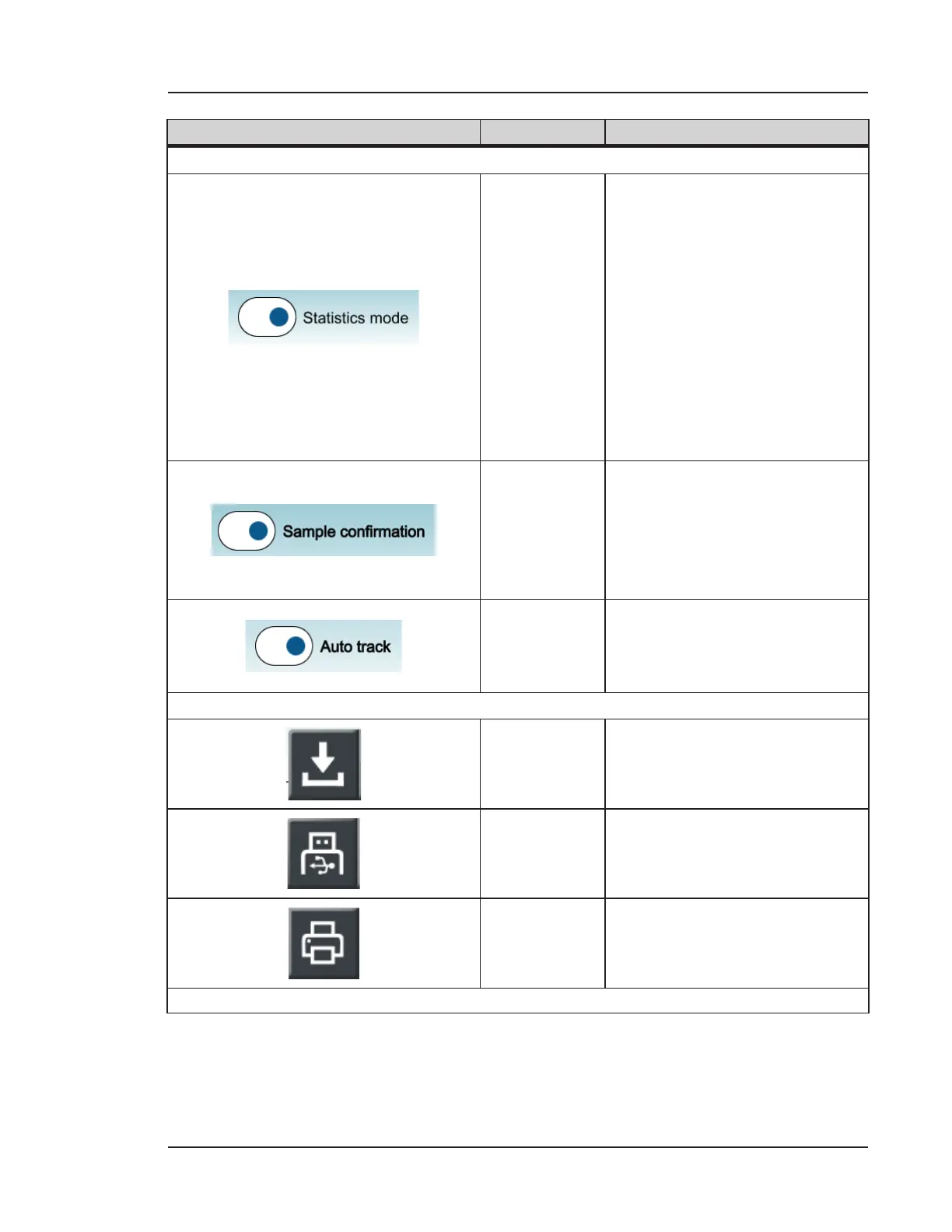
ENABLE / DISABLE OPTIONS
Enable
Statistics
Mode
Enables Statistics Mode. When
enabled, the user is prompted
to select the area, room, and
location for certification. Aer
pressing OK, the HOME screen
automatically appears with
statistics sampling criteria
loaded.
Terminating the Statistics
plan from the HOME screen
automatically disables Statistics
Mode.
Enable
Sample
Confirmation
Enables a prompt for either
accepting or rejecting the
previously completed sample.
Rejecting the sample will
prevent the use of associated
data in statistical calculations.
Auto Track
Enables the incremental
selection of sampling locations
on the HOME screen without
user prompt.
BUTTONS
Save
Statistics
Recipe
Saves the current Statistics
Mode configuration as a recipe.
Save to USB
Saves the Certification Setup
Report to the inserted USB key.
Print to
Thermal
Printer
Prints the current Statistics
Mode configuration to the
thermal printer.
Table 11-1. SETUP tab, STATISTICS


 To Next Page