Chapter 3 : Your System
3-8 Lasair® Pro Aerosol Particle Counter Operations Manual
Image Name Description
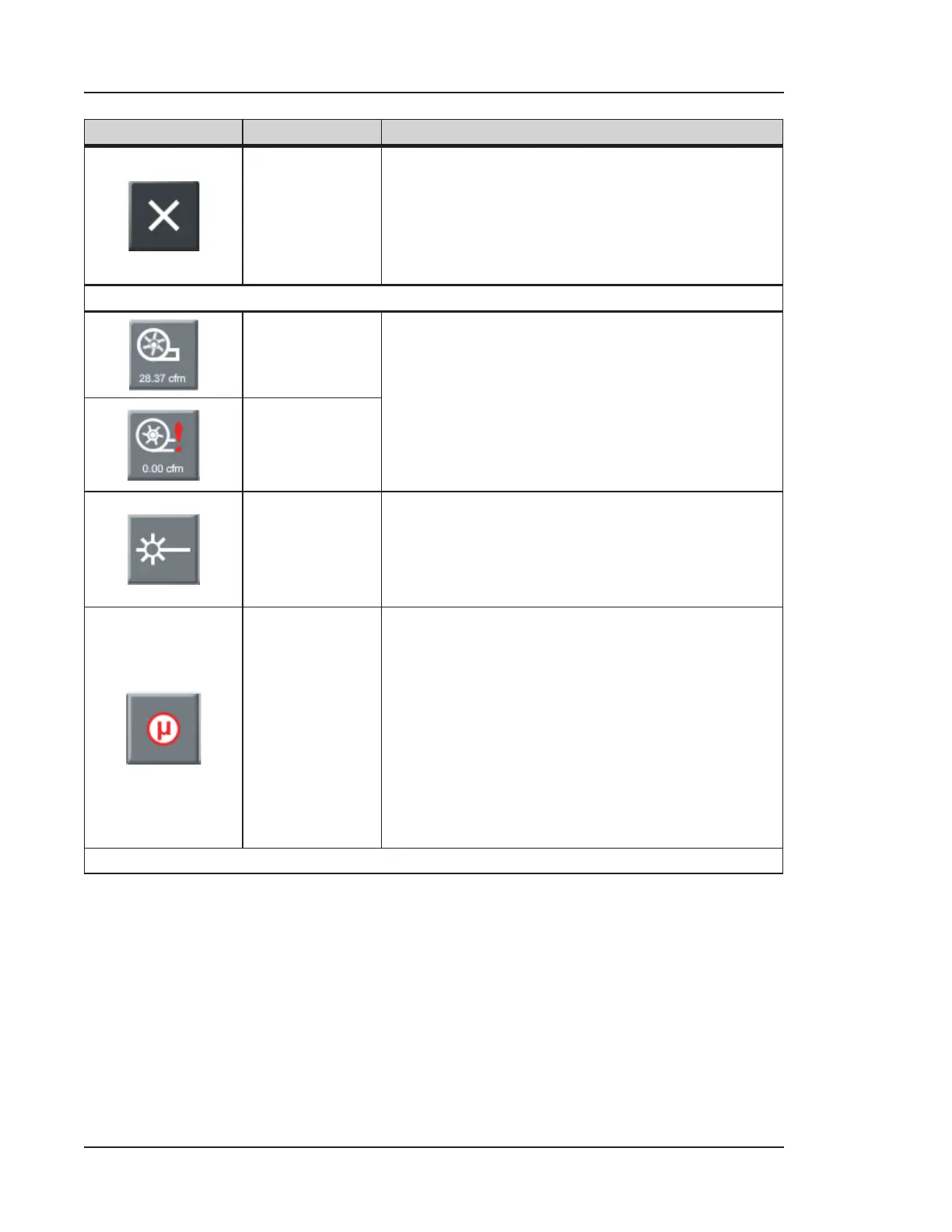
Terminate
Terminates Monitoring Mode and Statistics Mode.
• For more information on Monitoring Mode,
see Monitoring Mode on page 5-8.
• For more information on Statistics Mode,
see Chapter 11.
Lasair Pro Status
Pump
Status: Ok
Indicates the status of the pump. When pressed, a
dialog box gives the following information:
• Flow rate (in cfm)
• Status (Ok, Unstable, Failure)
• Mode (On or O)
Pump
Status:
Unstable or
Failure
Laser
Indicates the status of the laser. When pressed, a
dialog box gives the following information:
• Status (Ok, Bad)
• Mode (On or O)
Coincidence
Loss
Indicates the coincidence loss (% error) of the
current sampling data. This number increases
as multiple particles pass through the sensor,
resulting in an overall decrease in counts. Ideally,
the number is 0.
When pressed, a dialog box gives the following
information:
• Status (Ok, Bad)
• Description (< or > 0.10 %)
Table 3-1. HOME screen icons and buttons


 To Next Page