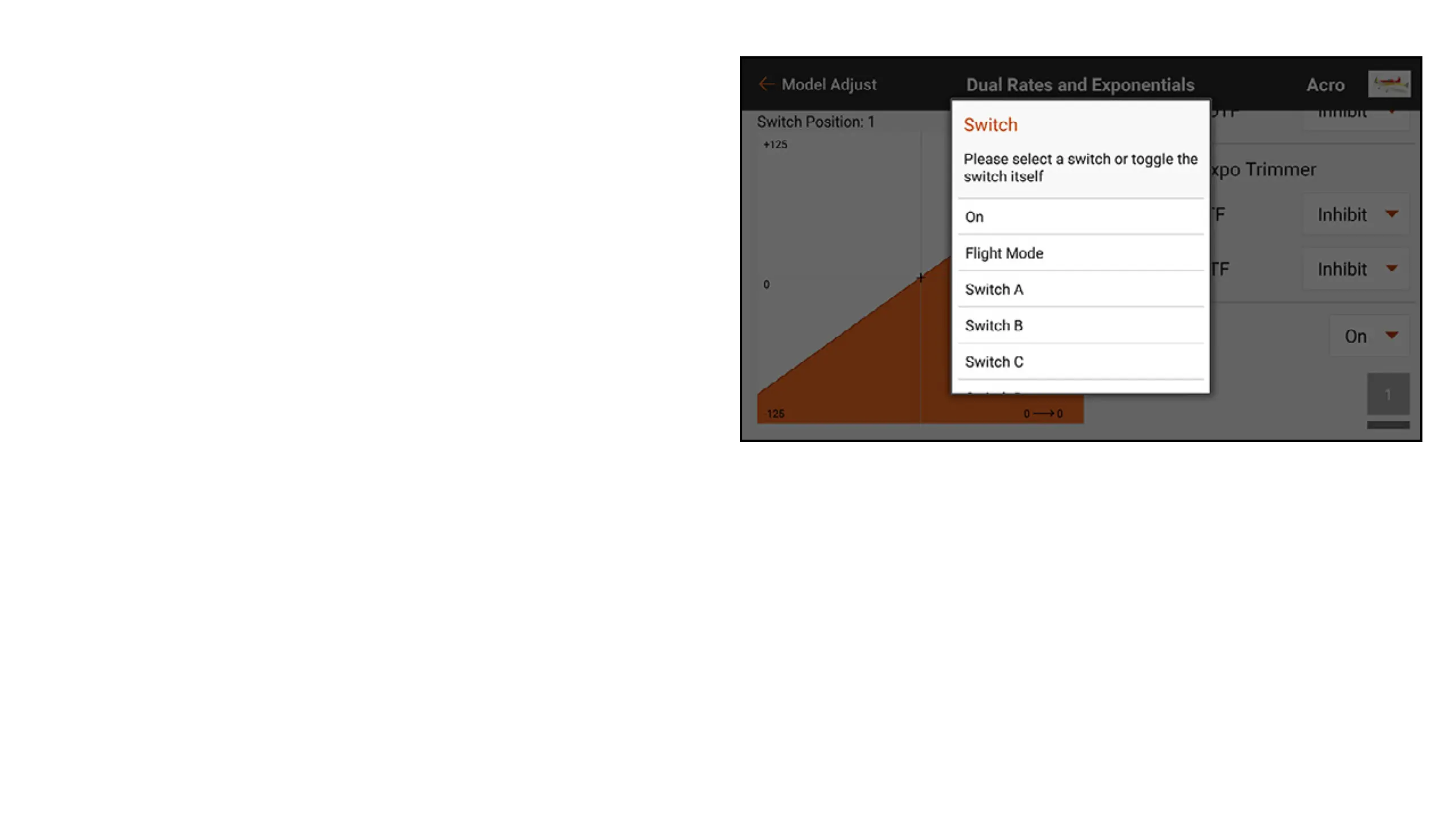
To program dual rates and expo:
1. From the Model Adjust menu, touch Dual
Rates and Expo to open the scrollable menu.
2. Touch the Channel button to select the
desired control to adjust.
3. Scroll to the bottom of the menu and touch
the Switch button to select the desired
switch. Select On for the switch selection to
dene only one rate and expo setting for the
control selected.



 To Next Page