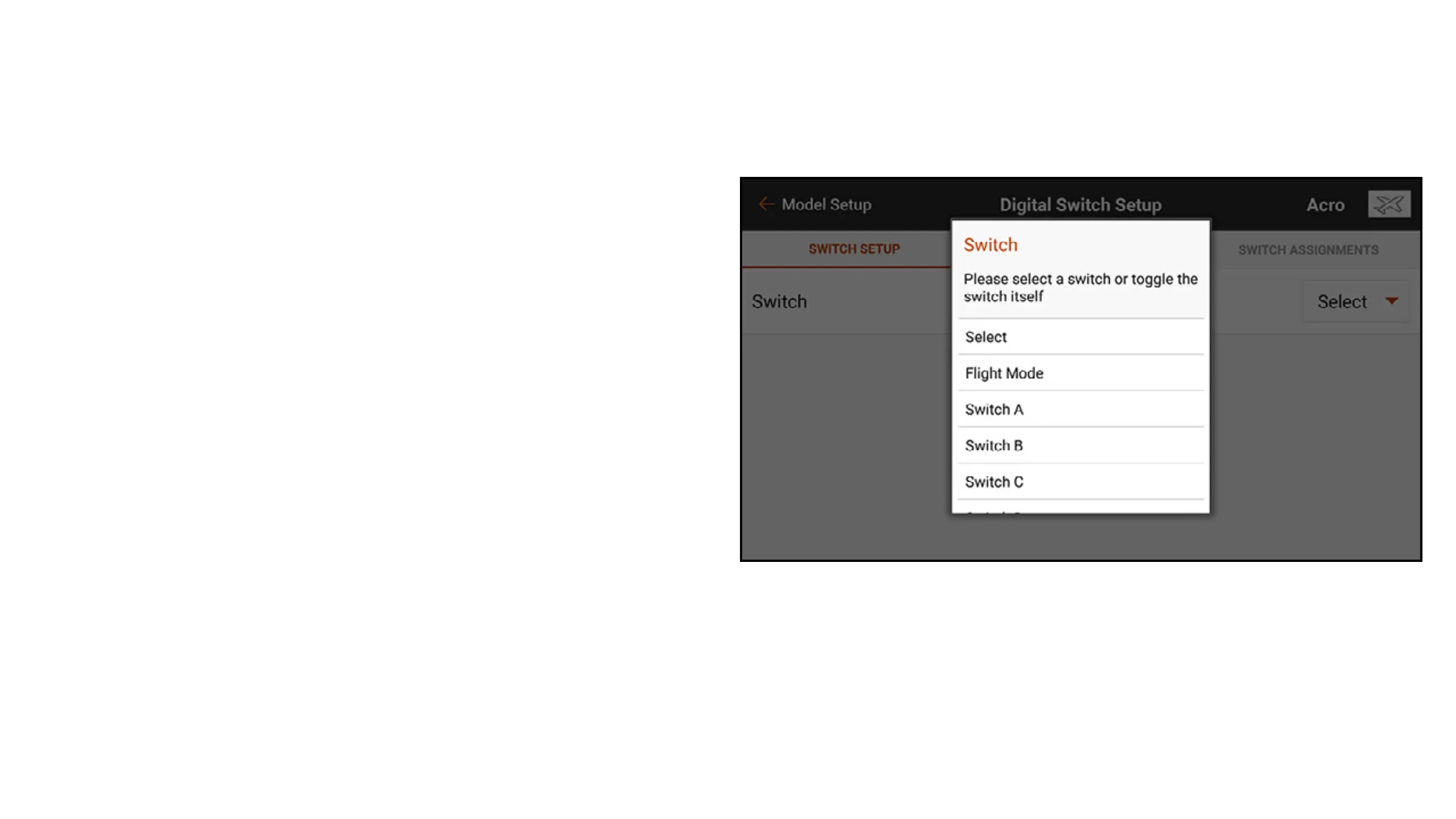
To program a Digital Switch Setup:
1. Channel assignments cannot be made from the Digital Switch Setup menu. Assign the switch
or ight mode to the desired output channel in the Channel Assign menu.
2. In the Digital Switch Setup menu, touch the
Select button to view the Switch menu.
3. Select the switch (or ight mode) from the
list or ip the desired switch.
The channel assignment is shown below
the switch. If no channel is assigned to the
switch the channel assignment is blank.
4. Adjust the values on the switch positions to
dene the output positions.



 To Next Page