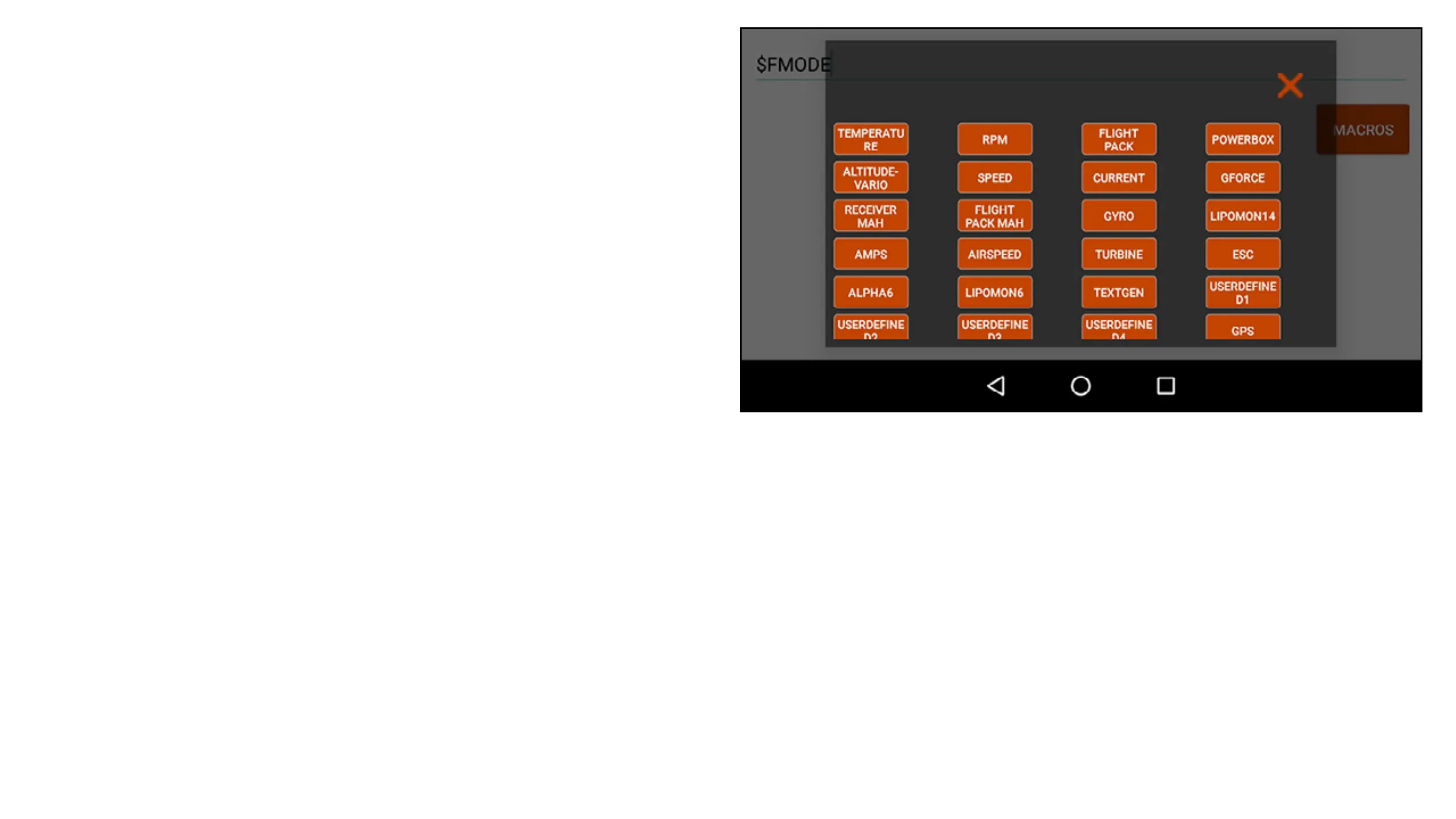
• MACROS: Touch the MACROS button to see
a list of additional spoken-text macros. Select
an option in this menu to insert a text string
that vocalizes the selected data. The macros
include a dollar sign ($) and description with
no spaces. The macros should be set with
a space on either side to function properly.
Multiple macros can be used in a single line,
as long as they are separated by a space.
Additional spoken words can be added in
front of or behind the macro, with space in
between, for the desired effect.



 To Next Page