To change the Trim Reports:
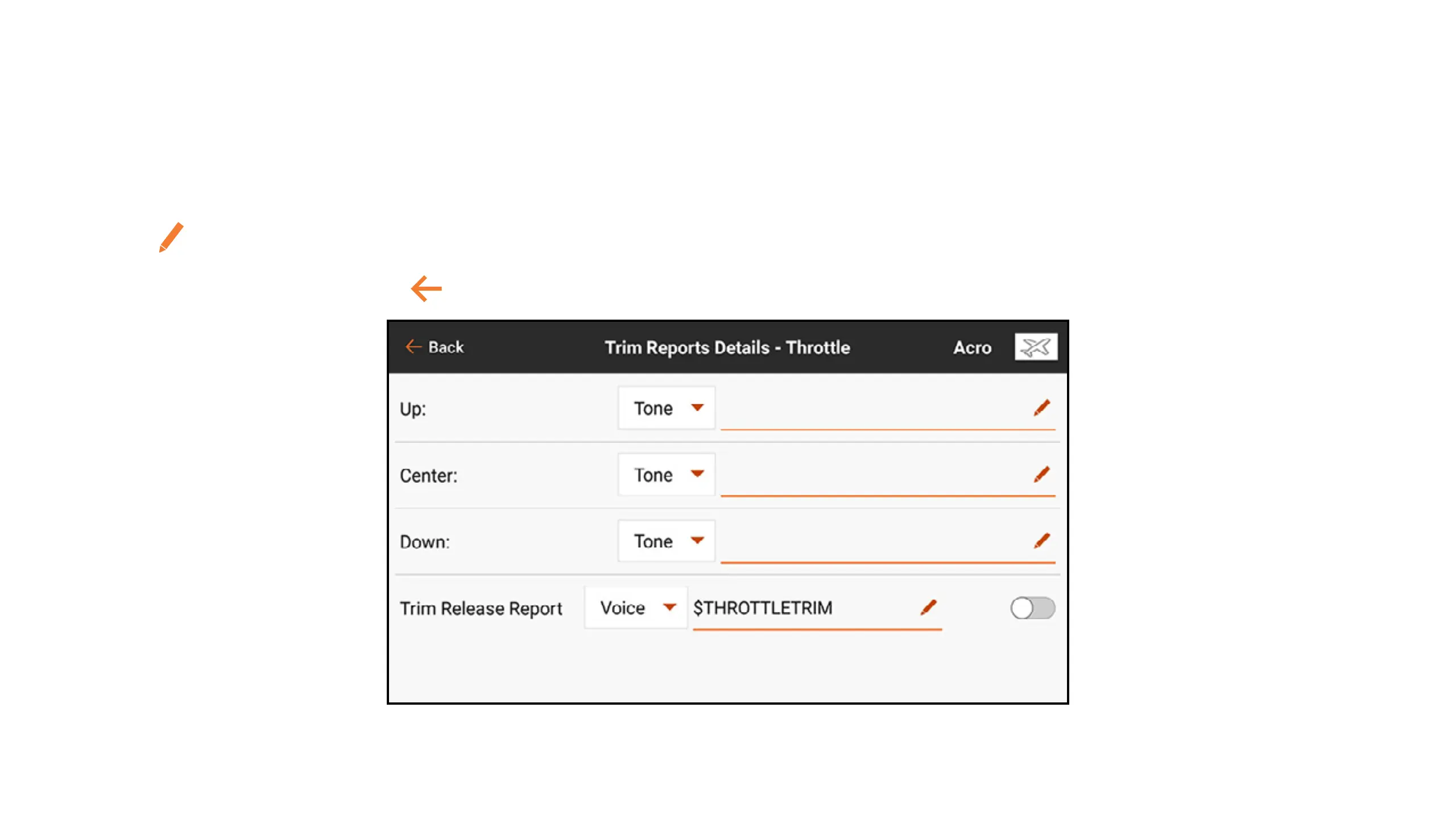
1. Select a channel from the Trim Reports menu.
2. Touch the drop down menu button to select the report type: Tone, Vibe, Tone/Vibe, or None.
3. If either of the Tone report types are chosen, the default tone will be used, or touch the pen
icon (
) to select a third party audio le.
4. Touch the back arrow (
) to return to the Trim Reports menu.



 To Next Page