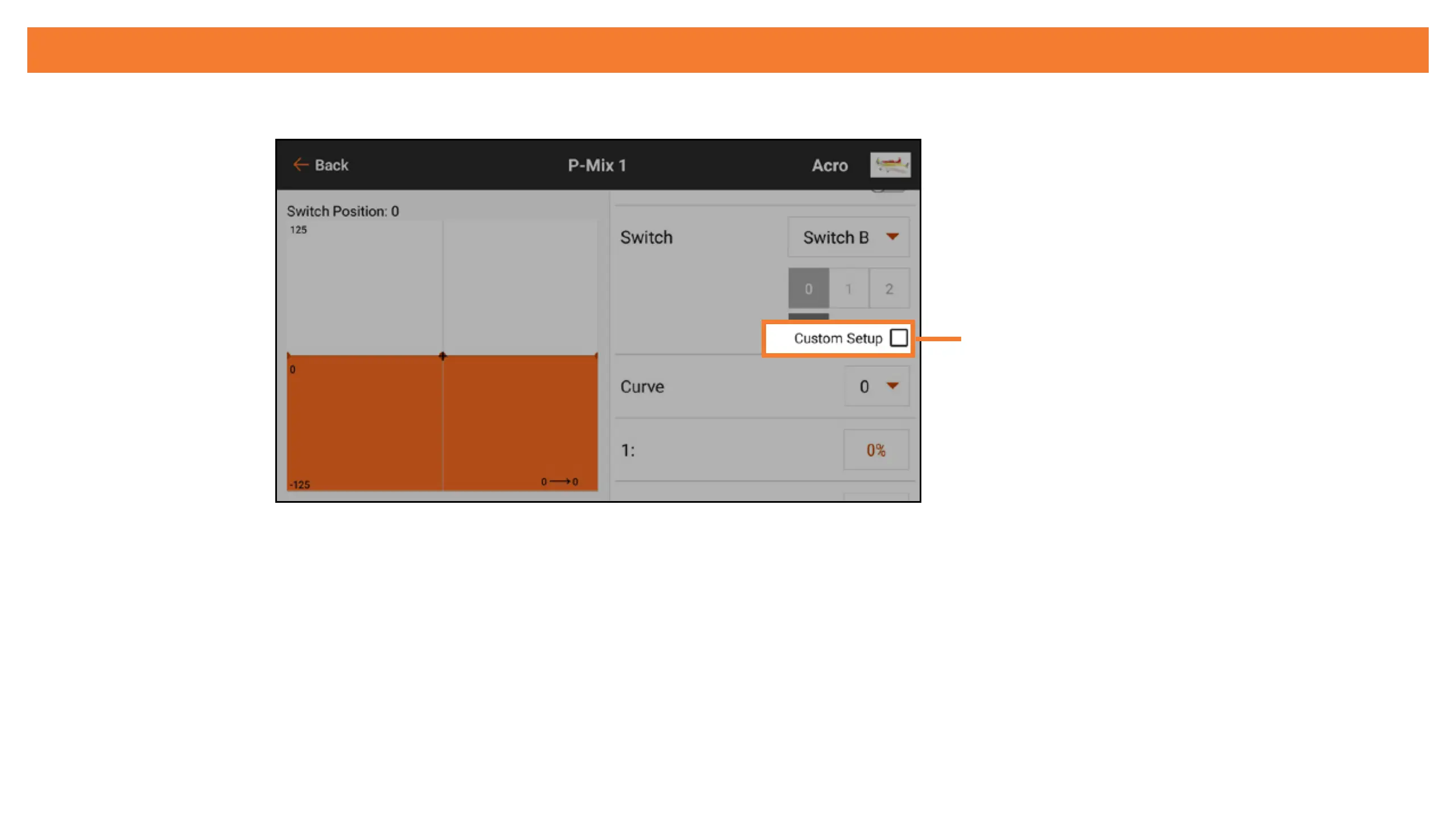
ACTIVE BOX CUSTOM SETUP
Select Custom Setup to customize the switch position to active curve setup.
Custom Setup
With Custom Setup selected, the active box for each curve is shown in orange. Custom Setup
allows you to select which switch position to use for each curve/condition. Select the curve then
touch the desired active button(s) to assign the switch positions to be used for the selected
curve. Any of the curves can be assigned to all or none of the switch positions, but only one
curve can be assigned to each switch position.



 To Next Page