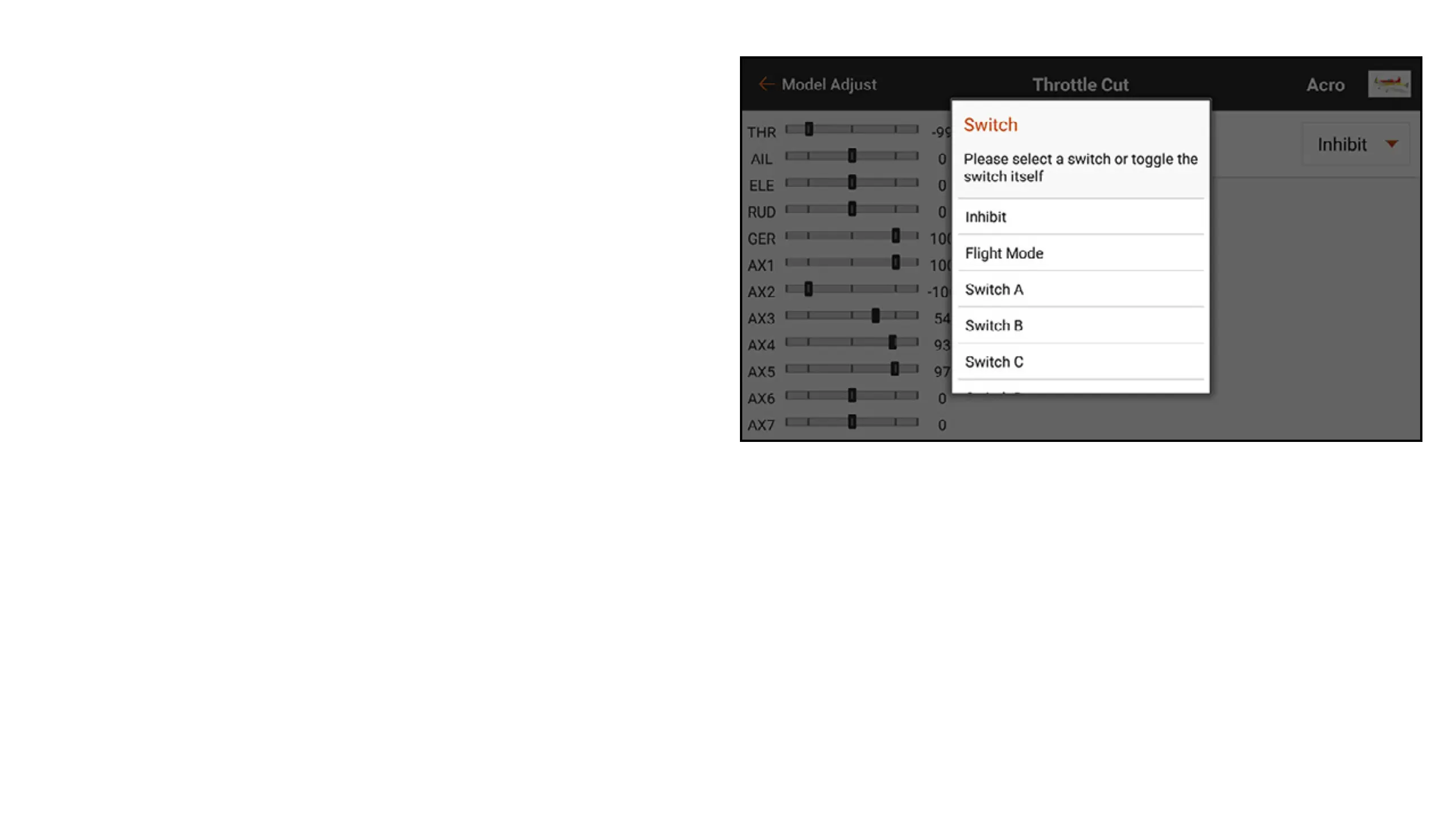
To program Throttle Cut:
1. From the Model Adjust menu, touch
Throttle Cut.
2. Assign a switch to throttle cut either by
choosing the switch from the popup menu
or by using auto switch selection. The
numbered boxes give a visual representation
of which switch position throttle cut will
activate. The shaded box indicates throttle
cut is active. These boxes can be changed
to on or off by touching them once. The gray
bar under the boxes indicates the current
position of the active switch.
IMPORTANT: Always have at least one switch
position “on” and at least one “off” for the
throttle cut to function as intended.



 To Next Page