AUTO SWITCH SELECT
Switches, sliders, trims and the rotary knob on the iX20 are all assignable.
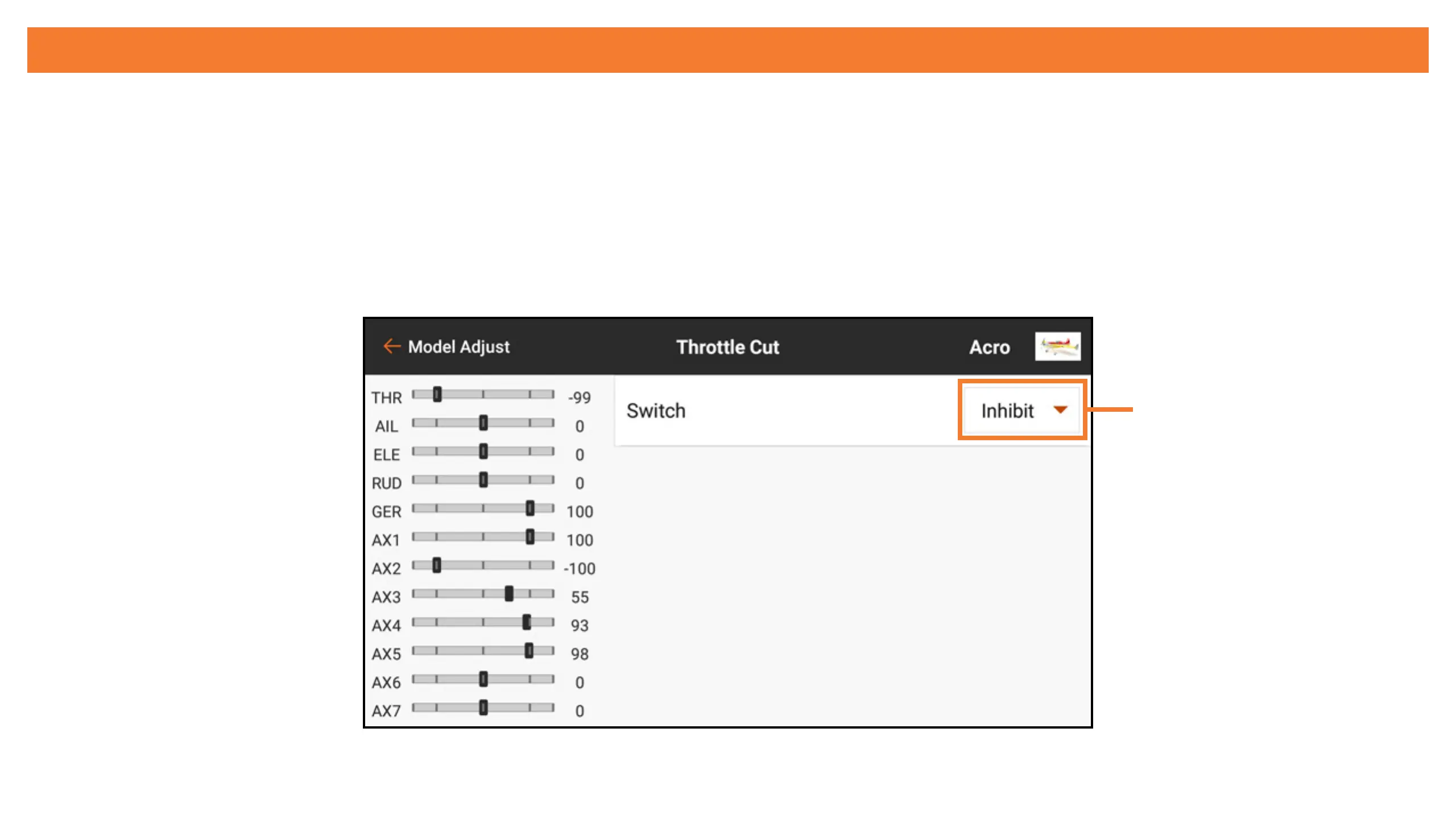
Switches may be assigned for various functions, for example, assigning a dual rate switch or
activating throttle cut (shown below).
To assign a switch to a function:
1. Touch the “Switch” selection box.
Switch selection



 To Next Page