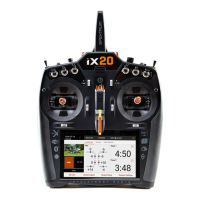
IMPORTANT: The rst time a double tap is used to bring up the SLEEP MODE screen, the
iX20 may ask the operator for administrator privileges. Press accept to give the Spektrum
AirWare app permission to put the screen to sleep.
WARNING: Turning off the RF causes the iX20 to stop sending control signals. Do not
turn off the RF when a model is powered on and connected to the transmitter.
• Screen Sleep Mode: Tap the Power button once to put the screen to sleep. The radio will
continue to transmit RC control signals.
• The transmitter has enough battery power for approximately 6 hours of use. Fully charging the
battery requires approximately 6 hours.
• Any time the iX20 needs to turn off the RF transmission, it will display a warning. Press and
hold PROCEED to power off the RF transmission and continue programming.


 To Next Page