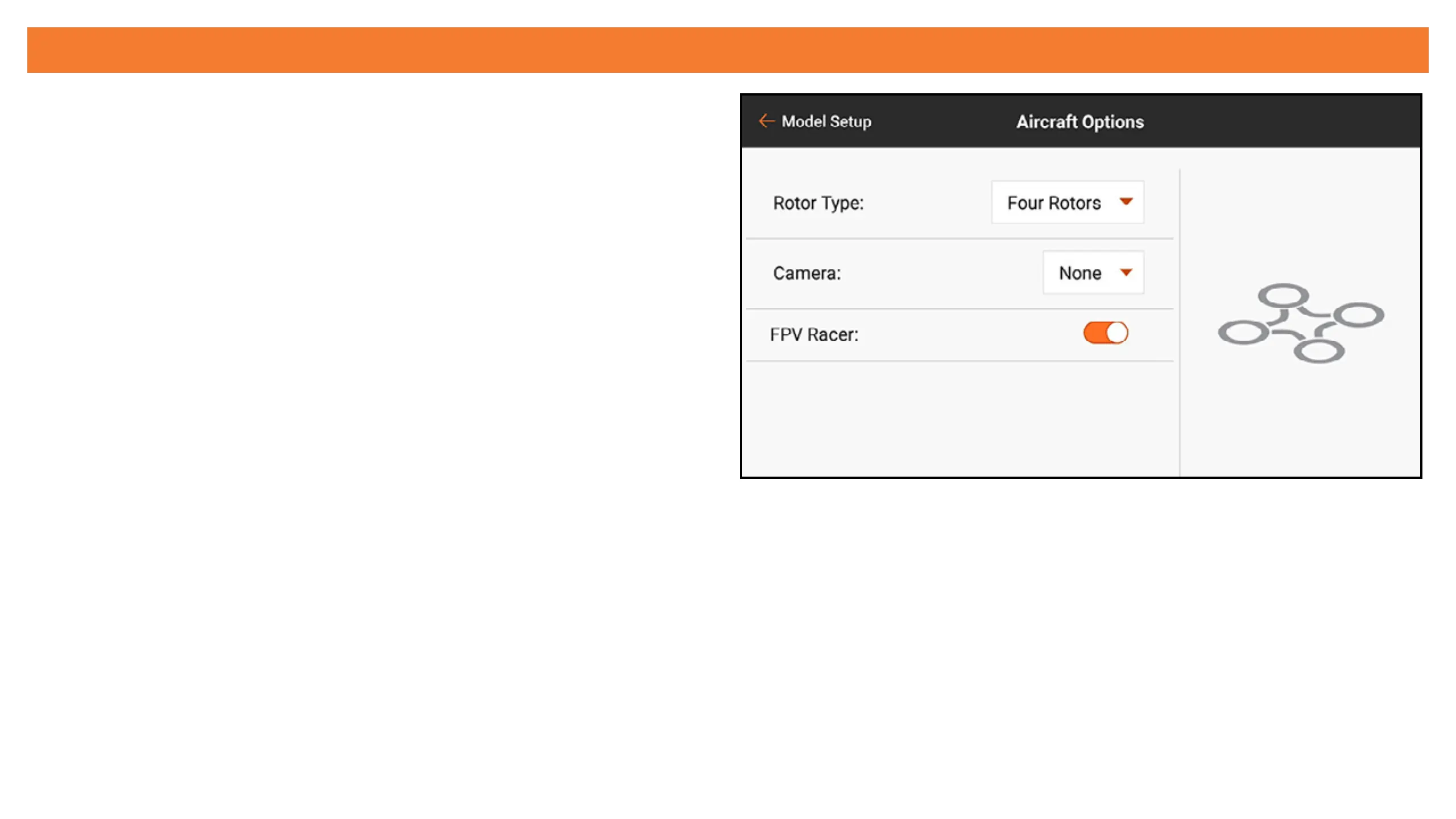
AIRCRAFT TYPE (MULTIROTOR)
Selecting Multirotor for the model type during
a new model setup will enable the multirotor
Aircraft Type menu. This menu denes the number
of rotors and camera mount axes and can be
optimized for racing drones or aerial photography.
The AP mode has advanced functions for aerial
photography multirotors to enable pilots to use a
control stick on the iX20 to y the multirotor in one
ight mode and control the camera from another.
Rotor type: Select the number of rotors on the multirotor.
Camera: Select the number of movement axes on the camera gimbal.
FPV Racer: This selection selects FPV Racer mode or AP mode. When FPV Racer mode is not
enabled, multirotor models are in AP mode.
• FPV Racer mode optimizes the throttle channel by changing it to 11ms operation and keeps
ight mode functions simple.



 To Next Page