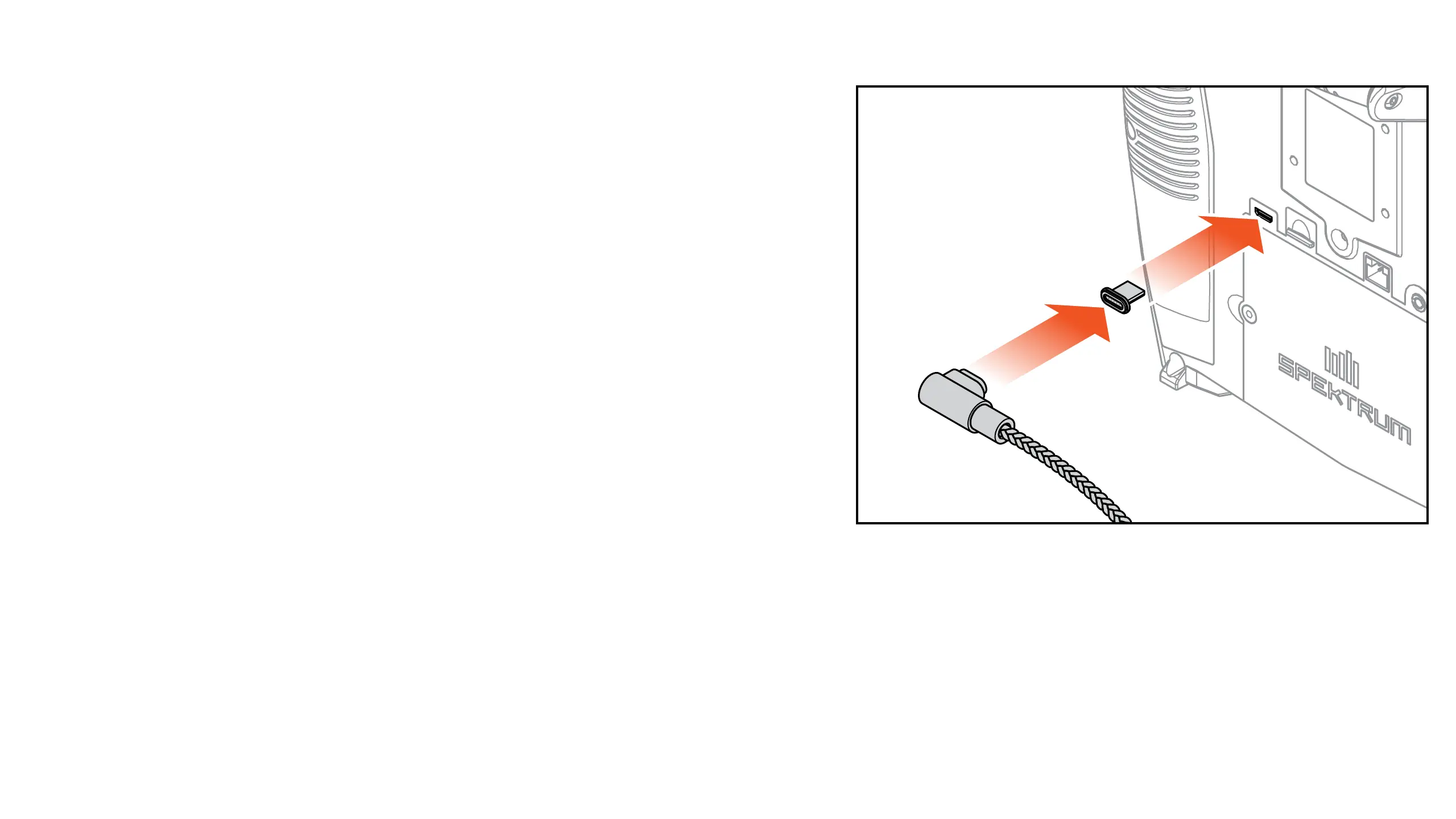
1. Connect a 2-3A USB power supply (not included) to an AC outlet.
2. Connect the included magnetic USB charging cable
to the power supply.
3. Insert the included magnetic micro USB adapter in
the USB port on the back of the transmitter.
4. Connect the USB charging cable to the magnetic adapter.
5. The LED will ash blue while charging. A fast press
of the power switch will bring the Charge Battery
icon to the color touch screen display.
6. Charging is complete when the button is pressed and
the battery capacity icon on the screen shows full.
Disconnect the USB cable once charging is complete.
Disconnect the power supply from the power outlet.
The magnetic micro USB adapter can be left in the transmitter USB port for future use.



 To Next Page