Chapter 1: About SmartBits Chassis
SmartBits 6000B Chassis
SmartBits 600x/6000x Installation Guide | 13
SmartBits 6000B Chassis
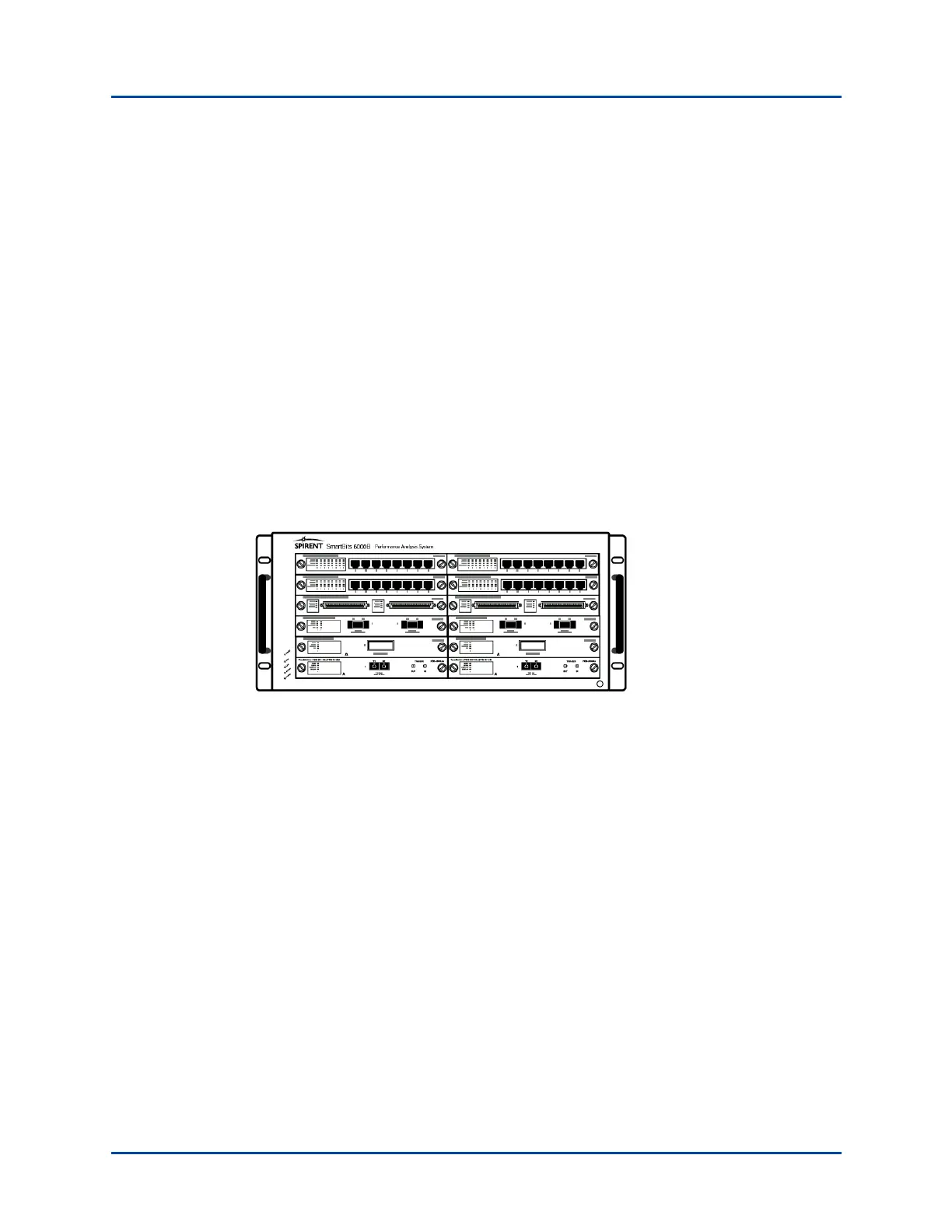
Designed to meet ever-increasing port density, the SmartBits 6000B chassis (Figure 1-4)
delivers high port density and functionality at the lowest cost per port. A single SmartBits
6000B chassis holds up to 12 modules that can support up to 96 10/100 Ethernet ports, 24
Gigabit Ethernet ports, 6 10 Gbps Ethernet ports, 24 POS ports, 12 Fibre Channel ports, or
a combination of these port types. SmartBits 6000B chassis can be daisy-chained in an
expansion connection to achieve higher port density.
Figure 1-4. SmartBits 6000B Chassis
Table 1-2 on page 14 describes the maximum number of ports and modules that can be
used per chassis.
1 You must leave an empty slot above any 4-port SmartMetrics/TeraMetrics XD module. Cover the empty
slot with a blank panel. When using a 4-port XD module, a second module is not allowed.
2 Supports any combination of SmartMetrics/TeraMetrics XD modules or other SmartBits compatible
modules.
3 When installing a LAN-3321A with an XD Security Module in a SmartBits chassis, you must leave an
empty slot above each module.
4 The SmartBits 600 chassis supports only one LAN-3327A with an XD Security Module. The other mod-
ule slot can contain either a LAN-3321A or a LAN-3327A without an XD Security Module.
Artisan Technology Group - Quality Instrumentation ... Guaranteed | (888) 88-SOURCE | www.artisantg.com



 To Next Page