Chapter 2: Installation and Setup
Procedure 7: Start SmartWindow
SmartBits 600x/6000x Installation Guide | 39
SmartWindow Launcher
When SmartWindow opens, it displays the SmartWindow Launcher. Use the Launcher to
select the target SmartBits chassis.
Note: Use a single mouse-click to select any icon from the Launcher.
Shortcuts Tab
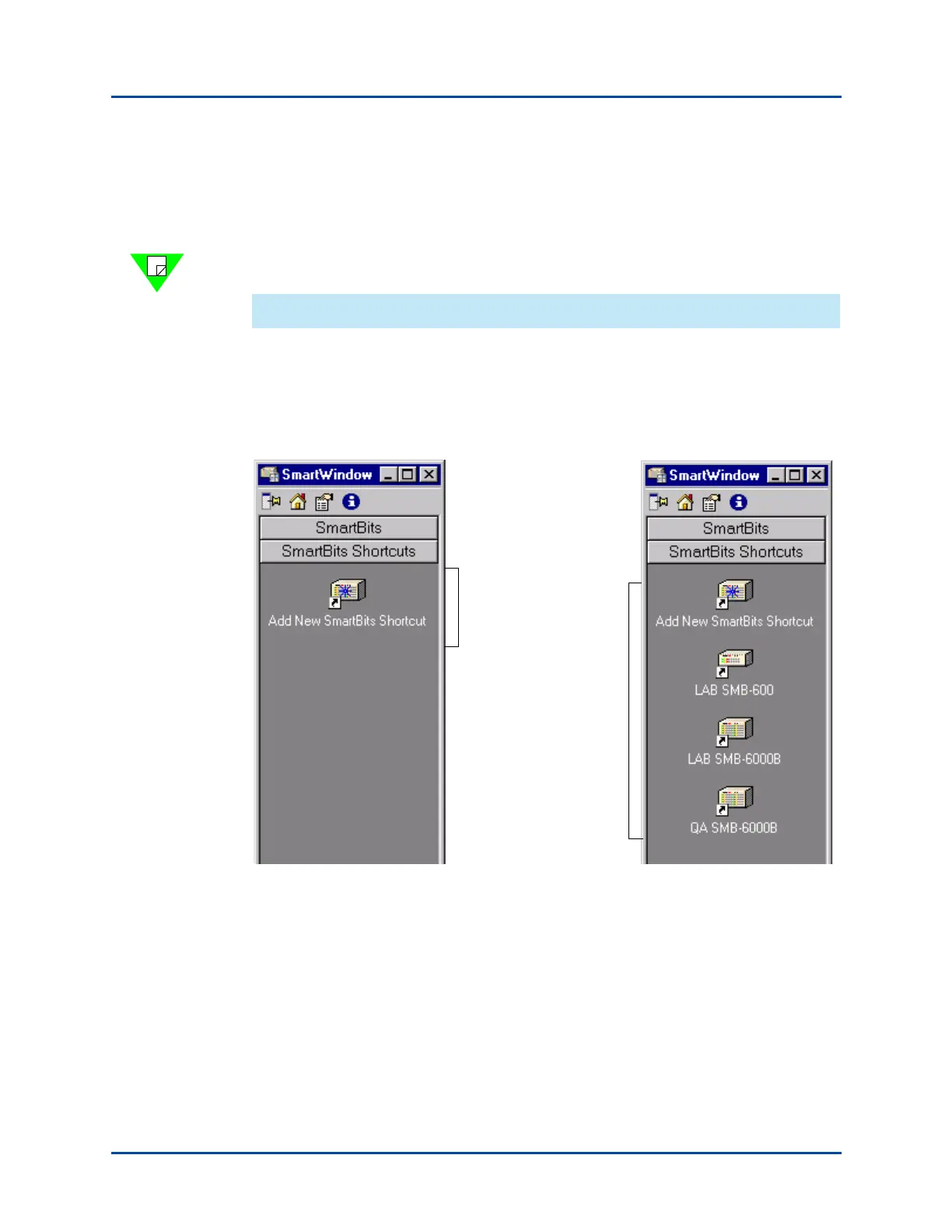
The Launcher opens with the SmartBits Shortcuts tab displayed. Use this to organize
access to the SmartBits that you use frequently. Select Add New SmartBits Shortcut to
set up access to a chassis (Figure 2-4, left).
If you have already added shortcuts, they appear on the tab (Figure 2-4, right). When you
select one of these, SmartWindow opens your saved configuration file.
Figure 2-4. SmartBits Tab (SmartWindow Launcher)
No shortcuts defined
Shortcuts for SmartBits
chassis that are
frequently used.
SmartWindow loads the
saved configuration file
for the chassis.
Artisan Technology Group - Quality Instrumentation ... Guaranteed | (888) 88-SOURCE | www.artisantg.com



 To Next Page