Chapter 2: Installation and Setup
Procedure 7: Start SmartWindow
40 | SmartBits 600x/6000x Installation Guide
SmartBits Tab
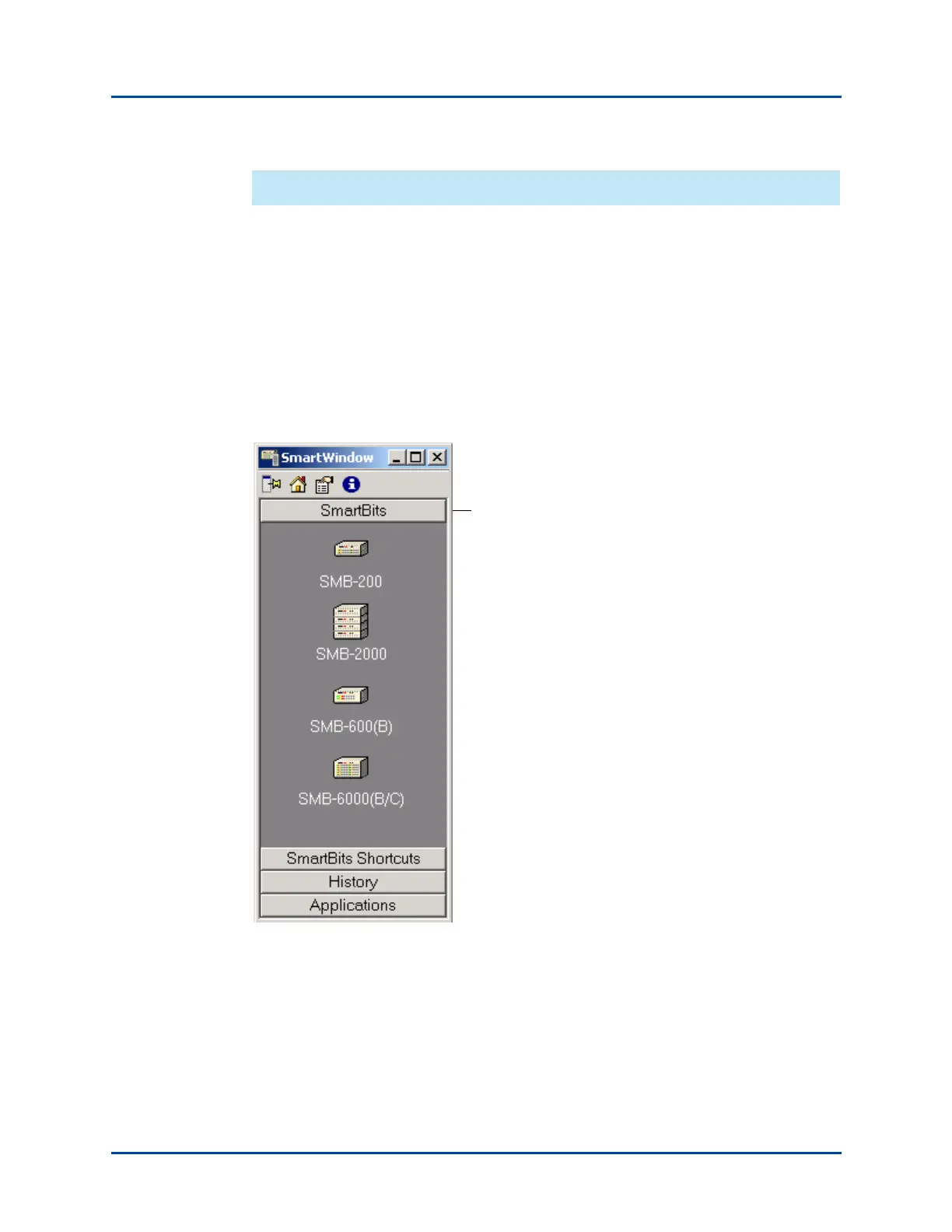
The SmartBits tab displays icons for each type of SmartBits chassis:
• SMB-200 – SmartBits 200
• SMB-2000 – SmartBits 2000
• SMB-600(B) – SmartBits 600 or SmartBits 600B
• SMB-6000(B/C) – SmartBits 6000B or SmartBits 6000C
When you select one of these, the Launcher displays the GUI for that chassis type
(Figure 2-5). It opens a default configuration file. This tab can be used to set up a test
configuration offline, before connecting to the SmartBits chassis to run a test.
Figure 2-5. SmartBits Tab (SmartWindow Launcher)
SmartBits tab shows chassis types
for connection or configuration.
Artisan Technology Group - Quality Instrumentation ... Guaranteed | (888) 88-SOURCE | www.artisantg.com



 To Next Page