Chapter 3: LED Indicators
SmartBits 600x/6000x Chassis Back Panel LEDs
SmartBits 600x/6000x Installation Guide | 73
SmartBits 600x/6000x Chassis Back Panel LEDs
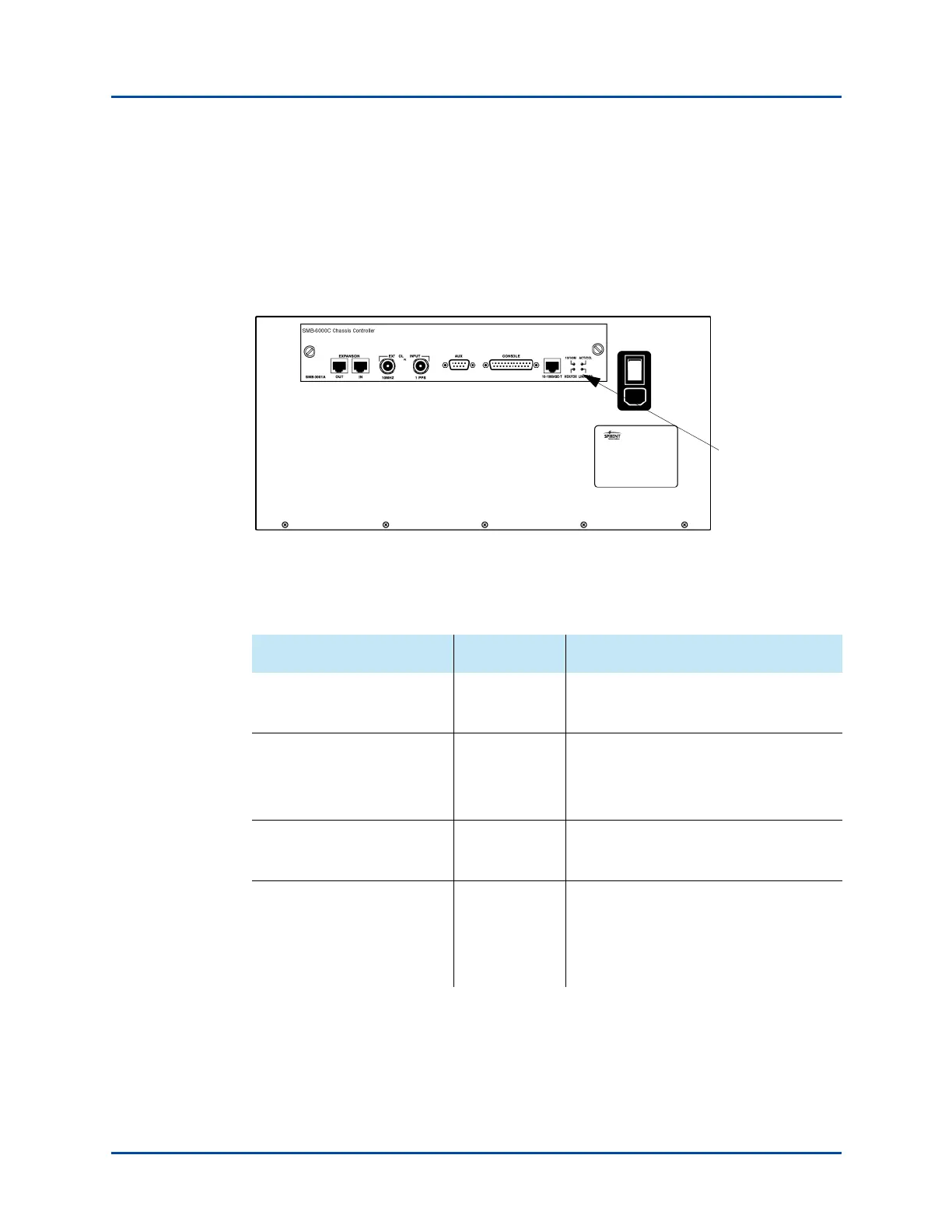
Every SmartBits 600x/6000x chassis has four LEDs located on the back panel of the
chassis (see Figure 3-2). These LEDs indicate the status of the Ethernet control port to the
chassis controller. The LED functions and descriptions for the chassis are the same and are
described in Table 3-2. Figure 3-2 shows the back panel on a SmartBits 6000C chassis.
Figure 3-2. SmartBits 6000C LED Locations (Back Panel)
Table 3-2. SmartBits 600x/6000x Back Panel LEDs
LED Color/Status Description
10/100M
(Transfer Rate)
Green
Yellow
100 Mbps Ethernet rate.
10 Mbps Ethernet rate.
ACT/COL
(Activity/Collision Status)
Green
Yellow
Off
Traffic is being sent or received.
Collisions have occurred.
No traffic activity is occurring.
HDX/FDX
(Communications Protocol)
Green
Yellow
Full duplex.
Half duplex.
LINK/ERR
(Link/Error Status)
Green
Red
Off
Physically connected to the network;
confirmed with an Ethernet link pulse.
Errors have occurred on the link.
Not connected to the network.
LEDs
Artisan Technology Group - Quality Instrumentation ... Guaranteed | (888) 88-SOURCE | www.artisantg.com



 To Next Page