Chapter 3: LED Indicators
Packet Over SONET (POS) Module LEDs
78 | SmartBits 600x/6000x Installation Guide
Packet Over SONET (POS) Module LEDs
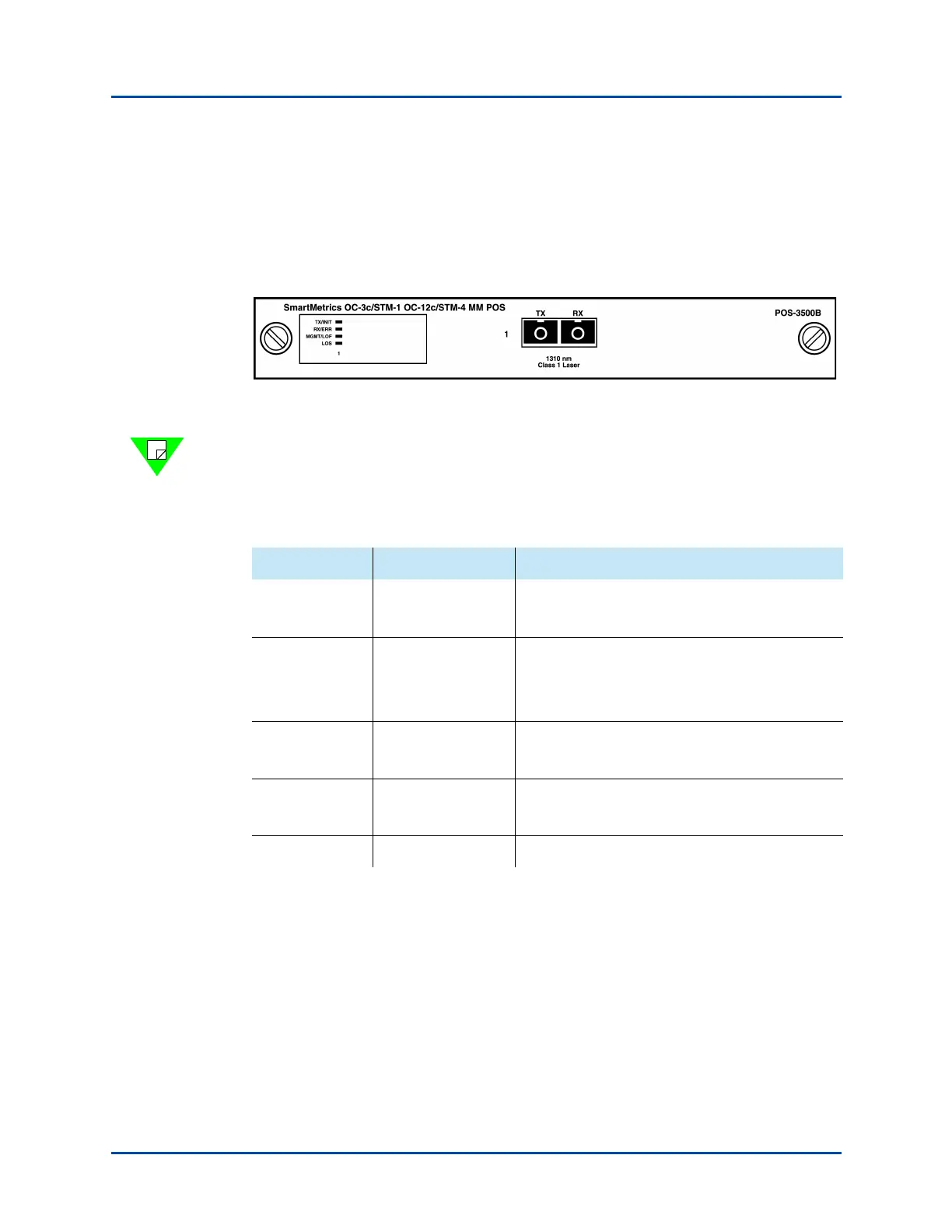
Every SmartBits POS module has its own LEDs, which are located on the left side of each
module’s front panel (Figure 3-6). Although the LEDs are similar for all modules, some
vary according to the features of each module. POS module LEDs are described in
Table 3-6.
Figure 3-6. Example of LED Locations on a POS Module
Note: POS modules are listed in Table 1-3 on page 18. For complete descriptions of the
POS modules, refer to the SmartBits System Reference manual.
Table 3-6. POS Module LEDs
LED Color/Status Description
TX/INIT Red
Flashing Green
Link is not ready.
Frame is transmitting.
RX/ERR Flashing Red
Flashing Green
Off
Rx frame is received with a CRC error.
Rx frame is received.
Not receiving.
MGMT/LOF Yellow
Flashing Green
Loss of Frame condition exists.
“Management” frame is received.
TRIG/LOS Green
Yell ow
Triggered frame is received.
Loss of Signal (optical signal) condition exists.
LOS Yellow Loss of Signal (optical signal) condition exists.
Artisan Technology Group - Quality Instrumentation ... Guaranteed | (888) 88-SOURCE | www.artisantg.com



 To Next Page