Chapter 1: About SmartBits Chassis
SmartBits 6000C Chassis
SmartBits 600x/6000x Installation Guide | 15
10 Gigabit Ethernet
LAN-3710AL/AE 166166
XLW-3720A/XLW-3721A166166
XFP-3730A/XFP-3731A
Not Supported
11212
Fibre Channel
1 and 2 Gigabit Fibre
Channel (FBC-3601A/
FBC-3602A)
2122421224
POS Modules
OC-3c/OC-12c POS 2122421224
OC-48c POS 1121211212
OC-192c POS 166166
1 You must leave an empty slot above any 4-port SmartMetrics/TeraMetrics XD module. Cover the empty
slot with a blank panel. Other available chassis slots can be filled with any 1- or 2-port SmartMetrics/Ter-
aMetrics XD modules, or any other SmartBits 600x/6000x compatible modules.
2 It is recommended that all SmartBits 6000B chassis received an enclosure upgrade prior to operating
SmartMetrics/TeraMetrics XD modules. Contact your Spirent Communications sales representative.
3 Supports any combination of SmartMetrics/TeraMetrics XD modules or other SmartBits compatible mod-
ules.
4 Due to cooling requirements, you must leave an empty slot above each of these XD modules if used with
this SmartBits chassis. Be sure to cover the empty slots with blank panels.
5 When installing a LAN-3321A with an XD Security Module in a SmartBits 6000B chassis, you must
leave an empty slot above each module.
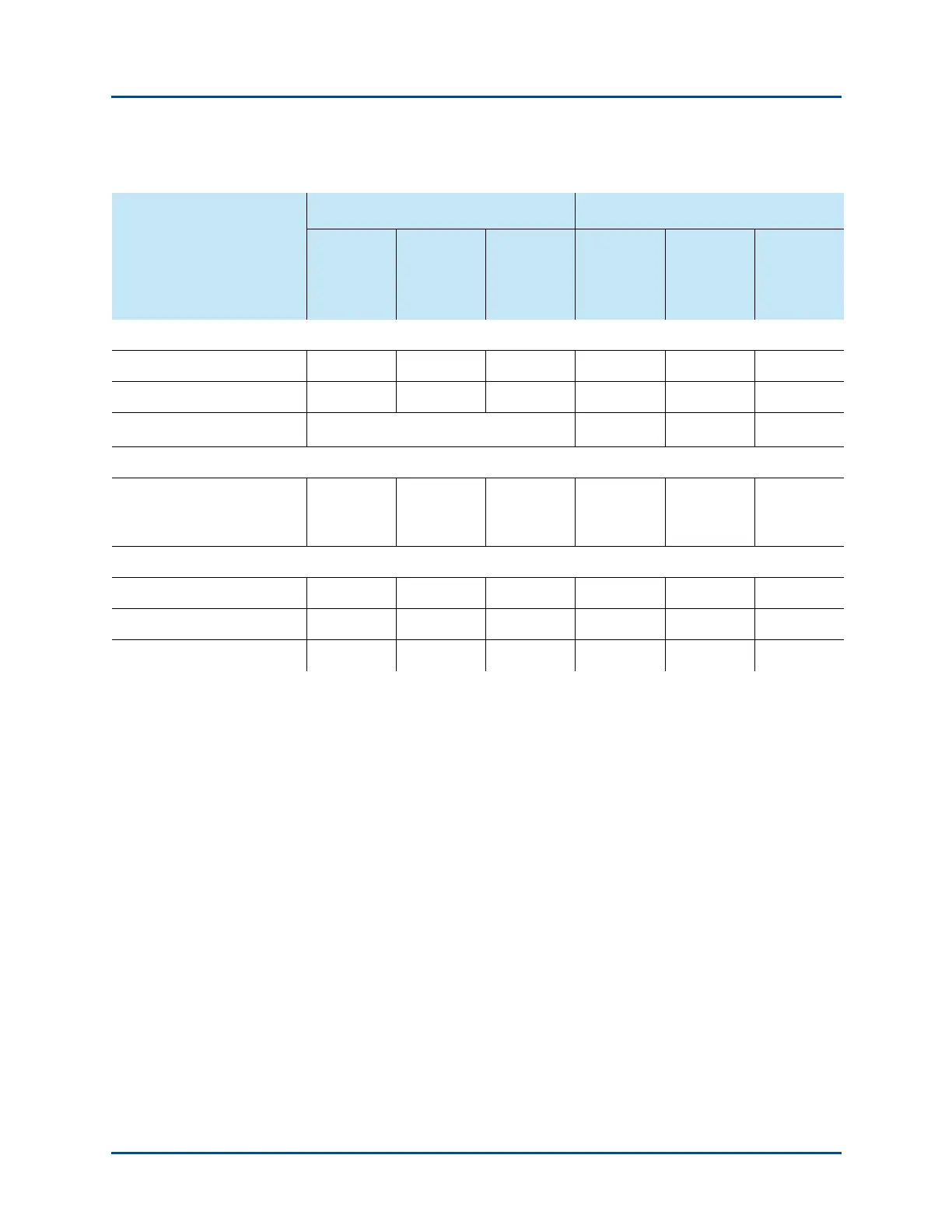
Table 1-2. Maximum Number of Ports and Modules per SmartBits 6000B/6000C Chassis (continued)
SmartBits 6000B
1
,
2
SmartBits 6000C
3
Type of Module
Maximum
Ports per
Module
Maximum
Modules
per
Chassis
Maximum
Total
Ports per
Chassis
Maximum
Ports per
Module
Maximum
Modules
per
Chassis
Maximum
Total
Ports per
Chassis
Artisan Technology Group - Quality Instrumentation ... Guaranteed | (888) 88-SOURCE | www.artisantg.com



 To Next Page