Chapter 2: Installation and Setup
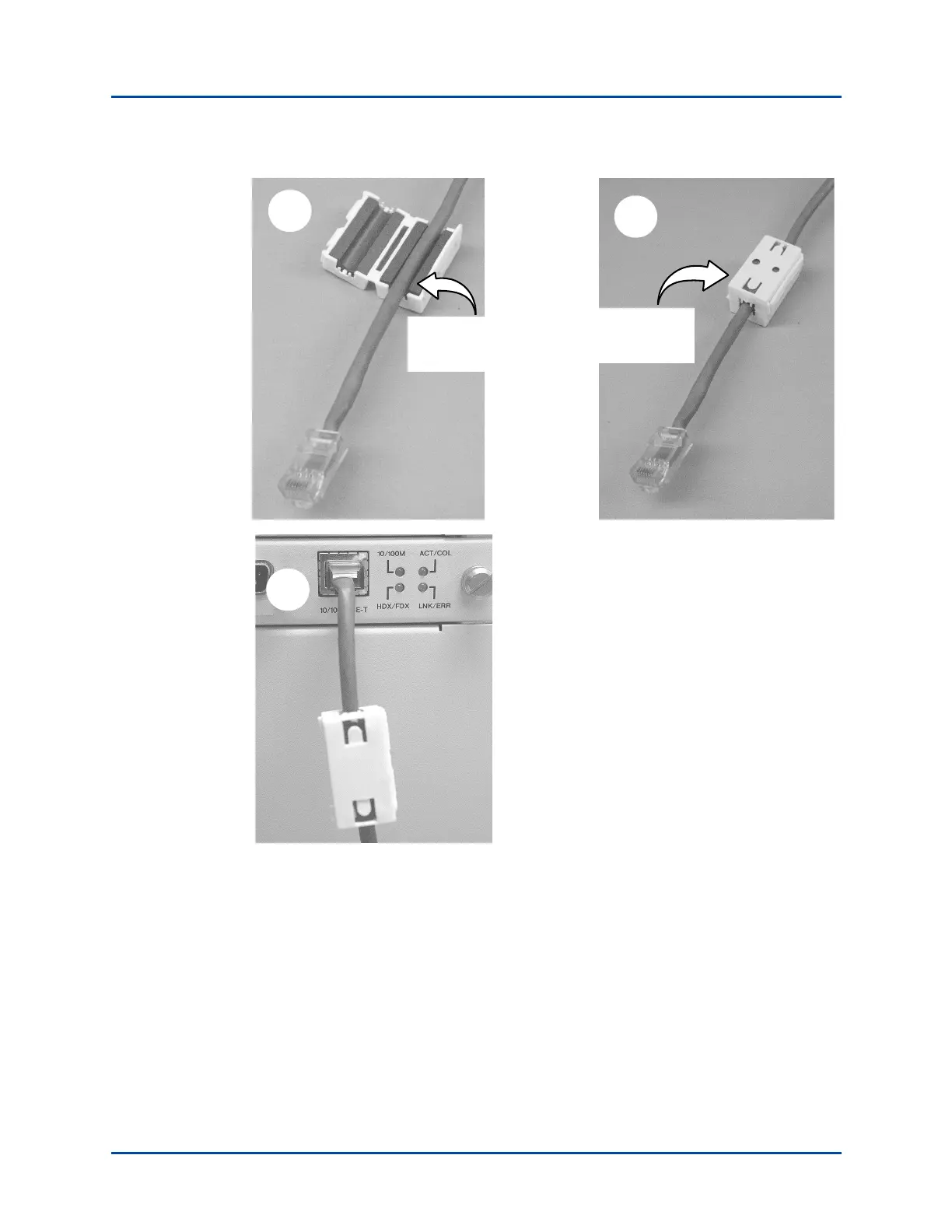
Procedure 5: Install the Ferrite Block
SmartBits 600x/6000x Installation Guide | 37
Figure 2-3. Ferrite Block Installation
2
Clamp the ferrite
block around the
Ethernet cable.
1
Place the Ethernet
cable in the opened
ferrite block.
3
Note:
In this example, the ferrite block is placed near the
end of the Ethernet cable that connects to the
SmartBits chassis.
The ferrite block is designed to slide along the
Ethernet cable to allow you to move it as needed.
Artisan Technology Group - Quality Instrumentation ... Guaranteed | (888) 88-SOURCE | www.artisantg.com



 To Next Page