Chapter 2: Installation and Setup
Procedure 8: Set the IP Address
44 | SmartBits 600x/6000x Installation Guide
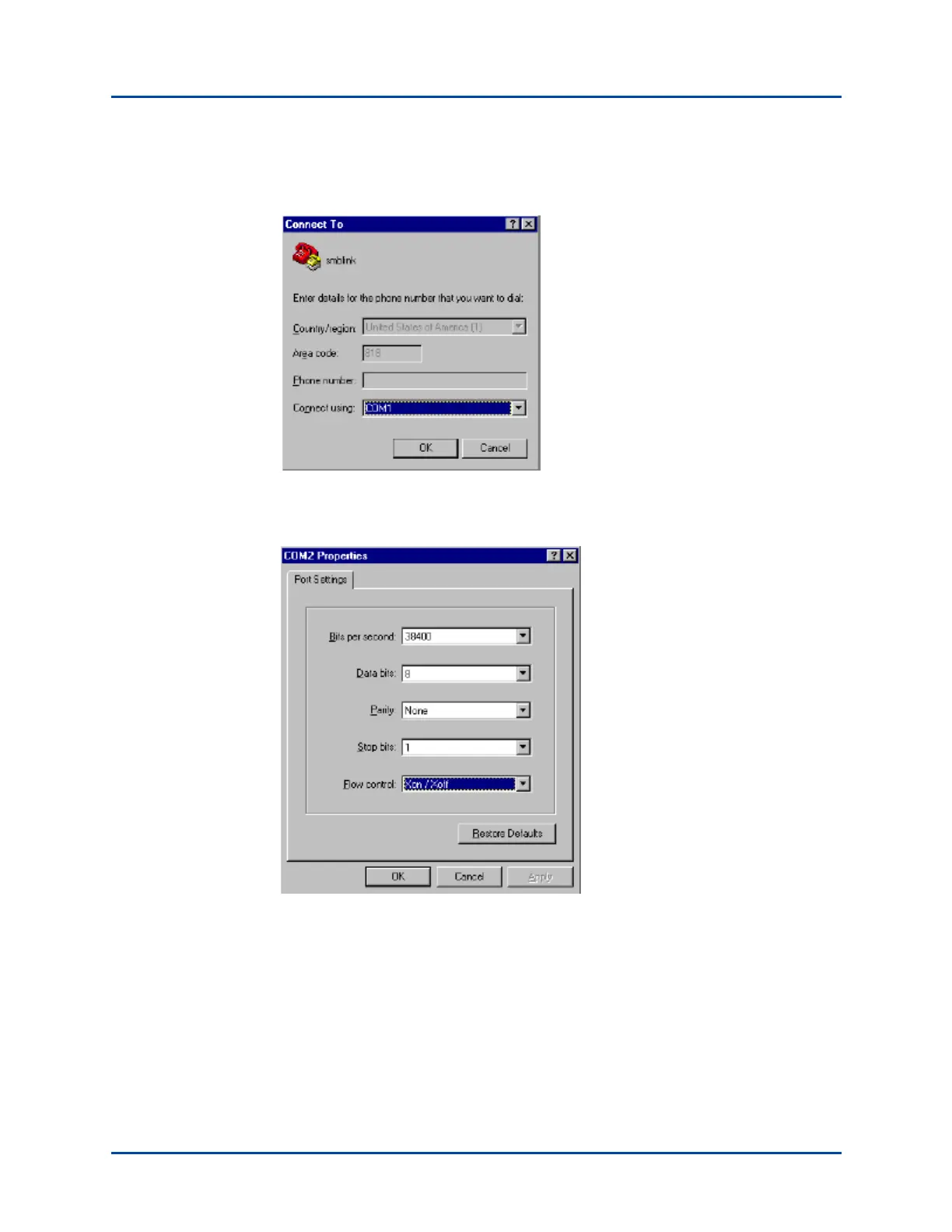
4 In the Connect To window beside the Connect using field, select COM (1, 2, 3, or 4).
Click OK to access the COM Properties window.
5 Set the port settings (38400, 8, None, 1, and Xon/Xoff) as shown in the Properties
window below, and then click OK.
Artisan Technology Group - Quality Instrumentation ... Guaranteed | (888) 88-SOURCE | www.artisantg.com



 To Next Page