Chapter 3: LED Indicators
SmartBits 600x/6000x Chassis Front Panel LEDs
SmartBits 600x/6000x Installation Guide | 71
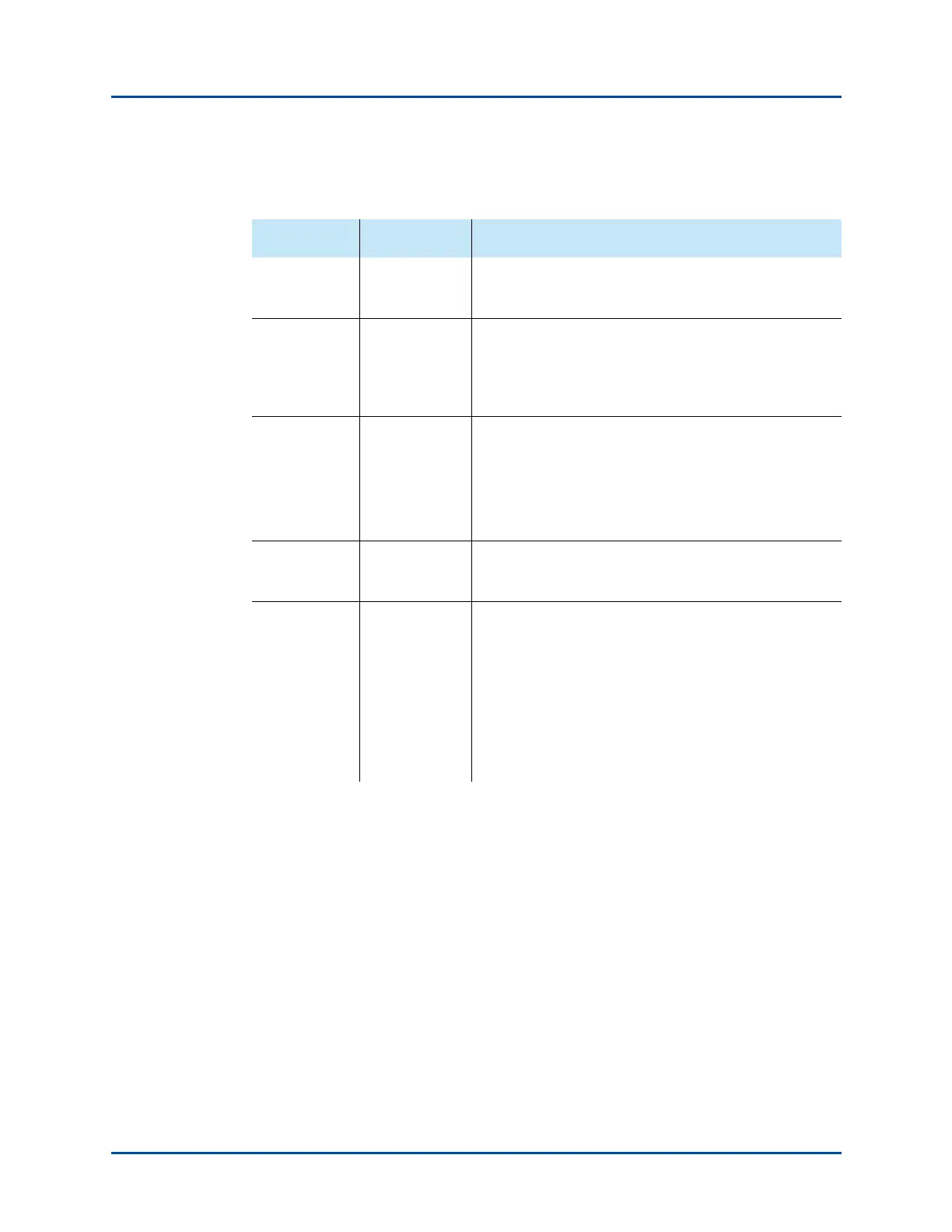
Table 3-1. SmartBits 600x/6000x Chassis Front Panel LEDs
LED Color/Status Description
FAN Green
Red
Internal fans are operating properly.
One or more of the fans are not working properly.
LINK Green
Off
One or more users are connected to the SmartBits
chassis.
No user or application is connected to the SmartBits
chassis.
STATUS
1
1 During bootup, the Status LED starts out red, turns to yellow while initializing,
then turns to green when modules are initialized and Ethernet logins are enabled.
Green
Red
Yellow
Operationally ready to connect.
Not ready to connect.
Blinking – indicates an unrecoverable error. Power cycle
the chassis to recover. If persistent, contact Spirent’s
Customer Support department.
POWER Green
Off
The chassis is on.
The chassis is off.
TEMP
2
2 SmartBits 6000C chassis only. See “Over-temperature Sequence Condition
(SmartBits 6000C)” on page 72
.
Green
Yellow
Red
Ambient temperature inside chassis is nominal (within
upper limits).
Over-temperature condition detected, evasive
procedures in process, temperature is being more closely
monitored.
Temperature is consistently in excess of upper limit.
Numerous chassis functions are disabled to attempt to
reduce thermal load.
Artisan Technology Group - Quality Instrumentation ... Guaranteed | (888) 88-SOURCE | www.artisantg.com



 To Next Page