1
1
8
8
-
-
6
6
2
2
9
9
5
5
1
1
5
5
X
X
1
1
C
C
e
e
n
n
t
t
r
r
e
e
S
S
e
e
c
c
t
t
i
i
o
o
n
n
R
R
e
e
a
a
r
r
R
R
e
e
p
p
l
l
a
a
c
c
e
e
m
m
e
e
n
n
t
t
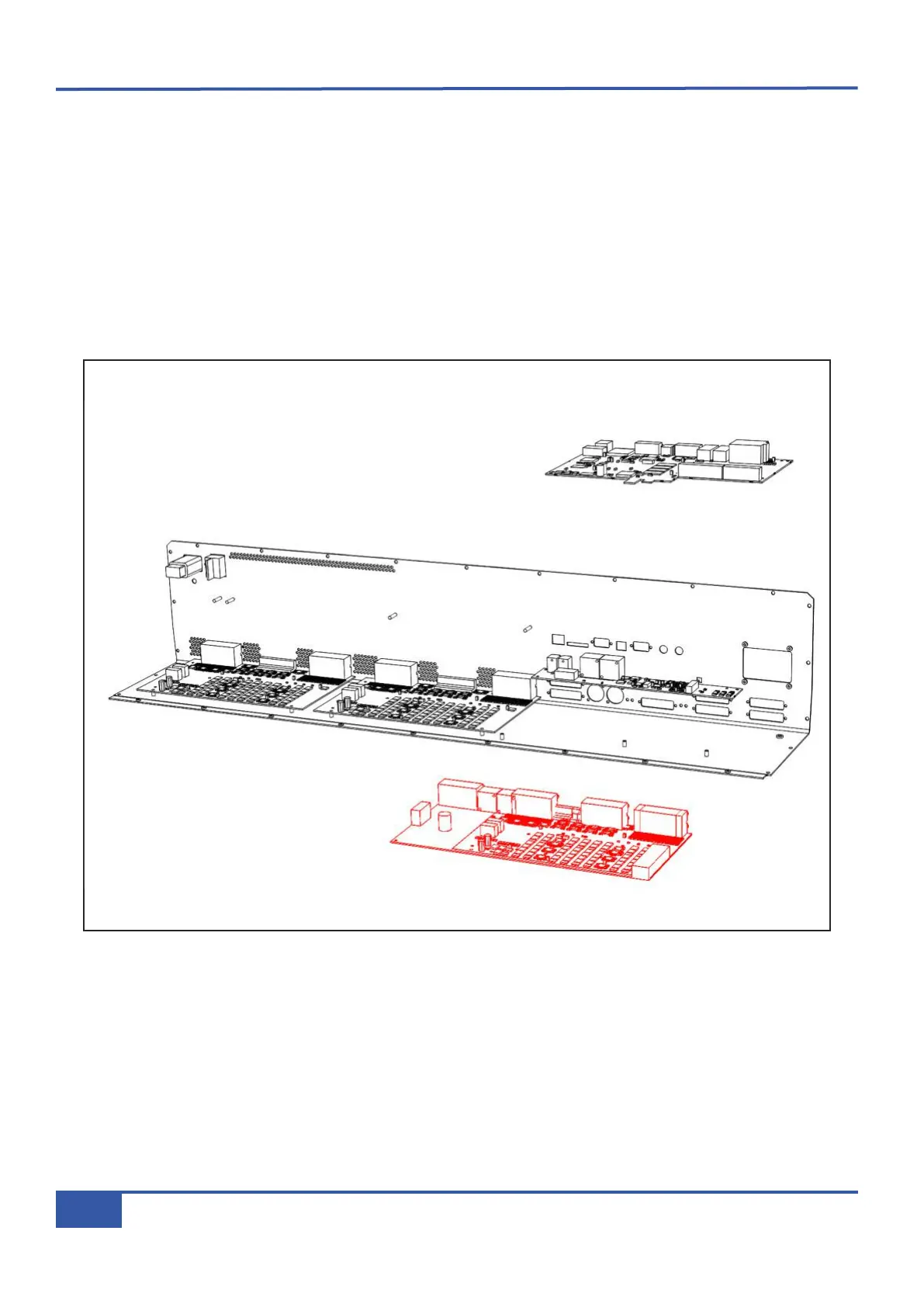
• Follow instruction #2 for removal of the rear connector panel.
• Remove the 9-way D-type retaining nuts from the GPIO and XRACK/DIAG connectors on the rear panel.
• Remove all looms connected to the 629505XA assembly.
• Remove four pan Pozi screws holding the 629505XA assembly in place and remove the assembly from the console.
• Remove the remaining D-Type retaining nuts from rear of console’s centre section.
•
Unplug all looms connecting to the 629515X1 assembly.
• Unscrew the three plastic pillars.
• Replace the 629515X1 assembly and reassemble.
Appendix G - Service
136
Matrix Owner’s Manual



 To Next Page