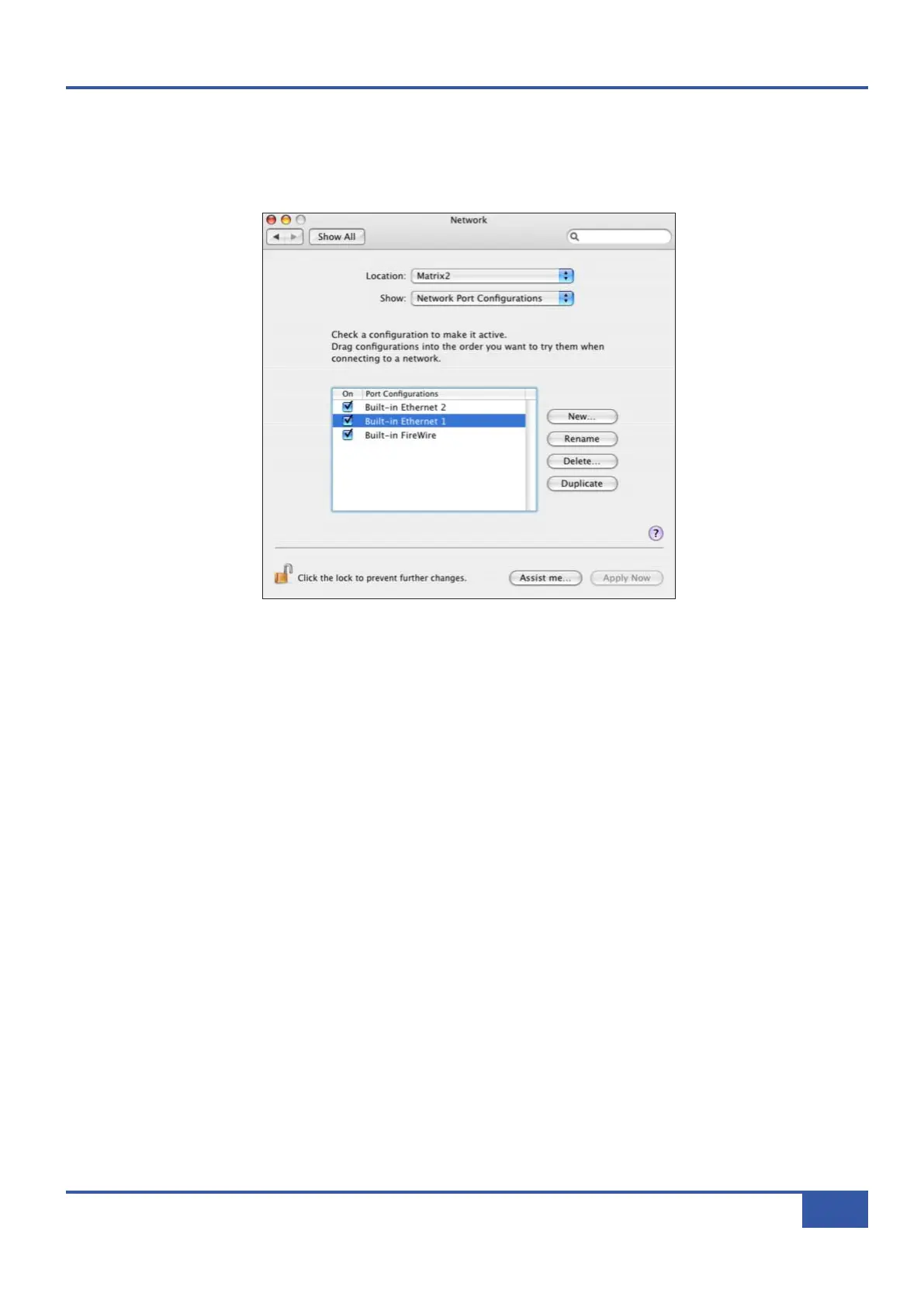
® If you have multiple network adaptors then select the Network Port Configuration pane in the Network control panel
and drag the Ethernet port connected to Matrix to the top of the list. This will ensure that data is transmitted out of the
correct port. Note that currently OS X does not currently allow two ports to be used for IP traffic, so the connection to
your main network will not be available while Matrix is connected.
® Finally, launch the Matrix Remote program and check it connects to your Matrix, as described on the following pages.
Chapter 1 - Setup
7
Matrix Owner’s Manual



 To Next Page