Copying and Swapping Data Between Channels
It is possible to copy the settings of one channel onto another channel, or to swap the settings of two channels with each other.
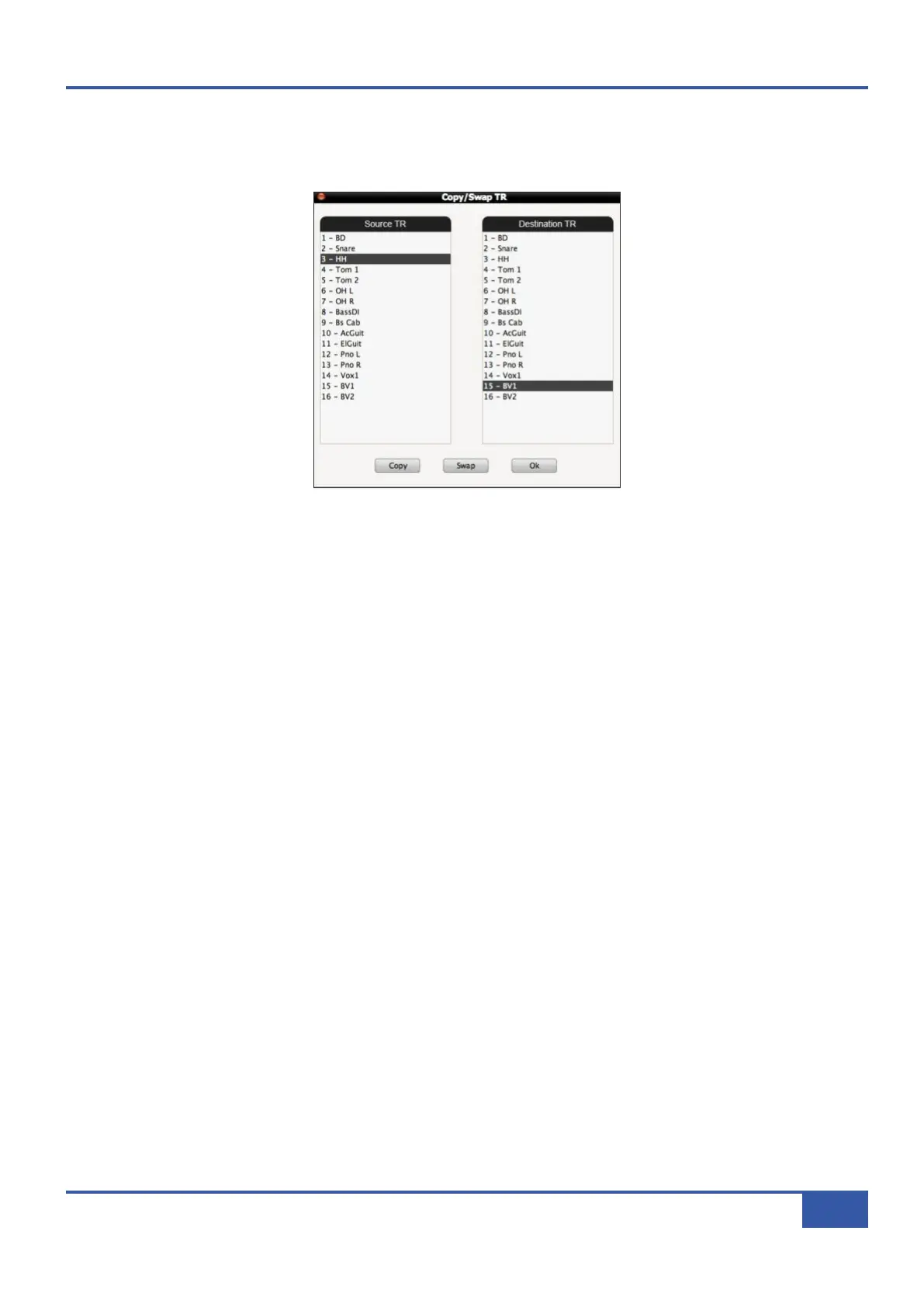
To perform either of these functions, press the Copy/Swap TR Data button to produce the following pop-up:
To copy a channel’s settings to another channel, select the channel you want to copy in the left-hand Source TR column, select
the channel to which you want to copy these settings in the right-hand Destination TR column, and press Copy.
To swap a channel’s settings with another channel, select one of the channels in the Source TR column and the other in the
Destination TR column, and press Swap.
Once you have made all of the copies and swaps you need to make, press OK to close the pop-up.
Manually reset switches and pots will now need to be reset. Automatically reset switches and faders can now be reset using either
the Set TR to All Chans or Set TR to Chan buttons.
Chapter 4 - Matrix Remote
57
Matrix Owner’s Manual



 To Next Page