Stonex R25/R25LR Total Station - User Manual 102
9.1.6. Memory statistic
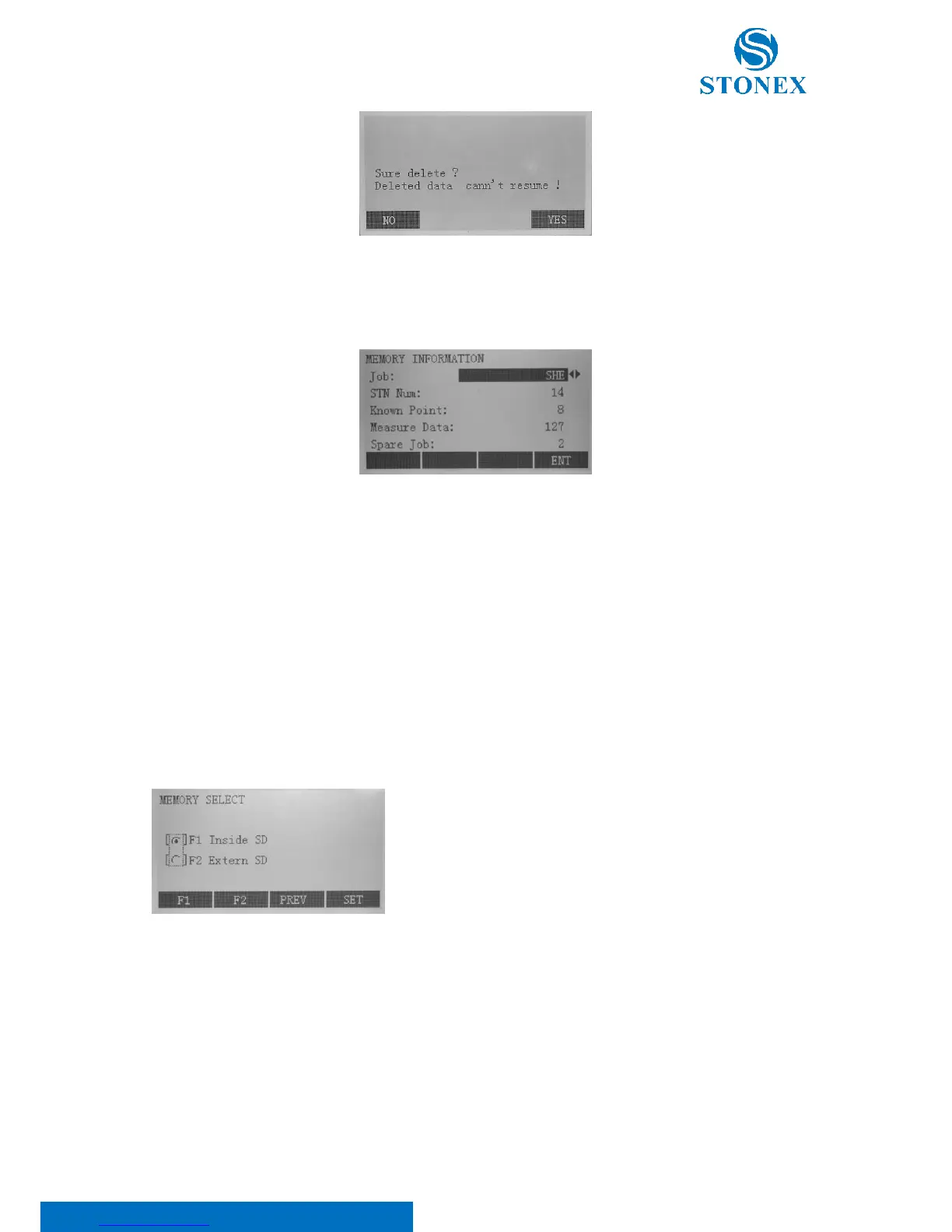
Press F2 in the second page of the file management menu:
Select the job through◄/► keys, its specific memory information is displayed:
• STN Num: Number of stations;
• Known Point: Number of stored known points;
• Measure Data: Number of recorded data blocks (measured points, codes, etc.);
• Spare Job: Number of free or not defined jobs.
Press F4:[ENT] to return to the file management menu.
9.1.7. Memory select
Press F3 in the second page of the file management menu.
Two methods of memory selecting are available: Inside SD and Extern
SD. Select the former using F1 key, the latter using F2 key.



 To Next Page