Stonex R25/R25LR Total Station - User Manual 101
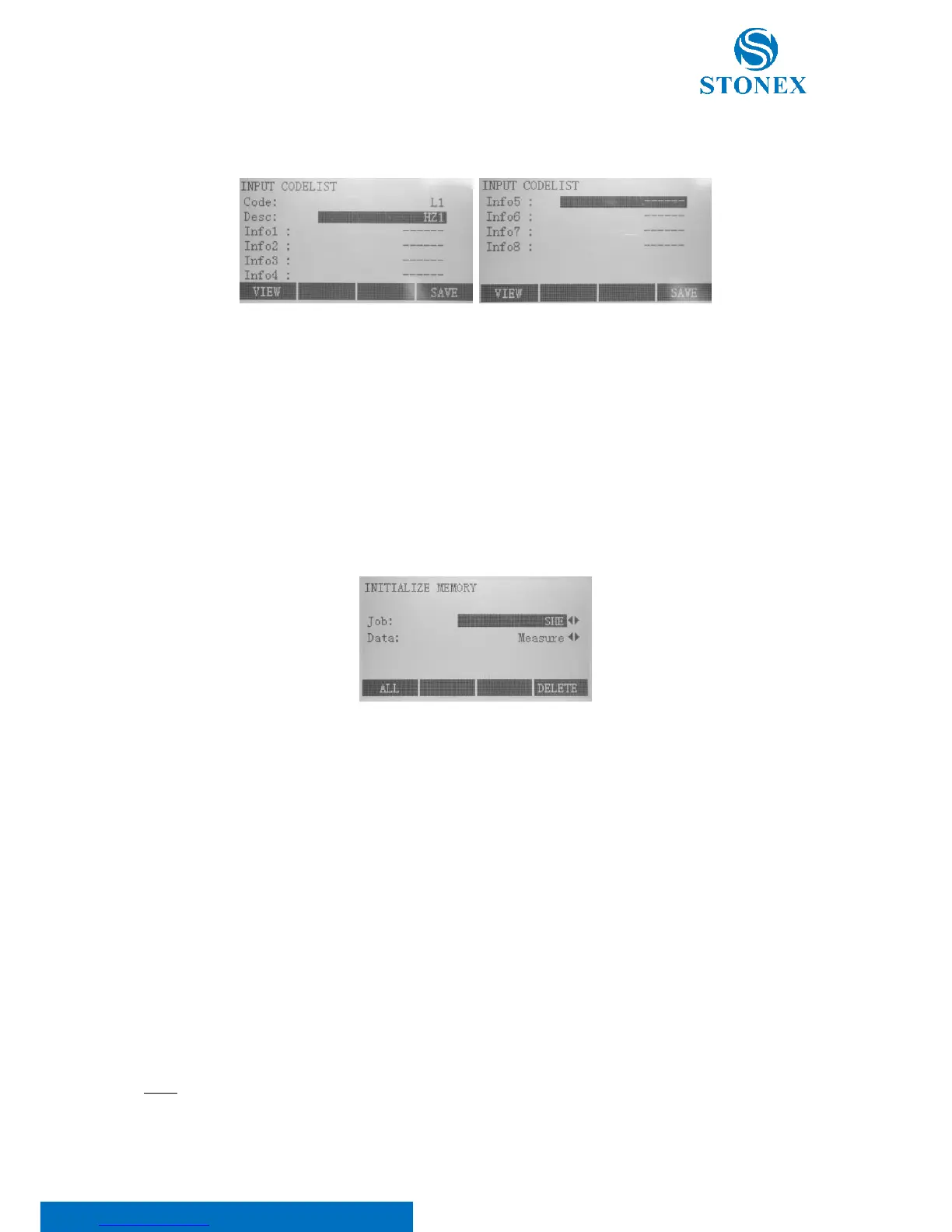
• F1[NEW] key to create a new code. After entering the info, save with F4[SAVE] key, otherwise go back
to the view menu using F1[VIEW] key
• F2[EDIT] key to modify an existing code. After entering the info, save with F4[SAVE] key, otherwise go
back to the view menu using F1[VIEW] key.
• F4[DELETE] to cancel the selected code. This operation is irreversible and no confirm dialogue will
appear.
9.1.5. Initialize memory
Press F1 in the second page of the file management menu:
Initializing memory, you can cancel:
• Jobs: use ◄/► keys to select:
o Job: the job name;
o Data: “Job”.
Press F4[DELETE] and F4[YES] to confirm.
• Single data areas of a job: use ◄/► keys to select:
o Job: the name of the job;
o Data: choose between “Measure” or “Know Point”.
Press F4[DELETE] and F4[YES] to confirm.
• All data: press F1[ALL]. All data will be lost!
NOTE: Deleting, the memory can’t be undone. After confirming the message all data will be lost permanently.



 To Next Page