Stonex R25/R25LR Total Station - User Manual 30
• Horizon: the 0 is set when the objective is turned in the horizontal direction. Zenith=90°,
Horizontal=0°;
• V-(%): the angles are shown in percentage values. It is possible to measure angles smaller or equal to
±45°, otherwise “OVER” appears on the display. 0 is set when the objective is turned in the horizontal
direction: 45°=100%, Horizontal=0°.
Tilt Cor: it is possible to set the same tilt correction as in the Star settings (see 5.1. Basic settings).
Hz Coll.: it adjusts the horizontal collimation:
• On: Hz Collimation is switched ON;
• Off: Hz Collimation is switched OFF.
If Hz Collimation is On, each measured Hz-angle is corrected (depending on V-angle). For normal operation the Hz-
collimation remains switched on.
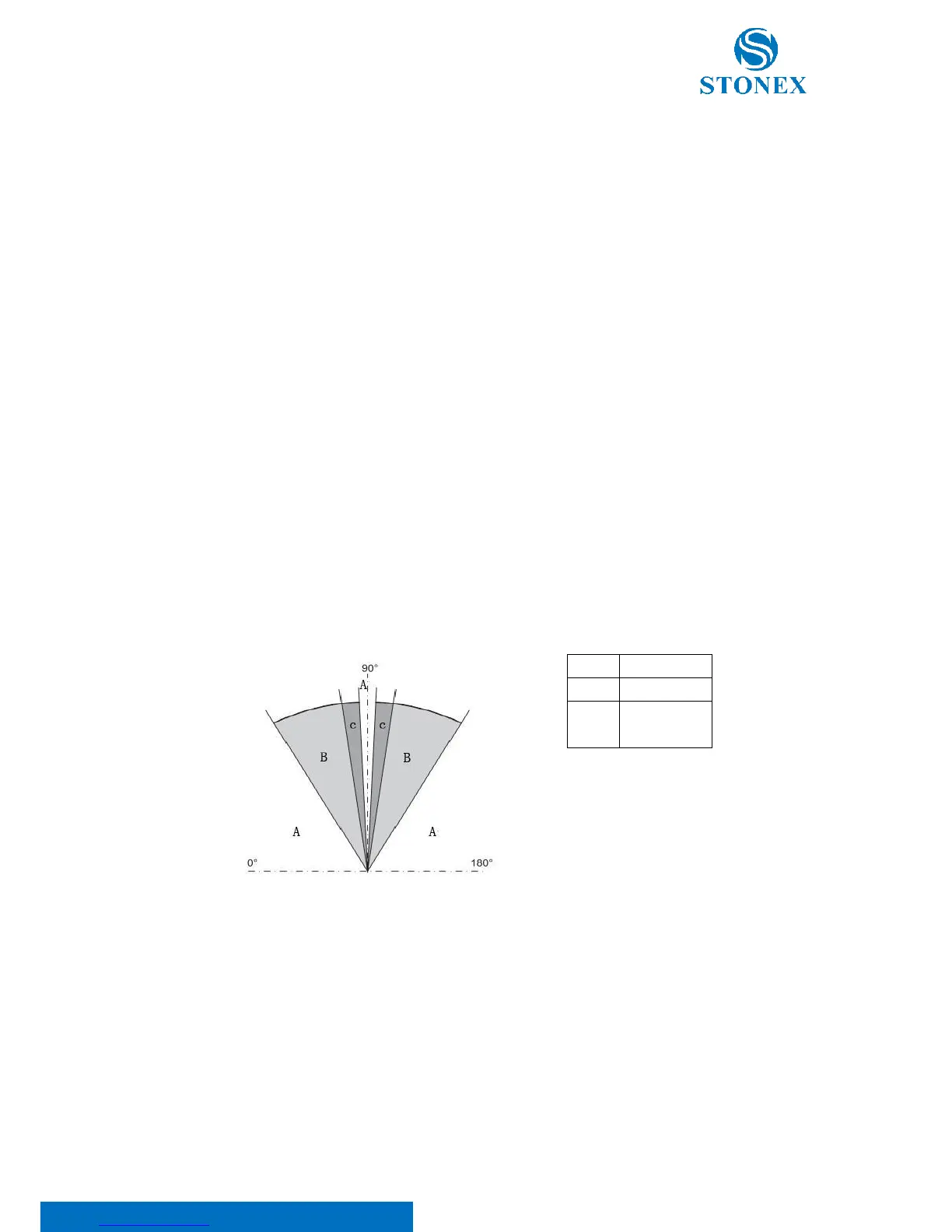
Sector Beep: if this option is on, an acoustic signal sounds at right angles (0°, 90°, 180°, 270° or 0, 100, 200, 300
gon).
Example Sector Beep:
From 95.0 to 99.5 gon (or from105.0 to 100.5 gon) a “fast beep” sounds while from 99.5 to 99.995 gon (or from
100.5 to 100.005 gon) a “permanent beep” sounds.
Beep: it is an acoustic signal after each key stroke. Choose between on/off.
Hz Incre.: it allows to set the measurement direction:
• Right: Set right Hz for “clockwise direction measurement”;
• Left: Set left Hz for “anti-clockwise direction measurement” .“Anti-clockwise” directions are only
displayed but saved as "clockwise direction".



 To Next Page